Editing Moves
Author(s): MrHam88, Lmaokai.
Implementation & Research: Aero, BlueRose, DarmaniDan, Drayano, Fexty, Lhea, Lmaokai, MapleDonut, Mixone, Paille92, RefinedPlat, Solace, TurtleIsaac, Yako?.This guide is a collation of a number of tutorials and guides shared via other means previously (within the Kingdom of DS Hacking discord server, pastebin, GitHub etc.), with some additional content and context added. Attribution should be given to the researchers and original tutorial writers, these are noted at the beginning of the relevant sections (and collectively above).
Many sections in this guide rely upon a basic understanding of hex editing and context on unpacking and packing NARCs. An initial grounding in these subjects can be formed by reading and following these guides:
The contents of the guide focus on the Platinum and HeartGold/SoulSilver versions. Many of the sections are applicable to Diamond/Pearl, though limited for certain topics. If not stated otherwise, any hex editing offsets or files given in this page are for known good US versions of the relevant versions.
This page is a full guide on making changes to moves and their related data in the Generation IV Pokémon games (move data, battle effects, animations, learnsets, TMs, and move tutors). This guide focuses on editing, re-organising and replacing existing data.
There are methods to add new moves (without replacing any existing moves) to the Generation IV Pokémon games, but these are significantly involved, and require moving data and tables.
The contents of this guide are organised by the area of move editing, starting with an initial overview of data structure & some prompts and guidance on design considerations when planning move edits. The final section includes a number of case study examples to illustrate how the changes may be implemented.
The navigation bar at the top of the page, or right-hand side on PC, and the "Return to top of page" button can be used to navigate through the page in detail. Below is a high-level overview of the page sections:
- Move (& Associated) Data Structure
- Design Thoughts & External Resources
- Basic Move Data
- Battle Effects
- Move Animations
- Move Categories (Battle Engine & AI)
- Move Compatibility (Distribution)
- Example Case Studies
Move (& Associated) Data Structure
Every unique move (identified by move index/ID) in the game has:
- One set of move data
- One move script
- And one move animation script
Below are the file locations of these elements, in addition to other data elements related to the execution of a move.
| - | HeartGold/SoulSilver | Platinum | Diamond/Pearl |
|---|---|---|---|
| Move Data | /a/0/1/1 | /poketool/waza/pl_waza_tbl.narc | /poketool/waza/waza_tbl.narc |
| Move Scripts | /a/0/0/0 | /battle/skill/waza_seq.narc | /battle/skill/waza_seq.narc |
| Battle Effect Scripts | /a/0/3/0 | /battle/skill/be_seq.narc | /battle/skill/be_seq.narc |
| Battle Subscripts | /a/0/0/1 | /battle/skill/sub_seq.narc | /battle/skill/sub_seq.narc |
| Move Animation Scripts | /a/0/1/0 | /wazaeffect/we.arc | /wazaeffect/we.arc |
| Continuous Animations | /a/0/6/1 | /wazaeffect/we_sub.narc | /wazaeffect/we_sub.narc |
Terms are subject to variations to reflect the constantly changing community-defined naming conventions and knowledge of how the game works. For instance, the Diamond/Pearl/Platinum file be_seq.narc can be interpreted as "battle effect sequence," with each individual file in the NARC being a "battle effect sequence script," and has been previously referred to as "move effect scripts" and such.
Move Data
Every move has their own set of move data that includes the move's name, type, category, power, accuracy, PP, battle effect, battle effect chance (specifically the chance for an indirect effect to occur), priority, target range, contest effect, and other special flags. Most of this data can be edited in DSPRE's Move Editor.
See Basic Move Data for more details and guides on how to edit move data.
Move Scripts
Every move is uniquely associated with a move script, both sharing the same ID. In other words, a uniquely identified move script is associated strictly with a specific move and may not be shared.
Most move scripts are simple, containing a single instruction to start executing the battle effect script (described next) assigned to the associated move. Some move scripts include other instructions, such as buffering a message to be displayed later in the turn or battle (e.g. Bind), or incrementing certain game records (e.g. Explosion).
Because most move scripts lack significant complexity or elements, this guide will not have a dedicated section for move scripts specifically. However, the Battle Effects section provides relevant information as move scripts and battle effect scripts make use of the same instructions and logic. Additionally, the Trapping (Binding) Moves section briefly mentions move scripts due to its relevance for that topic.
Move scripts for each move can be found in the following decompilation projects:
Battle Effect Scripts
Battle effect scripts determine the effect to execute when a move is used. For example, the move Sleep Powder has the effect of putting the target to sleep.
Battle effect scripts may be shared by or assigned to multiple moves (e.g. both Sleep Powder and Hypnosis are assigned the same battle effect script that puts the target to sleep). DSPRE's Move Editor can change a move's assigned battle effect script (labeled as Effect Sequence, see Basic Move Data).
The actual logic of a battle effect script can be edited either by using a hex editor, by setting up a decomp project, or by setting up a HG-Engine project.
See Battle Effects for more comprehensive details on how battle effect scripts work and guides on how to edit them.
Battle Subscripts
Battle subscripts are helper scripts that contain logic supporting various aspects of the Gen IV battle system. When it comes to move execution, many battle effect scripts will point to a battle subscript that contains the logic to actually execute the overall battle effect (i.e. a move will execute its assigned battle effect script, which may have an instruction that points to a certain battle subscript to carry out the effect).
More comprehensive details on how battle subscripts work and guides on how to edit them are explored alongside battle effect scripts in the Battle Effects section.
Move Animation Scripts
Move animation scripts, also known as move animations, contain commands to execute visual and audio effects when a move is used. Every move is uniquely associated with a move animation script. In other words, a uniquely identified move animation script is associated strictly with a specific move and may not be shared.
See Move Animations for more comprehensive details on how move animation scripts work and guides on how to edit them.
Continuous Animations
Continuous animations are animations for moves that persist beyond the turn they are used. They are particularly relevant when modifying the trapping moves (e.g. Bind, Fire Spin, see Trapping (Binding) Moves).
Design Thoughts & External Resources
When considering replacing some moves in Generation IV Pokémon games, it may be useful to consider the following factors:
Trainer Move Selection AI
The trainer move selection AI in Generation IV Pokémon games iterates through a number of cases to determine which move the opposing trainers should use. A solid understanding of how this works, related to the moves intended to change, is important to ensure that changes result in the expected behaviour and use from opposing trainers. At least a minimal awareness is advised to ensure opponent and ally trainers use the edited moves as expected.
Decompiled data regarding Generation IV trainer move selection AI can be found in the following decompilation projects listed below, and a thorough breakdown of this data can be found here.
Trainer move selection AI is handled in an overlay file, listed below for each game:
| Game | HeartGold/SoulSilver | Platinum | Diamond/Pearl |
|---|---|---|---|
| File | Decompressed Overlay 10 | Overlay 14 | Overlay 16 |
Move Variations
A number of Pokémon moves have consistent similarities that can be used to categorise them into groups. When making decisions on replacing moves, either by "backporting" later generation moves, or creating entirely custom ones, it may be useful to consider these move variation groups to either maintain consistency/immersion, or to actively disregard it.
The groups referred to here are not mechanical groups/categorisations (such as Sound-based moves or Punching moves), but design & thematic ones.
There are a number of online resources which document these groupings, for example this Bulbapedia page. Some examples of such "move groups" are listed in the table below.



| Icy Wind, Mud Shot, Electroweb, Snarl | Low Kick & Grass Knot | Octazooka, Mud Bomb, Mirror Shot | |
|---|---|---|---|
| Power | 55 | Variable (damage based on the target's weight) | 65 |
| Accuracy | 95% | 100% | 85% |
| PP | 15 | 20 | 10 |
| Category | Special | Special | Special |
| Range | Both | Single | Single |
| Secondary Effect | 100% chance to reduce a stat of the opponent by one stage (Speed or Special Attack) | No secondary effect | 30% chance to reduce the Accuracy of the opponent by one stage |
Vanilla Move Compatibility
When deciding which moves to add to the game by replacing existing ones, one of the most important decisions is which move(s) to remove. There are a number of factors that could be considered when determining moves to be replaced.
Some examples are:
- Signature moves for Pokémon that will not appear in the ROM hack. These could be for legendary Pokémon, for example Darkrai and the move
Dark Void. - Low-distribution moves, for example
Barrage, which is learned by level up, only by Exeggcute and Exeggutor. - Functional clones, for example
Mind Reader&Lock-Onhave exactly the same effect (but different names, animations and learnsets). - How the move to be replaced is treated by the move selection AI (for example, without further changes, a move that replaces
Roarwill be treated by the Trainer AI Basic flag as being a Sound-based move, and not used when the opponent is known to have the ability Soundproof).
When looking to replace moves in Generation IV Pokémon games, spreadsheet formulae (e.g. COUNTIF) can be used to provide an understanding of the overall distribution of moves. This can be useful for identifying candidates for replacement that are narrowly distributed (only a few Pokémon learn them).
DSPRE 2.0 provides two options for exporting learnset data as a .csv file for analysis in a spreadsheet program (some cleanup of the learnset data may be required to remove certain characters):
- Tools > Generate CSV > Export Docs generates a
.csvfile for learnset data, in addition to Pokémon personal data, evolutions, move data, and more. - Pokémon Editor > Learnset Editor > Bulk Edit > Import/Export > Export to CSV will generate a single
.csvfile for only learnset data (additionally, the list of move data/names can be exported from Move Editor > Import Export > Export All to CSV).
By taking the move data/names and learnset data, it is possible to list the number of times each move appears in the learnset data by using a COUNTIF formula. A similar approach can be taken with TM compatibility and egg moves.
An example of a basic level-up learnset count from vanilla HGSS is below. Bear in mind that this list does not account for TM/HM learnsets, egg moves or tutorable moves.
HGSS: Vanilla Move Level-Up Learnset Distribution (Reverse Ordered by Count)
| Move ID | Move Name | Level-Up Learnset |
|---|---|---|
| 15 | Cut | 0 |
| 57 | Surf | 0 |
| 70 | Strength | 0 |
| 165 | Struggle | 0 |
| 249 | Rock Smash | 0 |
| 285 | Skill Swap | 0 |
| 290 | Secret Power | 0 |
| 307 | Blast Burn | 0 |
| 308 | Hydro Cannon | 0 |
| 315 | Overheat | 0 |
| 338 | Frenzy Plant | 0 |
| 344 | Volt Tackle | 0 |
| 409 | Drain Punch | 0 |
| 411 | Focus Blast | 0 |
| 431 | Rock Climb | 0 |
| 432 | Defog | 0 |
| 434 | Draco Meteor | 0 |
| 446 | Stealth Rock | 0 |
| 447 | Grass Knot | 0 |
| 6 | Pay Day | 1 |
| 25 | Mega Kick | 1 |
| 41 | Twineedle | 1 |
| 148 | Flash | 1 |
| 159 | Sharpen | 1 |
| 167 | Triple Kick | 1 |
| 177 | Aeroblast | 1 |
| 190 | Octazooka | 1 |
| 208 | Milk Drink | 1 |
| 211 | Steel Wing | 1 |
| 216 | Return | 1 |
| 217 | Present | 1 |
| 218 | Frustration | 1 |
| 220 | Pain Split | 1 |
| 221 | Sacred Fire | 1 |
| 263 | Facade | 1 |
| 264 | Focus Punch | 1 |
| 295 | Luster Purge | 1 |
| 296 | Mist Ball | 1 |
| 298 | Teeter Dance | 1 |
| 333 | Icicle Spear | 1 |
| 342 | Poison Tail | 1 |
| 353 | Doom Desire | 1 |
| 391 | Heart Swap | 1 |
| 433 | Trick Room | 1 |
| 439 | Rock Wrecker | 1 |
| 448 | Chatter | 1 |
| 449 | Judgment | 1 |
| 454 | Attack Order | 1 |
| 455 | Defend Order | 1 |
| 456 | Heal Order | 1 |
| 459 | Roar of Time | 1 |
| 460 | Spacial Rend | 1 |
| 461 | Lunar Dance | 1 |
| 462 | Crush Grip | 1 |
| 463 | Magma Storm | 1 |
| 464 | Dark Void | 1 |
| 19 | Fly | 2 |
| 27 | Rolling Kick | 2 |
| 127 | Waterfall | 2 |
| 128 | Clamp | 2 |
| 134 | Kinesis | 2 |
| 135 | Softboiled | 2 |
| 140 | Barrage | 2 |
| 142 | Lovely Kiss | 2 |
| 144 | Transform | 2 |
| 155 | Bonemerang | 2 |
| 168 | Thief | 2 |
| 169 | Spider Web | 2 |
| 234 | Morning Sun | 2 |
| 265 | SmellingSalt | 2 |
| 293 | Camouflage | 2 |
| 294 | Tail Glow | 2 |
| 299 | Blaze Kick | 2 |
| 302 | Needle Arm | 2 |
| 410 | Vacuum Wave | 2 |
| 419 | Avalanche | 2 |
| 465 | Seed Flare | 2 |
| 467 | Shadow Force | 2 |
| 5 | Mega Punch | 3 |
| 26 | Jump Kick | 3 |
| 121 | Egg Bomb | 3 |
| 125 | Bone Club | 3 |
| 131 | Spike Cannon | 3 |
| 136 | Hi Jump Kick | 3 |
| 147 | Spore | 3 |
| 160 | Conversion | 3 |
| 176 | Conversion 2 | 3 |
| 198 | Bone Rush | 3 |
| 251 | Beat Up | 3 |
| 259 | Torment | 3 |
| 274 | Assist | 3 |
| 280 | Brick Break | 3 |
| 292 | Arm Thrust | 3 |
| 301 | Ice Ball | 3 |
| 309 | Meteor Mash | 3 |
| 323 | Water Spout | 3 |
| 339 | Bulk Up | 3 |
| 376 | Trump Card | 3 |
| 415 | Switcheroo | 3 |
| 430 | Flash Cannon | 3 |
| 457 | Head Smash | 3 |
| 130 | Skull Bash | 4 |
| 137 | Glare | 4 |
| 152 | Crabhammer | 4 |
| 158 | Hyper Fang | 4 |
| 214 | Sleep Talk | 4 |
| 215 | Heal Bell | 4 |
| 272 | Role Play | 4 |
| 289 | Snatch | 4 |
| 297 | FeatherDance | 4 |
| 306 | Crush Claw | 4 |
| 311 | Weather Ball | 4 |
| 325 | Shadow Punch | 4 |
| 327 | Sky Uppercut | 4 |
| 354 | Psycho Boost | 4 |
| 367 | Acupressure | 4 |
| 418 | Bullet Punch | 4 |
| 440 | Cross Poison | 4 |
| 2 | Karate Chop | 5 |
| 4 | Comet Punch | 5 |
| 66 | Submission | 5 |
| 81 | String Shot | 5 |
| 85 | Thunderbolt | 5 |
| 146 | Dizzy Punch | 5 |
| 151 | Acid Armor | 5 |
| 162 | Super Fang | 5 |
| 171 | Nightmare | 5 |
| 200 | Outrage | 5 |
| 223 | DynamicPunch | 5 |
| 231 | Iron Tail | 5 |
| 238 | Cross Chop | 5 |
| 257 | Heat Wave | 5 |
| 266 | Follow Me | 5 |
| 267 | Nature Power | 5 |
| 278 | Recycle | 5 |
| 288 | Grudge | 5 |
| 314 | Air Cutter | 5 |
| 357 | Miracle Eye | 5 |
| 365 | Pluck | 5 |
| 379 | Power Trick | 5 |
| 402 | Seed Bomb | 5 |
| 413 | Brave Bird | 5 |
| 421 | Shadow Claw | 5 |
| 429 | Mirror Shot | 5 |
| 438 | Power Whip | 5 |
| 443 | Magnet Bomb | 5 |
| 451 | Charge Beam | 5 |
| 452 | Wood Hammer | 5 |
| 13 | Razor Wind | 6 |
| 102 | Mimic | 6 |
| 143 | Sky Attack | 6 |
| 161 | Tri Attack | 6 |
| 183 | Mach Punch | 6 |
| 233 | Vital Throw | 6 |
| 245 | ExtremeSpeed | 6 |
| 261 | Will-O-Wisp | 6 |
| 277 | Magic Coat | 6 |
| 284 | Eruption | 6 |
| 320 | GrassWhistle | 6 |
| 348 | Leaf Blade | 6 |
| 356 | Gravity | 6 |
| 368 | Metal Burst | 6 |
| 384 | Power Swap | 6 |
| 385 | Guard Swap | 6 |
| 412 | Energy Ball | 6 |
| 416 | Giga Impact | 6 |
| 427 | Psycho Cut | 6 |
| 8 | Ice Punch | 7 |
| 12 | Guillotine | 7 |
| 32 | Horn Drill | 7 |
| 92 | Toxic | 7 |
| 118 | Metronome | 7 |
| 124 | Sludge | 7 |
| 187 | Belly Drum | 7 |
| 260 | Flatter | 7 |
| 303 | Slack Off | 7 |
| 317 | Rock Tomb | 7 |
| 395 | Force Palm | 7 |
| 407 | Dragon Rush | 7 |
| 441 | Gunk Shot | 7 |
| 11 | ViceGrip | 8 |
| 65 | Drill Peck | 8 |
| 80 | Petal Dance | 8 |
| 96 | Meditate | 8 |
| 112 | Barrier | 8 |
| 178 | Cotton Spore | 8 |
| 188 | Sludge Bomb | 8 |
| 191 | Spikes | 8 |
| 224 | Megahorn | 8 |
| 236 | Moonlight | 8 |
| 273 | Wish | 8 |
| 312 | Aromatherapy | 8 |
| 321 | Tickle | 8 |
| 330 | Muddy Water | 8 |
| 331 | Bullet Seed | 8 |
| 366 | Tailwind | 8 |
| 386 | Punishment | 8 |
| 394 | Flare Blitz | 8 |
| 396 | Aura Sphere | 8 |
| 20 | Bind | 9 |
| 69 | Seismic Toss | 9 |
| 119 | Mirror Move | 9 |
| 164 | Substitute | 9 |
| 170 | Mind Reader | 9 |
| 172 | Flame Wheel | 9 |
| 291 | Dive | 9 |
| 313 | Fake Tears | 9 |
| 335 | Block | 9 |
| 343 | Covet | 9 |
| 351 | Shock Wave | 9 |
| 369 | U-turn | 9 |
| 377 | Heal Block | 9 |
| 380 | Gastro Acid | 9 |
| 397 | Rock Polish | 9 |
| 406 | Dragon Pulse | 9 |
| 458 | Double Hit | 9 |
| 22 | Vine Whip | 10 |
| 24 | Double Kick | 10 |
| 30 | Horn Attack | 10 |
| 42 | Pin Missile | 10 |
| 58 | Ice Beam | 10 |
| 90 | Fissure | 10 |
| 91 | Dig | 10 |
| 107 | Minimize | 10 |
| 126 | Fire Blast | 10 |
| 138 | Dream Eater | 10 |
| 149 | Psywave | 10 |
| 166 | Sketch | 10 |
| 173 | Snore | 10 |
| 179 | Reversal | 10 |
| 206 | False Swipe | 10 |
| 243 | Mirror Coat | 10 |
| 247 | Shadow Ball | 10 |
| 258 | Hail | 10 |
| 304 | Hyper Voice | 10 |
| 305 | Poison Fang | 10 |
| 318 | Silver Wind | 10 |
| 322 | Cosmic Power | 10 |
| 329 | Sheer Cold | 10 |
| 332 | Aerial Ace | 10 |
| 349 | Dragon Dance | 10 |
| 453 | Aqua Jet | 10 |
| 9 | ThunderPunch | 11 |
| 82 | Dragon Rage | 11 |
| 195 | Perish Song | 11 |
| 222 | Magnitude | 11 |
| 237 | Hidden Power | 11 |
| 276 | Superpower | 11 |
| 286 | Imprison | 11 |
| 359 | Hammer Arm | 11 |
| 373 | Embargo | 11 |
| 375 | Psycho Shift | 11 |
| 382 | Me First | 11 |
| 399 | Dark Pulse | 11 |
| 442 | Iron Head | 11 |
| 7 | Fire Punch | 12 |
| 49 | SonicBoom | 12 |
| 51 | Acid | 12 |
| 67 | Low Kick | 12 |
| 68 | Counter | 12 |
| 120 | Selfdestruct | 12 |
| 139 | Poison Gas | 12 |
| 157 | Rock Slide | 12 |
| 180 | Spite | 12 |
| 186 | Sweet Kiss | 12 |
| 199 | Lock-On | 12 |
| 262 | Memento | 12 |
| 271 | Trick | 12 |
| 337 | Dragon Claw | 12 |
| 361 | Healing Wish | 12 |
| 393 | Magnet Rise | 12 |
| 420 | Ice Shard | 12 |
| 62 | Aurora Beam | 13 |
| 123 | Smog | 13 |
| 192 | Zap Cannon | 13 |
| 213 | Attract | 13 |
| 275 | Ingrain | 13 |
| 279 | Revenge | 13 |
| 287 | Refresh | 13 |
| 341 | Mud Shot | 13 |
| 350 | Rock Blast | 13 |
| 358 | Wake-Up Slap | 13 |
| 390 | Toxic Spikes | 13 |
| 404 | X-Scissor | 13 |
| 405 | Bug Buzz | 13 |
| 425 | Shadow Sneak | 13 |
| 76 | SolarBeam | 14 |
| 87 | Thunder | 14 |
| 115 | Reflect | 14 |
| 194 | Destiny Bond | 14 |
| 225 | DragonBreath | 14 |
| 239 | Twister | 14 |
| 241 | Sunny Day | 14 |
| 244 | Psych Up | 14 |
| 252 | Fake Out | 14 |
| 255 | Spit Up | 14 |
| 256 | Swallow | 14 |
| 328 | Sand Tomb | 14 |
| 336 | Howl | 14 |
| 347 | Calm Mind | 14 |
| 370 | Close Combat | 14 |
| 381 | Lucky Chant | 14 |
| 383 | Copycat | 14 |
| 437 | Leaf Storm | 14 |
| 3 | DoubleSlap | 15 |
| 88 | Rock Throw | 15 |
| 114 | Haze | 15 |
| 117 | Bide | 15 |
| 141 | Leech Life | 15 |
| 150 | Splash | 15 |
| 196 | Icy Wind | 15 |
| 210 | Fury Cutter | 15 |
| 212 | Mean Look | 15 |
| 229 | Rapid Spin | 15 |
| 254 | Stockpile | 15 |
| 319 | Metal Sound | 15 |
| 326 | Extrasensory | 15 |
| 355 | Roost | 15 |
| 388 | Worry Seed | 15 |
| 436 | Lava Plume | 15 |
| 444 | Stone Edge | 15 |
| 14 | Swords Dance | 16 |
| 18 | Whirlwind | 16 |
| 59 | Blizzard | 16 |
| 100 | Teleport | 16 |
| 110 | Withdraw | 16 |
| 122 | Lick | 16 |
| 197 | Detect | 16 |
| 202 | Giga Drain | 16 |
| 250 | Whirlpool | 16 |
| 324 | Signal Beam | 16 |
| 340 | Bounce | 16 |
| 374 | Fling | 16 |
| 398 | Poison Jab | 16 |
| 408 | Power Gem | 16 |
| 466 | Ominous Wind | 16 |
| 37 | Thrash | 17 |
| 47 | Sing | 17 |
| 79 | Sleep Powder | 17 |
| 132 | Constrict | 17 |
| 209 | Spark | 17 |
| 181 | Powder Snow | 18 |
| 360 | Gyro Ball | 18 |
| 378 | Wring Out | 18 |
| 83 | Fire Spin | 19 |
| 101 | Night Shade | 19 |
| 283 | Endeavor | 19 |
| 316 | Odor Sleuth | 19 |
| 362 | Brine | 19 |
| 387 | Last Resort | 19 |
| 450 | Bug Bite | 19 |
| 203 | Endure | 20 |
| 232 | Metal Claw | 20 |
| 235 | Synthesis | 20 |
| 345 | Magical Leaf | 20 |
| 392 | Aqua Ring | 20 |
| 35 | Wrap | 21 |
| 414 | Earth Power | 21 |
| 422 | Thunder Fang | 21 |
| 426 | Mud Bomb | 21 |
| 53 | Flamethrower | 22 |
| 113 | Light Screen | 22 |
| 153 | Explosion | 22 |
| 201 | Sandstorm | 22 |
| 268 | Charge | 22 |
| 372 | Assurance | 22 |
| 401 | Aqua Tail | 22 |
| 16 | Gust | 23 |
| 46 | Roar | 23 |
| 54 | Mist | 23 |
| 400 | Night Slash | 23 |
| 23 | Stomp | 24 |
| 34 | Body Slam | 24 |
| 99 | Rage | 24 |
| 108 | SmokeScreen | 24 |
| 174 | Curse | 24 |
| 269 | Taunt | 24 |
| 334 | Iron Defense | 24 |
| 346 | Water Sport | 24 |
| 403 | Air Slash | 24 |
| 417 | Nasty Plot | 24 |
| 424 | Fire Fang | 24 |
| 445 | Captivate | 24 |
| 17 | Wing Attack | 25 |
| 50 | Disable | 25 |
| 72 | Mega Drain | 25 |
| 73 | Leech Seed | 25 |
| 75 | Razor Leaf | 25 |
| 78 | Stun Spore | 25 |
| 105 | Recover | 25 |
| 226 | Baton Pass | 25 |
| 227 | Encore | 25 |
| 281 | Yawn | 25 |
| 282 | Knock Off | 25 |
| 363 | Natural Gift | 25 |
| 371 | Payback | 25 |
| 423 | Ice Fang | 25 |
| 21 | Slam | 26 |
| 193 | Foresight | 26 |
| 253 | Uproar | 26 |
| 270 | Helping Hand | 26 |
| 364 | Feint | 26 |
| 63 | Hyper Beam | 27 |
| 77 | PoisonPowder | 27 |
| 84 | ThunderShock | 27 |
| 175 | Flail | 27 |
| 204 | Charm | 27 |
| 240 | Rain Dance | 27 |
| 31 | Fury Attack | 28 |
| 74 | Growth | 28 |
| 89 | Earthquake | 28 |
| 189 | Mud-Slap | 28 |
| 230 | Sweet Scent | 28 |
| 1 | Pound | 29 |
| 40 | Poison Sting | 29 |
| 71 | Absorb | 29 |
| 95 | Hypnosis | 29 |
| 145 | Bubble | 29 |
| 205 | Rollout | 29 |
| 248 | Future Sight | 29 |
| 389 | Sucker Punch | 29 |
| 64 | Peck | 30 |
| 129 | Swift | 30 |
| 207 | Swagger | 30 |
| 300 | Mud Sport | 30 |
| 60 | Psybeam | 31 |
| 86 | Thunder Wave | 32 |
| 435 | Discharge | 32 |
| 61 | BubbleBeam | 33 |
| 104 | Double Team | 34 |
| 156 | Rest | 34 |
| 111 | Defense Curl | 35 |
| 352 | Water Pulse | 35 |
| 133 | Amnesia | 36 |
| 154 | Fury Swipes | 36 |
| 29 | Headbutt | 37 |
| 219 | Safeguard | 38 |
| 428 | Zen Headbutt | 38 |
| 182 | Protect | 39 |
| 228 | Pursuit | 40 |
| 94 | Psychic | 42 |
| 48 | Supersonic | 44 |
| 56 | Hydro Pump | 44 |
| 109 | Confuse Ray | 44 |
| 185 | Faint Attack | 44 |
| 38 | Double-Edge | 45 |
| 52 | Ember | 46 |
| 246 | AncientPower | 47 |
| 163 | Slash | 51 |
| 106 | Harden | 52 |
| 116 | Focus Energy | 52 |
| 310 | Astonish | 52 |
| 184 | Scary Face | 53 |
| 242 | Crunch | 53 |
| 10 | Scratch | 54 |
| 28 | Sand-Attack | 58 |
| 39 | Tail Whip | 60 |
| 93 | Confusion | 61 |
| 36 | Take Down | 67 |
| 55 | Water Gun | 67 |
| 103 | Screech | 68 |
| 97 | Agility | 69 |
| 44 | Bite | 75 |
| 98 | Quick Attack | 82 |
| 45 | Growl | 107 |
| 43 | Leer | 113 |
| 33 | Tackle | 146 |
Move Animation Options
Replacing a move may also warrant modifying the move's associated move animation script.
See the Move Animations section for more information on move animation scripts and how to edit them.
Basic Move Data
The general structure of basic move data can be found in the following decompilation projects:
Basic move data for each move in Pokémon Platinum can be found here.
Editing Basic Move Data in DSPRE
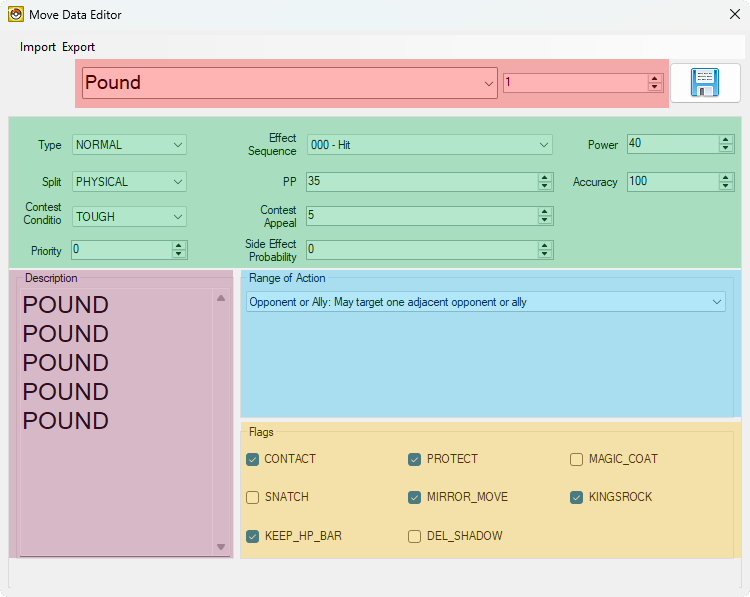
The majority of the basic move data can be edited using DSPRE's Move Data Editor. The following move data elements that are displayed in this editor are as follows:
- Move Name and Index (move name changed via DSPRE's Text Editor)
- Type, Category/Split, Power, Accuracy, PP, Priority, Battle Effect (labeled as Effect Sequence), Battle Effect Chance (labeled as Side Effect Probability), Contest Condition, and Contest Appeal/Effect
- Description (changed via DSPRE's Text Editor)
- Range of Action
- Other Flags
Move Name & Description
Move names and descriptions are present in a number of Text Archives accessible via DSPRE's Text Editor.
- Move Names, as they appear in:
- Pokémon summary screen
- Move selection in battle
- Battle texts (e.g. "Shuckle used Rock Blast!")
- Scripted word/phrase selection (e.g. the Primo phrase selection script in HGSS)
- Move Descriptions, as they appear in:
- Pokémon summary screen
- TM item description
The following are the relevant Text Archives for US versions of the Generation IV Pokémon games. The search function in DSPRE can also be used to locate the appropriate Text Archive and messages ID for other versions.
| HeartGold/SoulSilver | Platinum | Diamond/Pearl | |
|---|---|---|---|
| Move Names (Pokémon Summary & Move Selection) | 750 | 647 | 588 |
| Move Names (Battle Texts) | 003 | 000 | 000 |
| Move Names (Scripted Word Selection) | 751 | 648 | 589 |
| Move Descriptions (Pokémon Summary) | 749 | 646 | 587 |
| Move Descriptions (TM Item Description) | 221 | 391 | 343 |
| Supplementary Battle Texts | 197 | 368 | 324 |
- Move Descriptions in Pokémon summary screen are limited to about 21 characters per line, up to 5 lines.
- Move Descriptions for TM item descriptions are limited to about 37 characters per line, up to 3 lines.
- This web-based tool can help with formatting text.
Type, Category, Power, Accuracy, PP, Priority, Battle Effect, Battle Effect Chance, Contest Condition, and Contest Appeal
The following table lists the move attributes seen in DSPRE's Move Data Editor:
| Attribute | Possible Values | Description |
|---|---|---|
| Type | NORMAL FIRE GRASS ... etc. | The move's typing from the 18 types defined in Generation IV (includes ???, but not Fairy) |
| Split (Category) | PHYSICAL SPECIAL STATUS | The difference between physical damaging moves, special damaging moves, and non-direct-damaging status moves |
| Power | 0 to 255 | The base power of a damage-dealing move. |
| Accuracy | 0 to 100 | The accuracy (in %) of a move. A value of 0 is infinite accuracy (i.e. the move always hits). |
| PP | 0 to 100 | The base number of Power Points, which determines the amount of times a move can be used before requiring restoration of some form. |
| Priority | -32 to +32 | The priority stage of a move, where a higher number allows a move to be executed earlier. Vanilla Generation IV moves range from -7 to +5 priority. |
| Effect Sequence (Battle Effect) | 000 to 470 | An ID that determines the more complex effects of the move beyond basic data (such as causing a stat change; see Battle Effects for more details). |
| Side Effect Probability | 0 to 255 | The probability (in %) of the assigned Effect Sequence (Battle Effect) occurring (depending on the specific effect, see Direct and Indirect Effects), for example a stat boost or fall from a damage-dealing move. |
| Contest Condition | COOL BEAUTIFUL CUTE SMART TOUGH | The five possible categories of Pokémon Super Contests in Diamond, Pearl, and Platinum. |
| Contest Appeal | 0 to 255 | An ID that determines the move's effect in a Pokémon Super Contests in Diamond, Pearl or Platinum (see details in the table below). |
DPPt: Super Contests Appeal Effects
| Index | Effect | Appeal Hearts |
|---|---|---|
| 1 | Enables the user to perform first in the next turn. | 2 |
| 2 | Enables the user to perform last in the next turn. | 2 |
| 4 | Earn +2 if the Judge's Voltage goes up. | 2 |
| 5 | A basic performance using a move known by the Pokémon. | 3 |
| 6 | Earn +3 if no other Pokémon has chosen the same Judge. | 1 |
| 7 | Allows performance of the same move twice in a row. | 2 |
| 8 | Increased Voltage is added to the performance score. | 0 |
| 9 | Earn +15 if all the Pokémon choose the same Judge. | 0 |
| 10 | Lowers the Voltage of all Judges by 1. | 2 |
| 11 | Earn double the score in the next turn. | 0 |
| 12 | Steals the Voltage of the Pokémon that just went. | 0 |
| 13 | Prevents the Voltage from going up in the same turn. | 2 |
| 14 | Makes the order of contestants random in the next turn. | 2 |
| 15 | Earns double the score on the final performance. | 2 |
| 16 | Raises the score if the Voltage is low. | 0 |
| 17 | Earn +2 if the Pokémon performs first in the turn. | 2 |
| 18 | Earn +2 if the Pokémon performs last in the turn. | 2 |
| 19 | Prevents the Voltage from going down in the same turn. | 2 |
| 20 | Earn +3 if two Pokémon raise the Voltage in a row. | 1 |
| 21 | Earn a higher score the later the Pokémon performs. | 0 |
| 22 | Earn +3 if the Pokémon that just went hit max Voltage. | 2 |
| 23 | Earn +3 if the Pokémon gets the lowest score. | 1 |
Range
The range of a move determines number and types of battlers a given move can target and affect. Most moves have the Opponent or Ally range, where the move may affect any target adjacent to the user. Some moves do not target a specific Pokémon, but rather a "side" or even the whole "field" (e.g. weather-setting moves). Some moves may even have special targeting effects that are actually dictated by the battle effect script, rather than the move's assigned range.
The below table explains the use of each range flag.
| Range Flag | Meaning | Example Moves |
|---|---|---|
Opponent or Ally | May target one adjacent opponent or ally. | Tackle, Magical Leaf, Psych Up |
All Opponent | Affects all adjacent opponents, but not allies. | Tail Whip, Razor Leaf, Bubble |
All Others | Affects all adjacent opponents and allies. | Surf, Earthquake, Teeter Dance |
User | Affects the user. | Swords Dance, Bide, Howl |
User Side | Affects the user's side of the field. | Mist, Light Screen, Tailwind |
All Sides | Affects the user's and opponent's sides of the field. | Haze, Sandstorm, Gravity |
Opponent Side | Affects the opponent's side of the field. | Spikes, Toxic Spikes, Stealth Rock |
One Ally | May target one adjacent ally. | Helping Hand |
User or Ally | May target the user or one adjacent ally. | Acupressure |
One Opponent | May target any one adjacent opponent, but not allies. | Me First |
One Random Opponent | Affects a random opponent. | Thrash, Petal Dance, Uproar |
Varies | Variable target based on the battle effect. | Magic Coat, Counter, Sleep Talk |
Other Flags
None or many flags may be set in this section, which determine specific interactions & behaviours.
The below table explains the use of each flag.
| Flag | Meaning | Example Moves |
|---|---|---|
CONTACT | The move makes contact with the opponent, so it may trigger contact-based abilities such as Static. | Fire Punch, Steel Wing |
PROTECT | The move can be blocked if the target has used a Protecting move, such as Protect or Detect. | Pursuit, X-Scissor |
MAGIC_COAT | The (detrimental) status move is eligible for being "reflected" by an opponent using the Magic Coat battle effect on the same turn. | Leech Seed, Spikes |
SNATCH | The (beneficial) status move is eligible for being "stolen" by an ally or opponent using the Snatch battle effect on the same turn. | Dragon Dance, Mist |
MIRROR_MOVE | The damage-dealing move is eligible to be copied by the Mirror Move battle effect. | Frenzy Plant, Mud-Slap |
KINGSROCK | If the user of the damage-dealing move is holding a King's Rock, and the move does not already have a chance to flinch secondary effect, the move gains a secondary effect of a 10% chance to flinch the target. This special-case chance to flinch is not increased by the user having the Serene Grace ability in vanilla Generation IV. | Aura Sphere, Gunk Shot |
KEEP_HP_BAR | A move animation flag, where the HP remains rendered on-screen during the move animation if the flag is set. | Double Kick, Icicle Spear |
DEL_SHADOW | A move animation flag, where the Pokémon's shadow is removed during the move animation if the flag is set. | Wish, Doom Desire |
Battle Effects
The Gen IV battle engine uses multiple elements to execute battle effects. The following sections aim to describe each of these elements and provide references to aid with the understanding and modification of battle effects.
- Battle Effect Scripts
- Direct and Indirect Effects
- Effect Targeting Flag
- Subscript Pointers
- Battle Subscripts
- One More Example Breakdown
- "Broken" Battle Effect Scripts
- Unused Battle Effect Scripts
- Creating New Battle Effect Scripts
- Creating New Battle Subscripts
In general, the process of applying a battle effect starts with executing a move's uniquely associated move script (both sharing the same ID), which typically only contains a single instruction to signal the battle engine to start executing the move's assigned battle effect script (an attribute of a move's basic data). In turn, battle effect scripts contain data regarding the effect it will attempt to apply, whether the effect should be considered a direct or an indirect effect, and which battler(s) the effect should target. Furthermore, most battle effect scripts will actually point to a specific battle subscript that contains the logic needed to fully apply a battle effect.
As mentioned previously, move scripts do not contain much varying complexity, so it will not have a dedicated section. However, they make use of the same instructions and logic as battle effect scripts and battle subscripts. Thus, following sections will still provide relevant information, though indirectly, on how to edit move scripts. File locations and decompilation project references for move scripts can be found in the Move (& Associated) Data Structure section at the top of this page.
Battle Effect Scripts
Battle effect scripts determine the effect to execute when a move is used. For example, the move Thunder Wave has the effect of causing paralysis on the target. Battle effect scripts may be shared by or assigned to multiple moves, and DSPRE's Move Editor can be used to change a move's assigned battle effect script (labeled as Effect Sequence, see Basic Move Data).
An indexed list of the basic name description each battle effect script can be found in the following decompilation projects (DSPRE's Move Editor also lists the basic name description alongside the ID):
Decompiled data of each battle effect script can be found in the following decompilation projects:
Below are the file locations of the NARCs containing battle effect scripts for each game:
| Game | HeartGold/SoulSilver | Platinum | Diamond/Pearl |
|---|---|---|---|
| File | /a/0/3/0 | /battle/skill/be_seq.narc | /battle/skill/be_seq.narc |
Battle effect scripts contain varying complexity, so the following sections will start by breaking down the most basic battle effect script before moving on to more complex ones, then ending with examples on how to edit them.
Finneon, Use Pound! (The Most Basic Battle Effect Script)

The most basic battle effect script is script 000 (used by Pound, Tackle, Vine Whip, Water Gun, etc.), which contains the following logic:
- Determine whether the move is a critical hit.
- Calculate the damage the move will inflict.
- End the battle effect script execution.
In other words, any move assigned with battle effect script 000 simply deals damage. Additionally, more complex battle effect scripts that will both deal damage and (potenially) apply an effect will include this logic in conjunction to other logic for applying a guaranteed or a chance of a stat change to the user or target.
Inspecting the Actual Data of Battle Effect Script 000
There are two ways to view the contents of battle effect script 000 (as well as other battle effect scripts):
- Looking up the decompiled data of battle effect script
000in the PokePlatinum or PokeHeartGold decompilation projects (linked above) - Unpacking the relevant NARC (file location listed above) and opening file
000in a hex editor
Breaking Down Battle Effect Script 000 (Decomp)
Taking a look at battle effect script 000 in either the PokePlatinum or PokeHeartGold decompilation project displays the following:
_000:
    CalcCrit
    CalcDamage
    End
The first element, _000:, is a label. If you are familiar with scripting, this is similar to the start or name of a function, or a chunk of code in the script. This isn't too important right now, but it is relevant in more complex battle effect scripts that have multiple labels or functions.
The second element, CalcCrit, determines whether the (damage-dealing) move results in a critical hit. The third element, CalcDamage, calculates how much damage the (damage-dealing) move will inflict.
The last element, End, signals the battle engine to stop execution of this battle effect script.
Breaking Down Battle Effect Script 000 (Hex)
Taking a look at battle effect script 000 in a hex editor looks like this for each of the Gen IV games:
// HeartGold/SoulSilver
26 00 00 00 0F 00 00 00 E0 00 00 00

// Platinum
26 00 00 00 0F 00 00 00 DE 00 00 00

// Diamond/Pearl
26 00 00 00 0F 00 00 00 DA 00 00 00
The first thing to note is that when viewed in a hex editor, battle effect scripts do not have bytes to indicate labels or the start of a function (i.e. the _000: when viewing the file in the decompilation projects). The implications of this will be explored in later sections when reviewing more complex battle effect scripts.
The second thing to note is that the instruction for ending the battle effect script has different hex values across the Gen IV games as listed below:
| HeartGold/SoulSilver | Platinum | Diamond/Pearl | |
|---|---|---|---|
End instruction Hex Values | E0 00 00 00 | DE 00 00 00 | DA 00 00 00 |
Every 4 bytes is either an instruction or a parameter for an instruction. Depending on the battle effect script's complexity, it may be easier to understand by first separating the hex values for each instruction. This requires cross-referencing with the associated file in the decompilation projects.
For instance, the hex values for battle effect script 000 can broken down as the following (keeping in mind that battle effect script 000 only has instructions that don't use parameters):
26 00 00 00- Critical hit determination0F 00 00 00- Damage calculationE0 00 00 00/DE 00 00 00/DA 00 00 00- Ends the battle effect script execution [HGSS / Plat / DP]
Now, moving on to battle effect scripts that actually apply effects!
Direct and Indirect Effects
Let's take a look at two moves that have similar in-game effects. For example, both Harden and Steel Wing both raise the user's Defense stat. However, there are some identifiable differences between the two moves: (1) the move data of each move, (2) the assigned probability of raising the user's Defense stat, and (3) the in-game "timing" of when the stat is raised.


Looking at these two moves in DSPRE's Move Editor reveals that Harden is a status move and is assigned battle effect script (labeled as Effect Sequence) 011, while Steel Wing is a (physical) damage-dealing move and is assigned battle effect script 138. Next, Harden has a Side Effect Probability value of 0, while Steel Wing has a Side Effect Probability value of 10. Then, when using damage-dealing moves like Steel Wing in-game, the potential stat-changing effect applies after the move successfully hits the target.
These distinctions are due to the battle effect scripts specifying whether an effect is designated as a direct effect or an indirect effect.
For instance, let's look at the decompiled battle effect scripts assigned to Harden (battle effect script 011) and Steel Wing (battle effect script 138) (both copied from the PokePlatinum, with the relevant parameters in brackets):
// Battle Effect Script 011 - Assigned to Harden
_000:
    UpdateVar OPCODE_SET, [BTLVAR_SIDE_EFFECT_FLAGS_DIRECT], MOVE_SIDE_EFFECT_TO_ATTACKER|MOVE_SUBSCRIPT_PTR_DEFENSE_UP_1_STAGE
    End


// Battle Effect Script 138 - Assigned to Steel Wing
_000:
    UpdateVar OPCODE_SET, [BTLVAR_SIDE_EFFECT_FLAGS_INDIRECT], MOVE_SIDE_EFFECT_TO_ATTACKER|MOVE_SUBSCRIPT_PTR_DEFENSE_UP_1_STAGE
    CalcCrit
    CalcDamage
    End
Let's also display the corresponding hex values of these battle effect scripts (for Platinum, with the relevant hex values in brackets):
// Battle Effect Script 011 - Assigned to Harden

   32 00 00 00   07 00 00 00   [02 00 00 00]   10 00 00 40
   DE 00 00 00


// Battle Effect Script 138 - Assigned to Steel Wing

   32 00 00 00   07 00 00 00   [03 00 00 00]   10 00 00 40
   26 00 00 00
   0F 00 00 00
   DE 00 00 00
We can see two differences here:
- Battle effect script
011has theBTLVAR_SIDE_EFFECT_FLAGS_DIRECTparameter (i.e. indicating that the effect will be applied as a direct effect), which also appears as02 00 00 00in hex. - Battle effect script
0138has theBTLVAR_SIDE_EFFECT_FLAGS_INDIRECTparameter (i.e. indicating that the effect will be applied as an indirect effect), which also appears as03 00 00 00in hex, and includes theCalcCritandCalcDamageinstructions.
Given how Harden and Steel Wing function in-game, the following implications are made regarding direct and indirect effects:
- Battle effects scripts that apply effects as a direct effect:
- Are usually assigned to status moves and do not include the instructions for calculating critical hits or damage,
- Will usually occur 100% of the time, regardless of the move's assigned Side Effect Probability, as long as the move can successfully execute.
- Battle effects scripts that apply effects as an indirect effect:
- Are usually assigned to damage-dealing physical or special moves and include the instructions for calculating critical hits or damage,
- Will usually occur after a move successfully hits the target(s), with a few exceptions depending on other logic,
- And are usually subject to the move's assigned Side Effect Probability, with a few exceptions depending on other logic.
Additional research and experimentation of battle effect scripts have indicated the following:
- The vanilla Gen IV games do not have any battle effect scripts that mix direct and indirect effects in a single script.
- Despite the first point, it is possible to create battle effect scripts that include both direct and indirect effects, with some quirks as to how they play out (see Creating New Battle Effect Scripts).
- If a battle effect script were to include and execute both direct and indirect effects...
- The direct effect will occur first, and if it includes the damage and critical hit calculation instructions, will occur before damage has been dealt.
- The indirect effect will occur second, and if it includes the damage and critical hit calculation instructions, will occur after damage has been dealt, as expected.
For reference, the following table lists the decompilation code name and hex value associated with designating an effect as a direct or an indirect effect.
| Type of Effect | PokePlatinum Decompilation Code Name | Hex Value (All games) |
|---|---|---|
| Direct | BTLVAR_SIDE_EFFECT_FLAGS_DIRECT | 02 00 00 00 |
| Indirect | BTLVAR_SIDE_EFFECT_FLAGS_INDIRECT | 03 00 00 00 |
Next, let's take a look at how battle effect scripts determine which battler to apply the effect to.
Effect Targeting Flag
Battle effect scripts that apply an effect must also specify to which battler the effect should target. This allows a move to (potenially) apply an effect to the user, even if the battler is targeting an opponent with the move (i.e. a damage-dealing move with a chance of a stat boost or fall).
Here's the decompiled code and corresponding hex values with the relevant parameters and hex values in brackets:
// Battle Effect Script 011 - Assigned to Harden
_000:
    UpdateVar OPCODE_SET, BTLVAR_SIDE_EFFECT_FLAGS_DIRECT, [MOVE_SIDE_EFFECT_TO_ATTACKER]|MOVE_SUBSCRIPT_PTR_DEFENSE_UP_1_STAGE
    End


// Battle Effect Script 138 - Assigned to Steel Wing
_000:
    UpdateVar OPCODE_SET, BTLVAR_SIDE_EFFECT_FLAGS_INDIRECT, [MOVE_SIDE_EFFECT_TO_ATTACKER]|MOVE_SUBSCRIPT_PTR_DEFENSE_UP_1_STAGE
    CalcCrit
    CalcDamage
    End
// Battle Effect Script 011 - Assigned to Harden

   32 00 00 00   07 00 00 00   02 00 00 00   10 00 [00 40]
   DE 00 00 00


// Battle Effect Script 138 - Assigned to Steel Wing

   32 00 00 00   07 00 00 00   03 00 00 00   10 00 [00 40]
   26 00 00 00
   0F 00 00 00
   DE 00 00 00
In this case, both battle effect scripts use the MOVE_SIDE_EFFECT_TO_ATTACKER or -- -- 00 40 effect targeting flag. This means that the respective effects will be applied to the attacker (i.e. the user of the move).
In context of using the moves Harden and Steel Wing in-game:
- Harden will apply the Defense stat boost effect to the "attacker", or the user of the move.
- Steel Wing will potentially apply the Defense stat boost effect to the attacker, or the user of the move (after successfully dealing damage to the target).
Take note that the effect targeting flag actually shares a parameter slot or 4-byte space with the "battle effect" parameter (i.e. MOVE_SUBSCRIPT_PTR_DEFENSE_UP_1_STAGE or 10 00 -- --, explored in the next section). That is something to keep in mind when editing battle effect scripts.
There are multiple effect targeting flags (listed below), and the most common ones are the two that simply specify that the effect should be applied to (1) the defender (the target of the move) or (2) the attacker (the user of the move). Additionally, some battle effect scripts may use a combination of multiple effect targeting flags for more complex effects.
Types of Effect Targeting Flags
The following effect targeting flags are derived from PokePlatinum/include/constants/battle/side_effects.h.
Some effect targeting flags serve other purposes beyond determining which battler the effect should apply to.
| Effect Targeting Flags | Notes | PokePlatinum Decompilation Code Name | Hex Value (All games) |
|---|---|---|---|
| Target | The effect should be applied to the target | MOVE_SIDE_EFFECT_TO_DEFENDER | -- -- 00 80 |
| User | The effect should be applied to the user | MOVE_SIDE_EFFECT_TO_ATTACKER | -- -- 00 40 |
| On-Hit | Apply the effect if the move successfully hits the target Used by battle effect scripts 90 (Encore), 229 (Close Combat), etc. | MOVE_SIDE_EFFECT_ON_HIT | -- -- 00 20 |
| Check HP | Used by battle effect scripts 106 (Mean Look, Block), 178 (Role Play), etc. | MOVE_SIDE_EFFECT_CHECK_HP | -- -- 00 10 |
| Cannot Prevent | Unused? | MOVE_SIDE_EFFECT_CANNOT_PREVENT | -- -- 00 08 |
| Probabilistic | Seemingly a backup flag to ensure an indirect effect is boosted by Serene Grace Used by battle effect scripts 253 (Flare Blitz) & 262 (Volt Tackle) | MOVE_SIDE_EFFECT_PROBABILISTIC | -- -- 00 04 |
| Check HP and Substitute | The effect is not applied if the move hits a substitute Used by battle effect scripts 042 (Bind, Fire Spin, etc) & 261 (Whirlpool) | MOVE_SIDE_EFFECT_CHECK_HP_AND_SUBSTITUTE | -- -- 00 02 |
| Check Substitute | The effect is not applied if the move hits a substitute Used by battle effect scripts 34 (Pay Day) & 105 (Covet, Thief) | MOVE_SIDE_EFFECT_CHECK_SUBSTITUTE | -- -- 00 01 |
| Break Screens | Removes Light Screen and Reflect from the target's side, even if immune to the move's typing Used by battle effect script 186 (Brick Break) | MOVE_SIDE_EFFECT_BREAK_SCREENS | -- -- 80 00 |
The next section will go over the "battle effect" parameter.
Subscript Pointers
The "battle effect" parameter, or subscript pointer, are pointers to a certain battle subscript that contains the logic to actually apply a battle effect.
Essentially, the process of applying a battle effect is as follows:
- A move is selected.
- The move's uniquely associated move script is executed, which contains an instruction to then execute the move's assigned battle effect script.
- The battle effect script, specifically one that contains a subscript pointer with the necessary flags and parameters, is executed, which then points to a specific battle subscript to handle applying the battle effect.
- The battle subscript is executed, finally applying the battle effect.
Information regarding subscript pointers can be found in the following decompilation projects:
- An indexed list of subscript pointers from PokePlatinum/generated/battle_move_subscript_ptrs.txt
- An indexed list of subscript pointers from PokeHeartGold/include/constants/battle_subscript.h
- A table that maps subscript pointers to battle subscripts from PokePlatinum/include/data/move_side_effect_subscripts.h
Here's the decompiled code and corresponding hex values for battle effect scripts 011 and 138 with the relevant parameters and hex values in brackets (and as noted in the previous section, the subscript pointer shares a parameter slot or 4-byte space with the effect targeting flag):
// Battle Effect Script 011 - Assigned to Harden
_000:
    UpdateVar OPCODE_SET, BTLVAR_SIDE_EFFECT_FLAGS_DIRECT, MOVE_SIDE_EFFECT_TO_ATTACKER|[MOVE_SUBSCRIPT_PTR_DEFENSE_UP_1_STAGE]
    End


// Battle Effect Script 138 - Assigned to Steel Wing
_000:
    UpdateVar OPCODE_SET, BTLVAR_SIDE_EFFECT_FLAGS_INDIRECT, MOVE_SIDE_EFFECT_TO_ATTACKER|[MOVE_SUBSCRIPT_PTR_DEFENSE_UP_1_STAGE]
    CalcCrit
    CalcDamage
    End
// Battle Effect Script 011 - Assigned to Harden

   32 00 00 00   07 00 00 00   02 00 00 00   [10 00] 00 40
   DE 00 00 00


// Battle Effect Script 138 - Assigned to Steel Wing

   32 00 00 00   07 00 00 00   03 00 00 00   [10 00] 00 40
   26 00 00 00
   0F 00 00 00
   DE 00 00 00
We can see that both battle effect scripts use the MOVE_SUBSCRIPT_PTR_DEFENSE_UP_1_STAGE or 10 00 -- -- subscript pointer, which then points to the subscript_update_stat_stage battle subscript (as seen here) that will finally handle applying the battle effect of raising the Defense stat.
There are over 100 subscript pointers (see the links above), so this guide will not explicitly list them all, but some of the more notable ones will be mentioned in later sections.
Battle Subscripts
Battle subscripts are helper scripts that contain varying logic for supporting various aspects of the Gen IV battle system. When it comes to move execution, battle subscripts are responsible for actually applying a battle effect.
Battle subscripts vary and are fairly complex compared to the standard battle effect script. However, it is not entirely necessary to know how any battle subscript works to create your own battle effect! That being said, a later section as well as the Example Case Studies will cover simple battle subscript modifications.
An indexed list of the basic name description each battle subscript can be found in the following decompilation projects:
- PokePlatinum/res/battle/scripts/subscripts/sub_seq.order
- PokeHeartGold/include/constants/battle_subscript.h
Decompiled data of each battle subscript can be found in the following decompilation projects:
Below are the file locations of the NARCs containing battle subscripts for each game:
| Game | HeartGold/SoulSilver | Platinum | Diamond/Pearl |
|---|---|---|---|
| File | /a/0/0/1 | /battle/skill/sub_seq.narc | /battle/skill/sub_seq.narc |
One More Example Breakdown
Raichu, Use Volt Tackle!

Let's examine one more move, Volt Tackle, a damage-dealing move that causes recoil damage on the user and has chance of paralyzing the target.
This section will be based on Platinum, but the general process and data should still be applicable for the HeartGold/SoulSilver and Diamond/Pearl games.
Volt Tackle's Move Data
If we take a look at Volt Tackle's move data, either with DSPRE's Move Data Editor, or in the decompilation projects, we can gather the following relevant information:
| Move Data | ID | Split | Range of Action | Effect Sequence (Battle Effect Script) | Side Effect Probability |
|---|---|---|---|---|---|
| Value | 344 | Physical | Opponent or Ally | 262 - 1/3 damage recoil, may cause Paralysis (Hit) | 10 |
Volt Tackle's Move Script
Because Volt Tackle's move ID is 344, its associated move script ID will also be 344. We can take a look at move script 344 either from PokePlatinum or by unpacking /battle/skill/waza_seq.narc and opening file 0334 in a hex editor.
//  Move Script 344 - Decompiled Code
_000:
    GoToEffectScript


// Move Script 344 - Hex Values

   24 00 00 00
Nothing special here, it's just the instruction to signal the battle engine to start executing the battle effect script assigned to Volt Tackle's move data.
Battle Effect Script 262
Battle Effect Script 262 is expected to have the following effects:
- Cause recoil damage to the user equal to 1/3 of the damage dealt to the target,
- Possibly paralyze the target after a successful hit.
Here's the decompiled code and associated hex values (organised for your convenience) of battle effect script 262. You can also view it from PokePlatinum or by unpacking /battle/skill/be_seq.narc and opening file 0262 in a hex editor.
// Battle Effect Script 262 - PokePlatinum Decompilation Code
_000:
    CheckAbility CHECK_NOT_HAVE, BTLSCR_ATTACKER, ABILITY_RECKLESS, _008
    UpdateVar OPCODE_SET, BTLVAR_POWER_MULTI, 12

_008:
    UpdateVar OPCODE_SET, BTLVAR_SIDE_EFFECT_FLAGS_INDIRECT, MOVE_SIDE_EFFECT_PROBABILISTIC|MOVE_SIDE_EFFECT_TO_DEFENDER|MOVE_SUBSCRIPT_PTR_RECOIL_1_3_CHANCE_TO_PARALYZE
    CalcCrit
    CalcDamage
    End


// Battle Effect Script 262 - Hex Values (Organised)

   37 00 00 00   01 00 00 00   01 00 00 00   78 00 00 00   04 00 00 00
   32 00 00 00   07 00 00 00   08 00 00 00   0C 00 00 00

   32 00 00 00   07 00 00 00   03 00 00 00   89 00 00 84
   26 00 00 00
   0F 00 00 00
   DE 00 00 00
First to note, when looking at the decompiled code, there are two labels, _000: and _008: in this battle effect script. This indicates that there might be some conditional checks, which happens to be the first instruction CheckAbility (equivalent to 37 00 00 00 in hex).
Let's break down the parameters for the CheckAbility (37 00 00 00) instruction:
| Parameter Slot | Decomp Code | Hex Value | Meaning |
|---|---|---|---|
| First | CHECK_NOT_HAVE | 01 00 00 00 | True/False - Check if does not have |
| Second | BTLSCR_ATTACKER | 01 00 00 00 | Battler - The attacker |
| Third | ABILITY_RECKLESS | 78 00 00 00 | Ability ID - Reckless (ID 120 or 0x78 in hex) |
| Fourth | _008 | 04 00 00 00 | Jump to label or offset - Jump to _008 or [Offset of next instruction + [0x4 (the jump amount) x 0x4 bytes (amount of bytes used for each instruction or parameter)]] |
The parameters indicate that the instruction is checking the attacker's ability, and if it is not Reckless, then jump ahead to the other chunk of code.
But what if the attacker does have the ability Reckless? Then we have the following instruction:
| Parameter Slot | Decomp Code | Hex Value | Meaning |
|---|---|---|---|
| Instruction | UpdateVar | 32 00 00 00 | Instruction - Update a variable |
| First | OPCODE_SET | 07 00 00 00 | Operation code to apply - Set a value (or variable) to the variable |
| Second | BTLVAR_POWER_MULTI | 08 00 00 00 | Specified variable - The move power multiplier variable |
| Third | 12 | 0C 00 00 00 | Value - 12 or 0x0C in hex |
Essentially, this instruction sets the move's power multiplier (a variable) to 12 if the attacker did have the ability Reckless. Then, when the move's final damage is calculated, the move power is multiplied by the move power multiplier variable and divided by 10 (seen here) to result in the 20% Reckless power boost for recoil moves. Isn't that neat? (Until you consider that the Reckless power boost is handled separately in each battle effect script associated with recoil and you want to change the power boost amount...)
Continuing to the next chunk of code (which is executed because the script hasn't hit an End instruction yet), we have the instruction that handles setting the desired battle effect, followed by the CalcCrit and CalcDamage instructions that are required for a damage-dealing move.
Let's break down that instruction responsible for setting the battle effect:
| Parameter Slot | Decomp Code | Hex Value | Meaning |
|---|---|---|---|
| Instruction | UpdateVar | 32 00 00 00 | Instruction - Update a variable |
| First | OPCODE_SET | 07 00 00 00 | Operation code to apply - Set a value (or variable) to the variable |
| Second | BTLVAR_SIDE_EFFECT_FLAGS_INDIRECT | 03 00 00 00 | Specified variable - The indirect battle effect variable |
| Third (target part) | MOVE_SIDE_EFFECT_PROBABILISTIC|MOVE_SIDE_EFFECT_TO_DEFENDER | -- -- 00 84 | Value (in this case the effect targeting flag) - Special "Probabilistic" flag (0x04 in hex) + apply effect to the defender/target (0x80 in hex) |
| Third (effect part) | MOVE_SUBSCRIPT_PTR_RECOIL_1_3_CHANCE_TO_PARALYZE | 89 00 -- -- | Value (in this case the subscript pointer) - Subscript pointer ID 137 or 0x89 in hex |
Because this is a damage-dealing move, the battle effect is designated as an indirect effect, as expected, meaning the effect will potentially occur after the move successful hits the target (and to reiterate, there are CalcCrit and CalcDamage instructions following this instruction to actually calculate and apply damage).
When we take a look at the effect targeting flag, there are actually two flags. One, MOVE_SIDE_EFFECT_TO_DEFENDER (-- -- 00 80 in hex), indicates that the battle effect should apply to the target, which makes sense given that one of Volt Tackle's effect is to potentially paralyze the target. The second flag, MOVE_SIDE_EFFECT_PROBABILISTIC (-- -- 00 04 in hex), seems to some sort of failsafe flag to ensure that an indirect battle effect (in this case, potentially causing paralysis) is properly affected by the ability Serence Grace (see here). As a fun fact, the MOVE_SIDE_EFFECT_PROBABILISTIC flag is only used by two battle effect scripts, 253 (used by Flare Blitz) and 262 (Volt Tackle).
And lastly, the subscript pointer that points to a battle subscript that actually contains the logic for executing Volt Tackle's effect!
This battle effect script specifies the following subscript pointer: MOVE_SUBSCRIPT_PTR_RECOIL_1_3_CHANCE_TO_PARALYZE. This is subscript pointer ID 137 (0x89 in hex), which points to subscript_recoil_1_3_chance_to_paralyze, or battle subscript 226, the script that will handle the effects of applying the recoil damage to the user and (potentially) applying paralysis to the target, which will be covered in the next section.
Battle Subscript 226
Let's crack open battle subscript 226. You can also view it from PokePlatinum or by unpacking /battle/skill/sub_seq.narc and opening file 0226 in a hex editor.
// Battle Subscript `226` - PokePlatinum Decompilation Code
_000:
    Call BATTLE_SUBSCRIPT_RECOIL_1_3
    CompareVarToValue OPCODE_FLAG_NOT, BTLVAR_BATTLE_CTX_STATUS, SYSCTL_APPLY_SECONDARY_EFFECT, _008
    Call BATTLE_SUBSCRIPT_PARALYZE

_008:
    End


// Battle Subscript 226 - Hex Values (Organised)

   3C 00 00 00   93 00 00 00
   20 00 00 00   05 00 00 00   06 00 00 00   00 00 40 00   02 00 00 00
   3C 00 00 00   1F 00 00 00

   DE 00 00 00
At first glance, there isn't much code in this battle subscript. However, there are Call instructions (3C 00 00 00 in hex) to call and execute two other battle subscripts, one that handles applying recoil damage (specifically 1/3 recoil, 93 00 00 00 in hex or battle subscript 147), and another that handles applying paralysis (1F 00 00 00 in hex or battle subscript 31).
The first called battle subscript that handles applying recoil damage (specifically 1/3 recoil, see here) proceeds as follows:
- Check if the attacker's ability is either the Rock Head or Magic Guard, to which no recoil damage would be applied if so,
- Retrieve the damage dealt to the target,
- Divide the amount by three,
- Apply the resulting amount as recoil damage to the attacker,
- Display the recoil message,
- And finally end, which in this case would return to the original battle subscript.
Afterwards, we have a conditional instruction, CompareVarToValue, that checks the TRUE/FALSE result of the BattleSystem_TriggerSecondaryEffect function (see here). In layman terms, this checks whether or not the other effect of causing paralysis should occur, given that the move did successfully hit the target, and is subject to the move's assigned effect probability.
If said check successfully passed, then this battle subscript calls another battle subscript that goes through a plethora of other checks (such as checking for Limber, Shield Dust, Harsh Sunlight weather + Leaf Guard, etc.) to determine if the target of the effect can actually be paralyzed (see here).
Once all that wraps up, this battle subscript hits an End instruction, allowing the battle engine to move on to the next process.
Do note that the overall battle effect used by Volt Tackle is a bit more complex compared to the Harden and Steel Wing effects covered earlier. Creating battle effects more similar to those moves is explored in the following sections, for instance a status move that raises the user's Speed stat by one stage, an effect that does not occur in the vanilla Gen IV games in isolation.
"Broken" Battle Effect Scripts
Source(s): Yako?
In the vanilla Generation IV games, there are a number of battle effect scripts which do not actually invoke any effects, yet are referenced throughout the game's code (specifically in the trainer move selection AI logic). In DSPRE's Move Editor, these battle effect scripts are labeled with a Dummy prefix, in addition to the description of their supposed use, but require modifications to function as supposedly intended.
The process to fix these battle effect scripts is relatively straightforward, involving copying the structure of other battle effect scripts with similar intended functionalities and substituting in the correct parameters. This also serves as a guided entry point in understanding how to create custom battle effect scripts.
Example - Battle Effect Script 012
Let's look at battle effect script 012, which is intended to increase the user's Speed stat by one stage. However, taking a look at the decompiled code (see here) or by opening battle effect script 012 in a hex editor (unpack /battle/skill/be_seq.narc or /a/0/3/0 and open file 0012) reveals the following:
// Battle Effect Script 012 - PokePlatinum Decompilation Code
_000:
    CalcCrit
    CalcDamage
    End


// Battle Effect Script 012 - Hex Values (Platinum)

   26 00 00 00
   0F 00 00 00
   DE 00 00 00
This looks exactly like battle effect script 000 (keeping in mind that the End instruction has different hex values across each Gen IV game, see Breaking Down Battle Effect Script 000 (Hex)). Regardless, this means that battle effect script 012 currently contains only the basic (damaging) move effects of determining critical hits and calculating damage. This is also observed with the other "broken" battle effect scripts, which will be listed later (and again, labelled with a Dummy prefix in DSPRE's Move Editor).
Fixing "Broken" Battle Effect Scripts
Battle effect script 012 and the other "broken" battle effect scripts can be modified to function as intended! To do so, the following steps will serve as a guide for modifying them, with battle effect script 012 as the example:
1. Unpack the battle effect scripts NARC and open the relevant battle effect script file using a hex editor
Battle effect scripts can be found in /a/0/3/0 for HeartGold/SoulSilver or /battle/skill/be_seq.narc for Diamond/Pearl/Platinum. Use DSPRE's Unpack NARC to Folder tool (Tools > NARC Utility > Unpack to Folder) to unpack the NARC file located in your project's DSPRE_contents folder, which will create a separate folder. Make sure to save the resulting folder outside of your project's DSPRE_contents folder. Open up file 0012 in any hex editor.
2. Replace the contents with the relevant hex values and save the file
You should see the following:
// HeartGold/SoulSilver
26 00 00 00 0F 00 00 00 E0 00 00 00

// Platinum
26 00 00 00 0F 00 00 00 DE 00 00 00

// Diamond/Pearl
26 00 00 00 0F 00 00 00 DA 00 00 00
Again, these are simply the CalcCrit and CalcDamage instructions, followed by each game's specific hex values for the End instruction.
You can delete the entirety of those contents and paste the following:
// HeartGold/SoulSilver
32 00 00 00 07 00 00 00 02 00 00 00 11 00 00 40 E0 00 00 00

// Platinum
32 00 00 00 07 00 00 00 02 00 00 00 11 00 00 40 DE 00 00 00

// Diamond/Pearl
32 00 00 00 07 00 00 00 02 00 00 00 11 00 00 40 DA 00 00 00
Here's the breakdown of the logic:
| Hex Value | Meaning/Purpose |
|---|---|
32 00 00 00 | UpdateVar instruction needed to establish a battle effect |
07 00 00 00 | Parameter with the "Set" operation code to set a variable with a value or other variable |
02 00 00 00 | Parameter with the "direct battle effect" variable to indicate that this will be a direct effect |
11 00 00 40 | Parameter with the "apply to attacker/user" effect targeting flag (-- -- 00 40) and the "raise Speed stat by one stage" subscript pointer (11 00 -- --) to set to the variable |
E0 00 00 00 DE 00 00 00 DA 00 00 00 | End instruction (game specific) |
This will modify battle effect script 012 to now have the effect of applying a single-stage increase to the user's Speed stat! Keep in mind that this should be assigned to a status move, as it is specified to apply the effect as a direct effect, in addition to not including the CalcCrit and CalcDamage instructions.
Save this file, and if necessary, delete or move any backup files that may have been automatically created by your hex editor (they may be named 0012.bak for example).
3. Repack the battle effect scripts NARC and save your project with DSPRE
Repack the battle effect script NARC with DSPRE's Build NARC from Folder tool (Tools > NARC Utility > Build from Folder) back to the game-specific file path in your project's DSPRE_contents folder. For HeartGold/SoulSilver, you may need to remove the .narc suffix if automatically appended by the DSPRE Build NARC from Folder tool.
Open up DSPRE's Move Editor and assign battle effect script 012 (the field labeled as Effect Sequence) to a status move. Add that move to a Pokémon's learnset or a Trainer's Pokémon's move slot, save your project with DSPRE, and test it in game!
The List of "Broken" Battle Effect Scripts
The expandable section below lists the "broken" battle effect scripts, which can be fixed by replacing their contents with the given hex values. Please note that each of these strings end with ## ## ## ##, which is a placeholder for the End instruction as it is different in across each Gen IV game.
Corrections for "non-implemented" but named in DSPRE battle effect scripts
| Battle Effect Script ID | Effect | Required Hex |
|---|---|---|
12 | Increase user's Speed stat by one stage (non-damaging). | 32 00 00 00 07 00 00 00 02 00 00 00 11 00 00 40 ## ## ## ## |
14 | Increase user's Special Defence stat by one stage (non-damaging). | 32 00 00 00 07 00 00 00 02 00 00 00 13 00 00 40 ## ## ## ## |
15 | Increase user's Accuracy stat by one stage (non-damaging). | 32 00 00 00 07 00 00 00 02 00 00 00 14 00 00 40 ## ## ## ## |
21 | Reduce the target's Special Attack stat by one stage (non-damaging). | 32 00 00 00 07 00 00 00 02 00 00 00 19 00 00 80 ## ## ## ## |
22 | Reduce the target's Special Defence stat by one stage (non-damaging). | 32 00 00 00 07 00 00 00 02 00 00 00 1A 00 00 80 ## ## ## ## |
55 | Increase user's Accuracy stat by two stages (non-damaging). | 32 00 00 00 07 00 00 00 02 00 00 00 2C 00 00 40 ## ## ## ## |
56 | Increase user's Evasion stat by two stages (non-damaging). | 32 00 00 00 07 00 00 00 02 00 00 00 2D 00 00 40 ## ## ## ## |
61 | Reduce the target's Special Attack stat by two stages (non-damaging). | 32 00 00 00 07 00 00 00 02 00 00 00 31 00 00 80 ## ## ## ## |
63 | Reduce the target's Accuracy stat by two stages (non-damaging). | 32 00 00 00 07 00 00 00 02 00 00 00 33 00 00 80 ## ## ## ## |
64 | Reduce the target's Evasion stat by two stages (non-damaging). | 32 00 00 00 07 00 00 00 02 00 00 00 34 00 00 80 ## ## ## ## |
74 | Reduce the target's Evasion stat by one stage (damaging indirect effect). | 32 00 00 00 07 00 00 00 03 00 00 00 1C 00 00 80 26 00 00 00 0F 00 00 00 ## ## ## ## |
Unused Battle Effect Scripts
There are a number of battle effect scripts that appear to have no intended use or clear references in the game's code (they may named as ### - Unused ### or ### - Undocumented in DSPRE's Move Editor). Below are the unused and undocumented battle effect scripts (which either only contain the standard damaging critical hit determination and damage calculation, or simply don't exist as a file in the battle effect scripts NARC).
96110131133(Unused, but does have the same trainer move selection AI routines associated to it as healing moves such as Synthesis)134(Unused, but does have the same trainer move selection AI routines associated to it as healing moves such as Synthesis)141157(Unused, but does have the same trainer move selection AI routines associated to it as healing moves such as Synthesis)163264(Identified as "Unused" in DSPRE, but has unique code.)277-470(Identified as "Undocumented" in DSPRE and do not exist as a file in the battle effect scripts NARC)
The safest IDs to repurpose are those in the 277-470 range. Since these files do not exist at all, they are less likely to have some unknown or unclear purpose or reference in the game's code.
However, IDs 133, 134 and 157 may be advantageous to use in conjunction with re-directing their trainer move selection AI routines (Basic and Expert flags) to already existing routines or new ones, as it does not require adding new entries to the AI flags' main routine.
Creating New Battle Effect Scripts
Source(s): Drayano, Yako, Lmaokai, HG-Engine
Drayano's Tutorial
A tutorial written by Drayano, details how to utilise the (possibly unintended) ability of declaring both direct and indirect effects in a single battle effect script to create stat-changing status moves that do not exist in the Gen IV games (such as Coil or modern Growth effects).
Because this method uses only existing battle subscripts, the appearance is not as clean. For example, a creating Coil approximation through this method could utilise the direct effect to raise Attack & Defense, and then utilise the indirect effect to raise Accuracy. This results in two stat-increase animations, but it is also one of the more accessible methods of "backporting" stat-changing moves from later Pokémon games.
The following are the summarised steps for creating new battle effect scripts (based on Drayano's tutorial):
- Unpack the battle effect script NARC from your project's DSPRE_contents folder.
- Make a copy of file
0000, and rename it to the next available file ID number (for example0277for any Gen IV game if this is the first new battle effect script you're creating). - Open the new file in a hex editor and delete the contents.
- Make your effect! Reference Drayano's tutorial and the following sections: Direct and Indirect Effects, Effect Targeting Flag, and Subscript Pointers.
- Save the file (delete or move any automatically created backup files if necessary).
- Repack the battle effect script NARC to your project's DSPRE_contents folder (for HeartGold/SoulSilver, remove the
.narcsuffix if necessary). - Assign the new battle effect script to a move and adjust move data as necessary in DSPRE's Move Editor.
- Save your project and test the new effect!
For convenience, the expandable section below lists the hex values for subscript pointers related to stat changes. See Subscript Pointers for references to the full list of subscript pointers.
Hex Elements Identifying Stat Changes
| Stat | +1 Stage | +2 Stages | -1 Stage | -2 Stages |
|---|---|---|---|---|
| Attack | 0F 00 -- -- | 27 00 -- -- | 16 00 -- -- | 2E 00 -- -- |
| Defense | 10 00 -- -- | 28 00 -- -- | 17 00 -- -- | 2F 00 -- -- |
| Speed | 11 00 -- -- | 29 00 -- -- | 18 00 -- -- | 30 00 -- -- |
| Special Attack | 12 00 -- -- | 2A 00 -- -- | 19 00 -- -- | 31 00 -- -- |
| Special Defense | 13 00 -- -- | 2B 00 -- -- | 1A 00 -- -- | 32 00 -- -- |
| Accuracy | 14 00 -- -- | 2C 00 -- -- | 1B 00 -- -- | 33 00 -- -- |
| Evasion | 15 00 -- -- | 2D 00 -- -- | 1C 00 -- -- | 34 00 -- -- |
Considerations for Battle Effect Scripts
When creating new battle effect scripts, consider the following:
- Using the above method, a battle effect script can apply at most two effects, and must be done so by applying one effect as a direct effect and the second effect as an indirect effect (i.e. you cannot apply two direct effects or two indirect effects in a single battle effect script with the above method).
- The direct effect and indirect effect will occur separately, such that if both effects are stat-changing effects, there will be two stat-changing animations.
- The direct effect will occur first and the indirect effect will occur second.
- Using the above method to create effects for damage-dealing moves will have the following caveats:
- You must include the instructions for calculating critical hits and damage.
- The direct effect will occur before damage is dealt to the target, and is not subject to the move's assigned effect probability.
- The indirect effect will occur after damage is dealt to the target, and is subject to the move's assigned effect probability (usually).
- Because the trainer move selection AI is based on a set of hardcoded cases, the trainer AI may not utilise moves with modified or new battle effect scripts as intended (unless the trainer move selection AI logic is modified to handle them).
Creating New Battle Subscripts
It is possible to create new battle subscripts to accomodate more complex stat changes and other battle effects not present in the Gen IV games, but adding new battle subscripts involves two major requirements:
- Creating new battle subscript files and adding them to the battle subscript NARC (similar process to adding new battle effect scripts).
- Moving the subscript pointer table and adding entries to it.
The Bottleneck: The Subscript Pointer Table
As mentioned in an earlier section, subscript pointers are pointers to a certain battle subscript that contains the logic to actually apply a battle effect. This mapping of subscript pointers and battle subscripts is stored in the overlay file that handles battle logic for each Gen IV game. However, creating new battle subscripts will usually require adding an entry to the table, to which there is simply no more space for additional entries. Thus, the table needs to be moved to in order to accomodate additional entries.
The table that maps subscript pointers to battle subscripts can be found at the following locations for the US versions of these games (you can also view the table here in the PokePlatinum decompilation project):
| Game | HeartGold/SoulSilver | Platinum | Diamond/Pearl |
|---|---|---|---|
| File | Overlay 12 | Overlay 16 | Overlay 11 |
| Offset | 0x3550C - 0x3574F | 0x33CE4 - 0x33F27 | 0x30F08 - 0x3114B |
The table is 580 bytes long (0x244 in hex) and appears as the following across all Gen IV games:
00 00 00 00 12 00 00 00 16 00 00 00 19 00 00 00 1B 00 00 00 1F 00 00 00 2F 00 00 00 25 00 00 00 0E 00 00 00 37 00 00 00 38 00 00 00 30 00 00 00 0D 00 00 00 3A 00 00 00 3F 00 00 00 0C 00 00 00 0C 00 00 00 0C 00 00 00 0C 00 00 00 0C 00 00 00 0C 00 00 00 0C 00 00 00 0C 00 00 00 0C 00 00 00 0C 00 00 00 0C 00 00 00 0C 00 00 00 0C 00 00 00 0C 00 00 00 40 00 00 00 42 00 00 00 55 00 00 00 56 00 00 00 5D 00 00 00 77 00 00 00 73 00 00 00 82 00 00 00 8A 00 00 00 93 00 00 00 0C 00 00 00 0C 00 00 00 0C 00 00 00 0C 00 00 00 0C 00 00 00 0C 00 00 00 0C 00 00 00 0C 00 00 00 0C 00 00 00 0C 00 00 00 0C 00 00 00 0C 00 00 00 0C 00 00 00 0C 00 00 00 2C 00 00 00 8E 00 00 00 95 00 00 00 96 00 00 00 94 00 00 00 97 00 00 00 98 00 00 00 18 00 00 00 21 00 00 00 22 00 00 00 23 00 00 00 2B 00 00 00 2D 00 00 00 2E 00 00 00 31 00 00 00 34 00 00 00 36 00 00 00 3E 00 00 00 43 00 00 00 44 00 00 00 46 00 00 00 49 00 00 00 4D 00 00 00 4E 00 00 00 4F 00 00 00 50 00 00 00 51 00 00 00 52 00 00 00 54 00 00 00 57 00 00 00 58 00 00 00 59 00 00 00 5B 00 00 00 5C 00 00 00 5F 00 00 00 60 00 00 00 61 00 00 00 7E 00 00 00 64 00 00 00 65 00 00 00 67 00 00 00 69 00 00 00 6A 00 00 00 6D 00 00 00 70 00 00 00 71 00 00 00 72 00 00 00 78 00 00 00 7A 00 00 00 7B 00 00 00 7C 00 00 00 7D 00 00 00 7F 00 00 00 80 00 00 00 81 00 00 00 83 00 00 00 84 00 00 00 86 00 00 00 87 00 00 00 8C 00 00 00 8D 00 00 00 8F 00 00 00 91 00 00 00 9A 00 00 00 9B 00 00 00 9C 00 00 00 9E 00 00 00 9F 00 00 00 A0 00 00 00 A1 00 00 00 A2 00 00 00 A3 00 00 00 A4 00 00 00 A5 00 00 00 A6 00 00 00 A7 00 00 00 A8 00 00 00 AA 00 00 00 AB 00 00 00 AD 00 00 00 AF 00 00 00 DA 00 00 00 DB 00 00 00 DC 00 00 00 E2 00 00 00 F6 00 00 00 F7 00 00 00 F8 00 00 00 F9 00 00 00 04 01 00 00 05 01 00 00 76 00 00 00
Prior research and experimentation have indicated the following:
- Each entry in the table is four bytes long.
- Those bytes (as hexadecimal values in little-endian format) refer to the battle subscript ID (i.e.
12 00 00 00is18in decimal, and refers to battle subscript18). - The order of each entry in the table is implicitly the order of subscript pointer IDs, starting with an ID of
0(i.e. the first four bytes represent subscript pointer ID0, the second four bytes represent subscript pointer ID1, etc.) - There are a total of
145subscript pointers in each vanilla Gen IV game (and to reiterate, this starts at0, so from subscript pointer ID0to subscript pointer ID144).
You can find examples of subscript pointers in action in Subscript Pointers and One More Example Breakdown - Raichu, Use Volt Tackle!.
Moving the Subscript Pointer Table
This process involves applying an "ARM9 Expansion" patch, which may not be compatible with your project depending on previous tools used and changes made to your project.
If you've followed the Fairy Implementation Guides for Platinum or Diamond/Pearl, then the subscript pointer table is already moved and you can continue to the next section: Steps for Creating New Battle Subscripts.
Moving the subscript pointer table comprises of the following steps:
- Apply the ARM9 Expansion patch
- Copy the subscript pointer table and paste it in a new location
- Change the value that references the subscript pointer table to reference the new location
- Save and test
Step 1: Apply the ARM9 Expansion patch
- If you haven't already, use the latest version of DSPRE to apply the ARM9 Expansion patch.
- This will repurpose an unused file (
/unpacked/synthOverlay/0000for HeartGold/SoulSilver and/unpacked/synthOverlay/0009for Diamond/Pearl/Platinum) and increase the file's size to88KiB (90,112or0x16000bytes). - This repurposed file should be entirely zeroes and will be referred to as
synthOverlay #moving forward (i.e.synthOverlay 0for HeartGold/SoulSilver andsynthOverlay 9for Diamond/Pearl/Platinum).
Step 2: Copy the subscript pointer table and paste it in a new location
- Refer to the above section to open the file that contains the subscript pointer table and go to its location.
- Copy the entire table or the provided bytes.
- Open the
synthOverlay #file in a hex editor, go to offset0x1000and paste the copied table (make sure the file size remains unchanged).- If you have other data at this offset, either move that data, or find another free location and make note of the offset.
- Save the
synthOverlay #file.
Step 3: Change the value that references the subscript pointer table to reference the new location
- Go to the following locations in the table below. There are four bytes that make up a
RAM Addressreferencing the subscript pointer table.
| HeartGold/SoulSilver | Platinum | Diamond/Pearl | |
|---|---|---|---|
| File | Overlay 12 | Overlay 16 | Overlay 11 |
| Offset | 0x20AF0 | 0x204F8 | 0x1F084 |
| Vanilla Bytes (US version) | CC CD 26 02 | 24 EE 26 02 | C8 E4 25 02 |
How to find the location for non-US versions
- Refer to the above section and search for the raw bytes that make up the subscript pointer table (which should have the same data across all language versions).
- Make note of the starting offset.
- Use DSPRE's Overlay Editor tool (Other Editors > Overlay Editor) to view the
RAM Addressof the corresponding overlay file (i.e.Overlay ID 12for HeartGold/SoulSilver, which has aRAM Addressof0x22378C0for the US versions). - Sum the
RAM Addressof the overlay file and the starting offset of the subscript pointer table (e.g. HeartGold/SoulSilver US versions would be0x22378C0 + 0x3550C = 0x226CDCC). - Put the bytes in little-endian format and search for them in the overlay file (e.g.
0x226CDCCwould mean searching forCC CF 26 02). There should only be one result.
- Change those four bytes to the following:
00 90 3C 02.- If you placed the table in a different location in the
synthOverlay #file, then add0x23C8000to the starting offset of where you placed the table, and put the bytes in little-endian format (e.g.0x23C8000 + 0x1000 (new location) = 0x23C9000, which is00 90 3C 02in little-endian).
- If you placed the table in a different location in the
- Save the overlay file.
Step 4: Save and test
- Save your project, open your game, and test moves with different battle effects to verify the game does not crash.
- If the game does not crash after testing different kinds of moves, then the subscript pointer table has been successfully moved.
Steps for Creating New Battle Subscripts
Creating new battle subscripts which handle different combinations of two or more 1- or 2-stage stat changes is achievable by mirroring battle subscripts for existing effects such as Calm Mind, Dragon Dance and Curse (non-Ghost).
The following are the summarised steps for creating new battle subscripts:
- Unpack the battle subscript NARC from your project's DSPRE_contents folder.
- Make a copy of file
0000, and rename it to the next available file ID number (for example0297for HeartGold/SoulSilver/Platinum or0293for Diamond/Pearl if this is the first new battle subscript). - Open the new file in a hex editor and delete the contents.
- Make your new battle subscript! Reference the Battle Subscripts and Example Case Studies sections.
- Save the file (delete or move any automatically created backup files if necessary).
- Repack the battle subscript NARC to your project's DSPRE_contents folder (for HeartGold/SoulSilver, remove the
.narcsuffix if necessary). - Take the number of the new battle subscript file, convert it to hex in little-endian format (e.g. battle subscript file
0297is29 01in hex little-endian).- Add extra
0's until the value makes up four bytes (e.g.29 01 00 00).
- Add extra
- Open the
synthOverlay #file created by the ARM9 Expansion patch and go to the end of the subscript pointer table. - Paste the hex value (four bytes) at the end of the subscript pointer table.
- Not every battle subscript needs to be added to this table depending on how it would be used.
- If this is the first new entry to the table, then this effectively becomes subscript pointer ID
145, and so on. - Save the file (delete or move any automatically created backup files if necessary).
- Congratulations, you now have a new battle subscript and subscript pointer to use in new battle effect scripts! This enables the creation of moves such as Coil, Shell Smash, and modern Growth. Be sure to test your new battle effects.
Examples of what can be achieved by editing existing battle subscripts or adding new ones are included in the Example Case Studies section (e.g. Quiver Dance, Growth Gen V+). You can also reference battle effects created for the HG-Engine project, but keep in mind that many effects may only be possible within the HG-Engine environment.
The following PokePlatinum references may be helpful when creating new battle effect scripts and battle subscripts
- List of battle effect script and battle subscript commands and command parameters.
- List of operation codes - For example
Seta variable. - List of types of battlers - For example, the
AttackerorDefender. - List of battle variables - For example, the
Power Multipliervariable. - List of battler characteristics - For example, a battler's current
Attack_Stage. - List of battle message tags/string buffers - For example,
{Pokémon_Nickname} was badly poisoned!.
Move Animations
Move animations are the displayed visual (and audio) effects when a battler uses a move. Move animations are executed by move animation scripts that call and manipulate various components such as particle emitters, sprite translations, background effects, and sound effects.
There are four main types of components utilised by move animation scripts:
- Animation Particle Systems - files containing the literal visual elements ("particle emitters").
- Battle sprite translations and movements - where a battler's sprite is rotated, scaled or translated (moved).
- Backgrounds - where the current background is replaced with a unique colour or design.
- Sound Effects - where sounds are played.
Every move is uniquely associated with a move animation script. Decompiled code of each move animation script can be found in the Platinum decompilation project.
Below are the file locations of the NARCs containing move animation scripts for each game:
| Game | HeartGold/SoulSilver | Platinum/Diamond/Pearl |
|---|---|---|
| File | /a/0/1/0 | /wazaeffect/we.arc |
Move animation scripts can be edited in a number of ways:
- WazaEffectEditor (or WazaEditor), a tool with versions supporting HeartGold and Platinum,
- Direct hex editing of the move animation script files,
- Through setting up a decompilation project,
- Or through setting up a HG-Engine project.
The following sections will provide resources and guidance on modifying move animation scripts:
- Running WazaEffectEditor
- Review & Interpret Vanilla Animations
- Particle Animation Systems and Particle Emitters
- Replace One Move Animation Script for Another
- Considerations and References
Running WazaEffectEditor
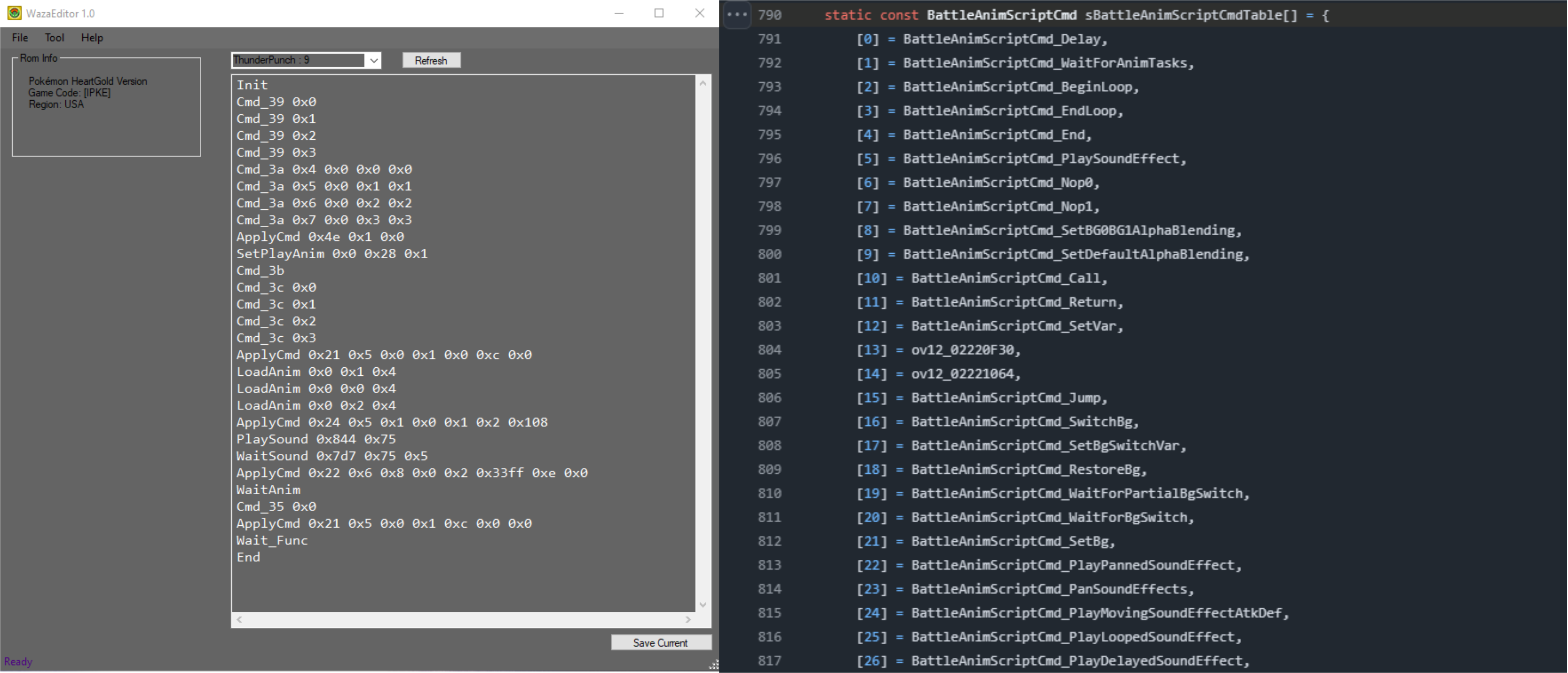
WazaEffectEditor is a work-in-progress tool for editing move animation scripts. It was initially designed by Acent for Pokémon Platinum, with a later modified variation (by DavveDP) that also supports HeartGold. The different versions can be found here:
The following content will be based on the version of WazaEffectEditor that supports both Platinum and HeartGold.
The first time that WazaEffectEditor is opened a message about downloading libraries/moves from Bulbapedia may be presented, this should be accepted. This may then result in a hanging state after a few minutes. If this is the case, closing and re-opening the application should resolve and allow use of the tool.
WazaEffectEditor works on a similar premise as tools like DSPRE, i.e. the user selects a ROM (.nds file) and WazaEffectEditor unpacks the ROM (using ndstool) into a temporary _ext folder within the WazaEffectEditor application folder, with the move animation scripts narc being further unpacked to _ext\data\wazaeffect\wearc\ or _ext\data\a\0\1\0_ext\ for Platinum and HeartGold, respectively.
There are a few options for the workflow of modifying move animation scripts with WazaEffectEditor and saving changes to your project:
A. Changing and replacing individual move animation scripts
- Open a Platinum or HeartGold ROM in WazaEffectEditor (either your project's ROM or an unmodified base ROM).
- Make changes to a specific move animation script and use the
Save Currentbutton at the bottom right of the window. - Locate the modified move animation script file in
WazaEditor\_ext\data\wazaeffect\wearc\orWazaEditor\_ext\data\a\0\1\0_ext\for Platinum and HeartGold, respectively. - Copy that modified file.
- If you haven't done so previously, unpack your project's move animation scripts narc (with DSPRE's Unpack NARC to Folder tool for example).
- Replace the corresponding file in your project's unpacked move animation scripts narc with the modified move animation script file.
- Pack the move animation scripts narc back to your project's DSPRE_contents folder (with DSPRE's Build NARC from Folder tool for example).
- Save your project's ROM with DSPRE and test the new move animation.
B. Replacing the entire move animation scripts narc
- Save your project's ROM with DSPRE.
- Open that ROM in WazaEffectEditor.
- Make changes to any move animation script(s) and use the
Save Currentbutton at the bottom right of the window for each edit. - Once finished, select File > Pack Only Narc.
- Locate the modified move animation scripts narc at
WazaEditor\_ext\data\wazaeffect\we.arcorWazaEditor\_ext\data\a\0\1\0for Platinum and HeartGold, respectively. - Copy that modified narc and replace the corresponding move animation scripts narc in your project's DSPRE_contents folder.
- Save your project's ROM with DSPRE and test the new move animation.
C. Saving the entire ROM
- Save your project's ROM with DSPRE.
- Open that ROM in WazaEffectEditor.
- Make changes to any move animation script(s) and use the
Save Currentbutton on the bottom right of the window for each edit. - Once finished, select File > Save ROM (save with a new name to avoid overwriting existing ROMs/backups).
- Use that ROM as a new base or project in DSPRE.
Review & Interpret Vanilla Animations


WazaEffectEditor displays the raw commands used in move animation scripts. Having the translation of the animation commands or referencing the associated decompiled code for the move animation script can be invaluable in interpreting the corresponding commands.
The move animation script for Pound is shown below in four different formats (HG Hex, HG WazaEffectEditor, HG WazaEffectEditor with Fexty's Command Names, and PokePlatinum decompiled code), to illustrate how interpreting an animation can be done. Line-breaks have been inserted into the hex representation to illustrate the mapping between the different formats:
Pound (HG Hex)
38 00 00 00
39 00 00 00 00 00 00 00
39 00 00 00 01 00 00 00
39 00 00 00 02 00 00 00
39 00 00 00 03 00 00 00
3A 00 00 00 04 00 00 00 00 00 00 00 00 00 00 00 00 00 00 00
3A 00 00 00 05 00 00 00 00 00 00 00 01 00 00 00 01 00 00 00
3A 00 00 00 06 00 00 00 00 00 00 00 02 00 00 00 02 00 00 00
3A 00 00 00 07 00 00 00 00 00 00 00 03 00 00 00 03 00 00 00
2D 00 00 00 4E 00 00 00 01 00 00 00 00 00 00 00
33 00 00 00 00 00 00 00 20 00 00 00 01 00 00 00
3B 00 00 00
3C 00 00 00 00 00 00 00
3C 00 00 00 01 00 00 00
3C 00 00 00 02 00 00 00
3C 00 00 00 03 00 00 00
2E 00 00 00 00 00 00 00 01 00 00 00 04 00 00 00
2E 00 00 00 00 00 00 00 00 00 00 00 04 00 00 00
2D 00 00 00 24 00 00 00 05 00 00 00 01 00 00 00 00 00 00 00 01 00 00 00 02 00 00 00 08 01 00 00
16 00 00 00 23 07 00 00 75 00 00 00
32 00 00 00
35 00 00 00 00 00 00 00
04 00 00 00
Pound (HG WazaEffectEditor)
Init
Cmd_39 0x0
Cmd_39 0x1
Cmd_39 0x2
Cmd_39 0x3
Cmd_3a 0x4 0x0 0x0 0x0
Cmd_3a 0x5 0x0 0x1 0x1
Cmd_3a 0x6 0x0 0x2 0x2
Cmd_3a 0x7 0x0 0x3 0x3
ApplyCmd 0x4e 0x1 0x0
SetPlayAnim 0x0 0x20 0x1
Cmd_3b
Cmd_3c 0x0
Cmd_3c 0x1
Cmd_3c 0x2
Cmd_3c 0x3
LoadAnim 0x0 0x1 0x4
LoadAnim 0x0 0x0 0x4
ApplyCmd 0x24 0x5 0x1 0x0 0x1 0x2 0x108
PlaySound 0x723 0x75
WaitAnim
Cmd_35 0x0
End
Pound (HG WazaEffectEditor with Fexty Command Names)
BattleAnimScriptCmd_InitPokemonSpriteManager
BattleAnimScriptCmd_LoadPokemonSpriteDummyResources 0x0
BattleAnimScriptCmd_LoadPokemonSpriteDummyResources 0x1
BattleAnimScriptCmd_LoadPokemonSpriteDummyResources 0x2
BattleAnimScriptCmd_LoadPokemonSpriteDummyResources 0x3
BattleAnimScriptCmd_AddPokemonSprite 0x4 0x0 0x0 0x0
BattleAnimScriptCmd_AddPokemonSprite 0x5 0x0 0x1 0x1
BattleAnimScriptCmd_AddPokemonSprite 0x6 0x0 0x2 0x2
BattleAnimScriptCmd_AddPokemonSprite 0x7 0x0 0x3 0x3
BattleAnimScriptCmd_CallFunc 0x4e 0x1 0x0
BattleAnimScriptCmd_LoadParticleSystem 0x0 0x20 0x1
BattleAnimScriptCmd_FreePokemonSpriteManager
BattleAnimScriptCmd_RemovePokemonSprite 0x0
BattleAnimScriptCmd_RemovePokemonSprite 0x1
BattleAnimScriptCmd_RemovePokemonSprite 0x2
BattleAnimScriptCmd_RemovePokemonSprite 0x3
BattleAnimScriptCmd_CreateEmitter 0x0 0x1 0x4
BattleAnimScriptCmd_CreateEmitter 0x0 0x0 0x4
BattleAnimScriptCmd_CallFunc 0x24 0x5 0x1 0x0 0x1 0x2 0x108
BattleAnimScriptCmd_PlayPannedSoundEffect 0x723 0x75
BattleAnimScriptCmd_WaitForAllEmitters
BattleAnimScriptCmd_UnloadParticleSystem 0x0
BattleAnimScriptCmd_End
Pound (PokePlatinum Decompiled Code)
L_0:
    LoadParticleResource 0, pound_spa
    CreateEmitter 0, 1, EMITTER_CB_SET_POS_TO_DEFENDER
    CreateEmitter 0, 0, EMITTER_CB_SET_POS_TO_DEFENDER
    Func_Shake 1, 0, 1, 2, BATTLE_ANIM_BATTLER_SPRITE_DEFENDER
    PlaySoundEffectR SEQ_SE_DP_030
    WaitForAllEmitters
    UnloadParticleSystem 0
    End
With nothing more than these resources, and a basic understanding of what happens (and can happen) in a Pokémon battle generally, and with the specific move, can be inferred.
The move animation goes through some decipherable steps (with some obscured detail):
- Initialise and load (dummy?) Pokémon battle sprites
- Load an animation particle system
- Play certain visual elements from the animation particle system and apply them to certain battlers
- Call various functions and apply them to certain battlers
- Play a sound effect
- Explicitly wait for the animations elements to end
- Unload the animation particle system
- End
Various other things can be inferred as well:
- A animation particle system must be loaded in order to use its visual elements ("particle emitters"), and must be unloaded at some point before the script ends.
- The unique animation particle system to load is specified in the second parameter of the
SetPlayAnim(WazaEffectEditor name),LoadParticleSystem(Fexty's name), orLoadParticleResource(PokePlatinum) command (33 00 00 00in hex). - The animation particle system is also given a local ID to be referenced by later commands, and is specified in the first parameter of the same load command.
- The unique animation particle system to load is specified in the second parameter of the
- Each unique animation particle system has a number of literal visual elements within it, to which a specific visual element is played using the
LoadAnim(WazaEffectEditor name) orCreateEmitter(Fexty's name and PokePlatinum) command (2E 00 00 00in hex).- The first parameter of the
LoadAnimorCreateEmittercommand specifies from which loaded animation particle system (via local ID) to invoke the visual elements from. - The second parameter of the same command is what invokes which visual element of said loaded animation particle system to play.
- And finally, the third parameter specifies to which battler to apply the actual animation particle.
- The first parameter of the
- When visual elements are initiated, there will be a wait command to ensure the animation finishes. The wait command does not necessarily have to follow immediately after playing the visual element, but must be present before ending the move animation script.
To learn more, more complex move animations can be reviewed:
- Such as two-turn moves like SolarBeam, where an initialisation and two sets of animations can be seen, managed with the command:
CheckTurn(WazaEffectEditor name) /ov12_02220F30/BtlAnimCmd_013(unnamed in the Platinum Decompilation project).
- A move that includes a background transition, e.g. Hydro Pump, which uses the commands:
ChangeBackG(WazaEffectEditor name) /BattleAnimScriptCmd_SwitchBg(Fexty's name),WaitBack2/BattleAnimScriptCmd_WaitForBgSwitch&BackBackG/BattleAnimScriptCmd_RestoreBg.
- A move that hits both opponents or all battlers on the field, where a visual element may be applied to a certain side instead of an individual battler, e.g. Twister, which may use the following targeting parameters in the
LoadAnimorCreateEmittercommand:0x4(WazaEffectEditor value) /EMITTER_CB_SET_POS_TO_DEFENDER_SIDE(Fexty's name) or0x11/EMITTER_CB_GENERIC.
- A move that combines multiple animation particle systems and plays their visual elements concurrently, e.g. Dig, which is managed by:
- Loading the Dig animation particle system with a local ID of
0, - Loading the Pound animation particle system with a local ID of
1, - Then specifying the animation particle system (via local ID) in the first parameter of each
LoadAnimorCreateEmittercommand.
- Loading the Dig animation particle system with a local ID of
Particle Animation Systems and Particle Emitters
The main component of move animations are particle animation systems and their particle emitters, which as described in the previous sections, are the literal visual elements that are loaded and called in move animation scripts. These particle animation systems are also used for other aspects of the battle system beyond moves, such as the cut-in grass or water effects when loading the battle UI.
This section will provide a quick overview on viewing particle animation systems and their particle emitters, with the goal of providing a means for isolating the individual elements of an animation to futher aid in the modification of move animation scripts.
Below are the file locations of the NARCs containing the particle animation systems for each game:
| Game | HeartGold/SoulSilver | Platinum/Diamond/Pearl |
|---|---|---|
| File | /a/0/2/9 | /wazaeffect/effectdata/waza_particle.narc |
NitroEFX is a tool created by Fexty for viewing and editing these particle animation systems.
When opening NitroEFX, select File > Open > SPL File and open your project's respective particle animation system file. You can select any .bin file in the top left panel, then select a component (the specific "particle emitter") in the bottom left panel, and in the top right panel choose either the Play All Emitters option or the Play Emitter option (which plays only the selected component).
For HeartGold/SoulSilver, /a/0/2/9 needs to be temporarily renamed to /a/0/2/9.narc in order to be opened in NitroEFX
As an example, let's take a quick look at Karate Chop's move animation and the particle emitters it uses in Pokémon Platinum.
First, we'll need to use either WazaEffectEditor or a hex editor to identify the particle animation system that the move animation script loads (unfortunately, the PokePlatinum decompiled code uses an actual name instead of an ID, which isn't helpful in this case). In WazaEffectEditor, the SetPlayAnm 0x0 0x20 0x1 command indicates that particle animation system number 0x20 (32 in decimal) is used.
Next, use NitroEFX to open /wazaeffect/effectdata/waza_particle.narc and select 32.bin from the top left panel. In the bottom left panel, we can see three components, or particle emitters, contained in this particle animation system. These three components are called in the move animation script, as seen by the LoadAnim 0x0 0x2 0x4, LoadAnim 0x0 0x0 0x4, and LoadAnim 0x0 0x1 0x4 commands in WazaEffectEditor (keeping in mind that the first parameter of the LoadAnim command is the local ID of the currently loaded animation particle system(s) and the second parameter is the specific particle emitter to play).
Select a specific particle emitter. The top right panel should now have the options to Play Emitter or Play All Emitters. For example, if you play the second particle emitter (ID of [1]), you'll see that it is specifically the "chopping hand" component of this whole animation. As such, this process may be helpful in identifying specific components of an animation to utilise when creating new move animation scripts. Note that the Play All Emitters option may not necessarily play the emitters in the same sequence or timing as the actual move animation, as that is instead typically managed by the order of commands in the move animation script.
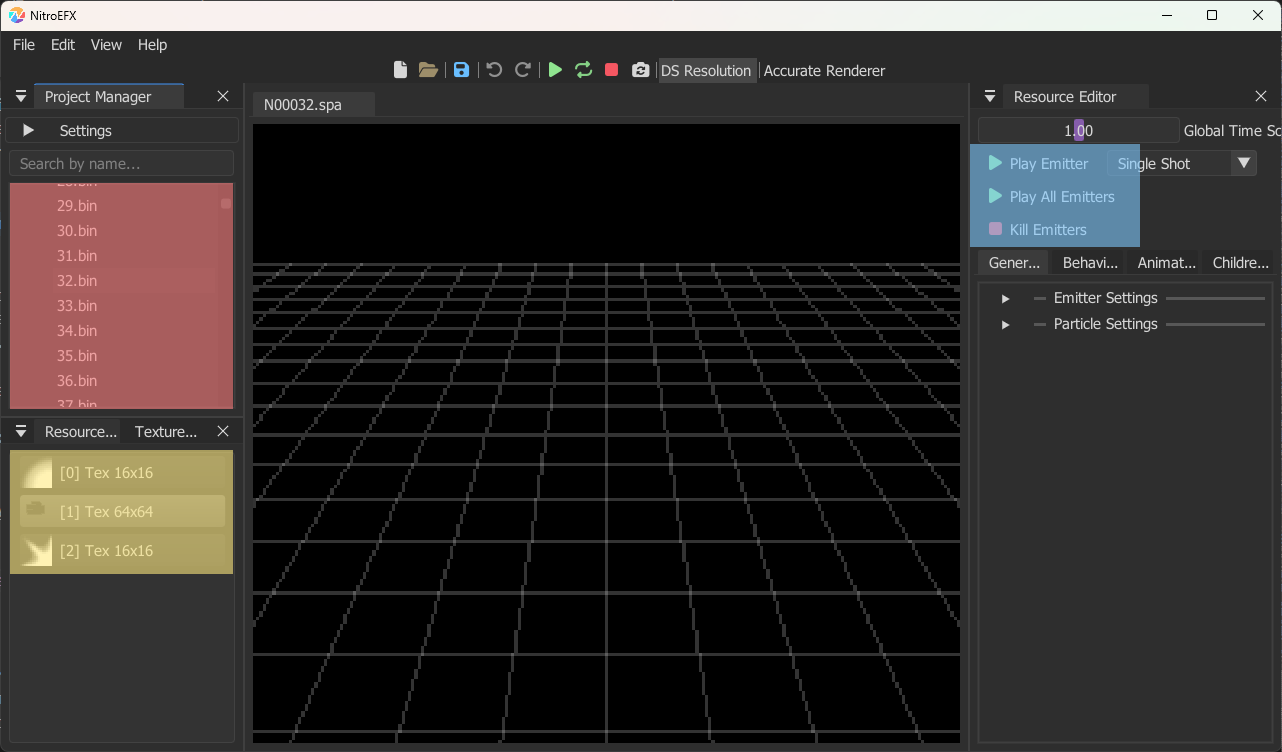
Replace One Move Animation Script for Another
A wholesale replacement of one move animation script with another is straightforward. Either a hex editor or WazaEffectEditor could be used to copy the entire script and paste it into another file.
If editing the move animation script NARC in a hex editor:
- The NARC must be unpacked,
- The file(s) edited in the hex editor,
- Backup (e.g.
.bak) files moved out of the folder, - The NARC must be packed,
- The ROM re-built using the NARC (e.g. using DSPRE), &
- The ROM saved as a
.ndsfile.
Some elements of the move animation script are dependent upon the move's battle effect. For example, if a single-turn move is given the vanilla animation of a two-turn move, only the first turn's animation will play, without further edits.
Considerations and References
Editing a move animation script is straightforward with the above understanding, but may require some trial and testing to get the desired result. Often the basis for these changes is to identify the elements to change, and identify any existing moves that use the same patterns.
Changes such as the below are all relatively simple:
- Add/remove/change particle animation systems from existing options
- Add/remove/change background animations from existing options
- Add/remove/change sound effects from existing options
- Change a one-turn animation into a two-turn animation
- Change a two-turn animation into a one-turn animation
The following are resources for viewing vanilla move animations to get ideas for how to take elements of them and build custom animations.
- This wiki! - Generation IV Move Animations (HeartGold/SoulSilver) - Sourced/linked from Bulbapedia, filterable & sortable table.
- TwilightPrincess (YouTube) - Generation IV Move Animations (Platinum) - Time-index in the comments, ordered by Move ID.
- Magiscars Database (Youtube) - Generation I-IX Move Animations - Not all moves are published yet.
- Nintendo Unity (Youtube) - Generation I-VII and Generation IX Move Animations
The following resources are from the PokePlatinum decompilation project and may be helpful for cross-referencing commands and parameters:
- Decompiled code of each move animation script
- Indexed list of commands that can be used in move animation scripts
- Move animation command parameters, including:
- Background transition types
- Battler sprite targets (to apply animation particle system visual elements to)
- Battler sprite targets (for other various functions to apply their effect to)
- Battler sprite translation and movement types
- Available colours (i.e. the colour to fade a background or sprite to)
Move Categories (Battle Engine & AI)
There are a number of mechanical categories of moves in the Pokémon games, these categories have some kind of interaction with certain Abilities and/or items, and are typically offensive or defensive. Some of these categories were introduced after Generation IV. This section provides an overview of the mechanical move categories already present in Generation IV, and how to edit the specific moves considered to be within these categories, while also ensuring that the Trainer AI comprehends the changes.
The table below is a list of mechanical categories which interact with Abilities or Items, including which generation they were introduced in. The following sections further detail the categories natively available in Generation IV.
| Move Category | Related Abilities | Related Items | Generation Introduced |
|---|---|---|---|
| Explosive | Damp | Generation III | |
| Sound-based | Soundproof | Throat Spray | Generation IV (Throat Spray added in Generation VIII) |
| Punching | Iron Fist | Punching Glove | Generation IV (Punching Glove added in Generation IX) |
| Bomb & Ball | Bulletproof | Generation VI | |
| Aura & Pulse | Mega Launcher | Generation VI | |
| Biting | Strong Jaw | Generation VI | |
| Dancing | Dancer | Generation VI | |
| Powder & Spore | Overcoat | Safety Goggles | Generation VI |
| Slicing | Sharpness | Generation IX | |
| Wind | Wind Rider, Wind Power | Generation IX | |
| Trapping (Binding) Moves | Grip Claw, Binding Band | Generation I (Binding Band added in Generation V) | |
| Multi-strike Moves (Variable) | Skill Link | Generation I (Skill Link added in Generation IV) | |
| One-Hit Knock Out (OHKO) | No Guard | Generation I (No Guard added in Generation IV) |
Sound-based Moves
Since this mechanic is one that the trainer AI is aware of, any changes must be completed in two places:
- Enabling the Ability-based effect,
- Ensuring the trainer AI is aware of the change.
Twelve moves are classed as sound-based in the Generation IV Pokémon games, listed in the table below.
Sound-based Moves
| Move ID (Decimal) | Move ID (Hex) | Move Name |
|---|---|---|
| 45 | 2D 00 | Growl |
| 46 | 2E 00 | Roar |
| 47 | 2F 00 | Sing |
| 48 | 30 00 | Supersonic |
| 103 | 67 00 | Screech |
| 173 | AD 00 | Snore |
| 253 | FD 00 | Uproar |
| 304 | 30 01 | Hyper Voice |
| 319 | 3F 01 | Metal Sound |
| 320 | 40 01 | Grass Whistle |
| 405 | 95 01 | Bug Buzz |
| 448 | C0 01 | Chatter |
Sound-based Battle Effect (Ability Inclusion)
Source(s): Yako? (2025)
In order to change the moves that are impacted by the Soundproof ability mechanically the table of sound-based moves can be edited.
- If the changes are replacements (e.g. remove move ID
405Bug Buzz from the list, and add move ID49Sonic Boom), then simply changing the existing move ID is sufficient. - If the change involves only removing entries from this list, the bytes can be deleted, the same number of zero bytes added to the end of the list, and the expected length of the table updated.
- If up to 4 (HGSS) / 14 (Platinum) / 2 (Diamond/Pearl) additional moves are to be added to the group, the empty bytes at the end of the list can be edited to include the new entries, and the expected length of the table updated.
- If more than 4 (HGSS) / 14 (Platinum) / 2 (Diamond/Pearl) additional moves are to be added to the group, the table must be re-pointed, and the expected length of the table updated. This is considered beyond the scope of this guide, but the details here could be used to achieve this.
The changes must be made in a decompressed overlay.
| Game Version | Overlay | Offset (Move Table) | Offset (Table Length) | Offset (Table Pointer) |
|---|---|---|---|---|
| HeartGold/SoulSilver | Overlay 12 | 0x37360 | 0x1B718 | 0x1B7A4 |
| Platinum | Overlay 16 | 0x35A4C | 0x1B118 | 0x1B1A4 |
| Diamond/Pearl | Overlay 11 | 0x329C4 | 0x19F68 | 0x19FF4 |
The length and contents of the move table in the vanilla Generation IV Pokémon games varies between versions. In each there is some space for additional entries, each possible space represented by a set of 00 00.
- HGSS:
2D 00 2E 00 2F 00 30 00 67 00 AD 00 FD 00 3F 01 40 01 30 01 95 01 C0 01 00 00 00 00 00 00 00 00- Platinum:
2D 00 2E 00 2F 00 30 00 67 00 AD 00 FD 00 3F 01 40 01 30 01 95 01 C0 01 00 00 00 00 00 00 00 00 00 00 00 00 00 00 00 00 00 00 00 00 00 00 00 00 00 00 00 00- Diamond/Pearl:
2D 00 2E 00 2F 00 30 00 67 00 AD 00 FD 00 3F 01 40 01 30 01 95 01 C0 01 00 00 00 00
And the expected length of the table is 0C (12). This could be updated to a smaller or larger number depending on the desired number of sound-based moves (e.g. a value of 10 could be used for a total number of moves of 16, that is four additional ones).
Trainer Move Selection AI Soundproof Inclusion (BASIC Flag)
Source(s): Lhea & Yako? (2025)
This section of the guide ensures that any NPC trainers in the game which have the BASIC AI flag enabled (see this link for a breakdown of the Generation IV trainer move selection AI). Without this change, the AI could know that the target has the Soundproof ability and still select a move that has no effect on the target.
The AI only gains "knowledge" of the target's ability (in terms of immunity abilities like this) after either:
- It is triggered once in battle, or
- If the species can only have that ability.
The changes must be made in a decompressed overlay.
| Game Version | Overlay | Offset |
|---|---|---|
| HeartGold/SoulSilver | Overlay 10 | 0x4EA8 |
| Platinum | Overlay 14 | 0x4EA0 |
| Diamond/Pearl | Overlay 16 | 0x1DB70 |
This table is identical in all five Generation IV Pokémon games.
- If only editing the moves in the table is required (no change to the overall quantity), the contents of this table can be searched for the relevant Move IDs to replace as needed.
- If the total number of moves in the table will change (increase or decrease), the below change should be implemented by replacing the existing hex block with the new hex block.
Soundproof AI Awareness Table (Vanilla)
21 00 00 00 17 00 00 00 2D 00 00 00 4F 09 00 00 17 00 00 00 2E 00 00 00 4C 09 00 00 17 00 00 00 2F 00 00 00 49 09 00 00 17 00 00 00 30 00 00 00 46 09 00 00 17 00 00 00 67 00 00 00 43 09 00 00 17 00 00 00 AD 00 00 00 40 09 00 00 17 00 00 00 FD 00 00 00 3D 09 00 00 17 00 00 00 3F 01 00 00 3A 09 00 00 17 00 00 00 40 01 00 00 37 09 00 00 17 00 00 00 95 01 00 00 34 09 00 00 17 00 00 00 C0 01 00 00 31 09 00 00
Soundproof AI Awareness Table (Custom)
21 00 00 00 27 00 00 00 19 00 00 00 02 00 00 00 4E 09 00 00 4C 00 00 00 1B 00 00 00 2D 00 00 00 2E 00 00 00 2F 00 00 00 30 00 00 00 67 00 00 00 AD 00 00 00 FD 00 00 00 3F 01 00 00 40 01 00 00 95 01 00 00 C0 01 00 00 CA FE 00 00 CA FE 00 00 CA FE 00 00 CA FE 00 00 CA FE 00 00 CA FE 00 00 CA FE 00 00 CA FE 00 00 CA FE 00 00 CA FE 00 00 CA FE 00 00 CA FE 00 00 CA FE 00 00 CA FE 00 00 CA FE 00 00 FF FF FF FF
The custom format of the table has all sound-based moves present in the format of 2D 00 00 00 (for example for Roar), where one move is immediately after the last. CA FE 00 00 values can be replaced with additional moves (starting at the first one). This implementation allows for up to 15 moves to be added (regardless of game version). Assuming that the battel effect move table was not re-pointed, this is enough to handle the number of additional moves that can be added in each version.
Punching Moves
Source(s): Yako? (2025)
Since this mechanic is not one that the trainer AI is explicitly aware of (the EVALUATE ATTACK flag will include the Iron Fist power boost in its damage calculations in Generation IV Pokémon games), any changes must be only be completed in one place:
- Enabling the Ability-based effect.
Fifteen moves are classed as punching moves in the Generation IV Pokémon games, listed in the table below.
Punching Moves
| Move ID (Decimal) | Move ID (Hex) | Move Name |
|---|---|---|
| 4 | 04 00 | Comet Punch |
| 5 | 05 00 | Mega Punch |
| 7 | 07 00 | Fire Punch |
| 8 | 08 00 | Ice Punch |
| 9 | 09 00 | Thunder Punch |
| 146 | 92 00 | Dizzy Punch |
| 183 | B7 00 | Mach punch |
| 223 | DF 00 | Dynamic Punch |
| 264 | 08 01 | Focus Punch |
| 309 | 35 01 | Meteor Mash |
| 325 | 45 01 | Shadow Punch |
| 327 | 47 01 | Sky Uppercut |
| 359 | 67 01 | Hammer Arm |
| 409 | 99 01 | Drain Punch |
| 418 | A2 01 | Bullet Punch |
Punching Battle Effect (Ability Inclusion)
In order to change the moves that are impacted by the Iron Fist ability mechanically the table of punching moves can be edited.
- If the changes are replacements (e.g. remove move ID
146Dizzy Punch from the list, and add move ID249Rock Smash), then simply changing the existing move ID is sufficient. - If the change involves only removing entries from this list, the bytes can be deleted, the same number of zero bytes added to the end of the list, and the expected length of the table updated.
- If any additional moves are to be added to the group, the table must be re-pointed, and the expected length of the table updated. This is considered beyond the scope of this guide, but the details here could be used to achieve this.
The changes must be made in a decompressed overlay.
| Game Version | Overlay | Offset (Move Table) | Offset (Table Length) | Offset (Table Pointer) |
|---|---|---|---|---|
| HeartGold/SoulSilver | Overlay 12 | 0x352FE | 0x1FF58 | 0x20224 |
| Platinum | Overlay 16 | 0x33AD6 | 0x1F960 | 0x1FC2C |
| Diamond/Pearl | Overlay 11 | 0x30CFA | 0x1E534 | 0x1E81C |
The length and contents of the move table in the vanilla Generation IV Pokémon games is consistent between versions.
- Move Table:
08 00 07 00 09 00 B7 00 08 01 92 00 DF 00 67 01 05 00 04 00 35 01 45 01 99 01 A2 01 47 01
And the expected length of the table is 0F (15). This could be updated to a smaller or larger number depending on the desired number of punching moves (e.g. a value of 13 could be used for a total number of moves of 19, that is four additional ones).
Trainer Move Selection AI Iron Fist Inclusion (EVALUATE ATTACK Flag)
The EVALUATE ATTACK trainer AI flag assesses the damage output of moves to choose the best move; accounting for abilities such as Iron Fist; Reckless; Technician; Adaptability & Normalise. This means there is no need to make further changes for the AI to be aware of punching moves.
Editing the Iron Fist Damage Multiplier
The increase in damage dealt by a punching move when used by a Pokémon that has the Iron Fist ability is an ability effect, rather than a move effect, but is included here because it is known. The damage in these cases in the vanilla games is 120% of the normal damage. This is achieved by multiplying the damage by twelve (multiplier) and dividing by ten (divisor).
The information is located in different overlays for different game versions. For games where the overlays are compressed (HeartGold & SoulSilver), decompression of the overlays must be done before hex editing the overlay. A unique hex string of 0C 20 60 43 0A 21 can be searched to find the area to be edited, the specific values to change are the 0C (12 in decimal) and 0A (10 in decimal).
These values could be changed to other values, for example changing the multiplier to 0F (15) for an overall damage of 150% (matching similar damage-boosting Abilities in later generations of Pokémon games, such as Mega Launcher or Sharpness).
| Game Version | Overlay | Offset (Multiplier) | Offset (Divisor) |
|---|---|---|---|
| HeartGold/SoulSilver | Overlay 12 | 0x1FF44 | 0x1FF48 |
| Platinum | Overlay 16 | 0x1F94C | 0x1F950 |
| Diamond/Pearl | Overlay 11 | 0x1E520 | 0x1E524 |
Trapping (Binding) Moves
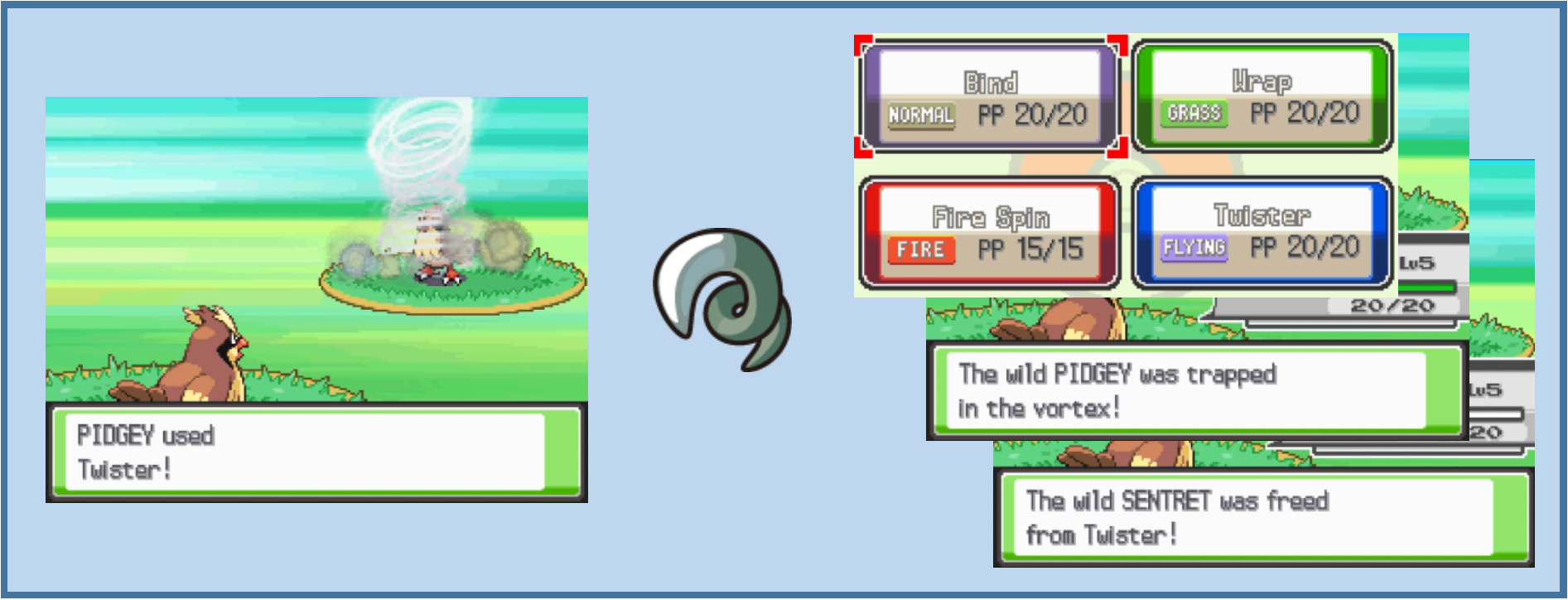
A number of moves in Pokémon are "trapping/continuous damage", or "trapping" moves. These moves deal an initial amount of physical or special damage, and then have a persistent effect to continually deal a fraction of the target's maximum HP for a number of turns thereafter. While the continuous effect is present, the opponent cannot be switched out by conventional means.
In Generation IV, the 'End of Turn' damage fraction is 1/16 (or 0.0625) of the target's maximum HP; the continuous effect lasts for 2-5 turns; and the moves are typically relatively low accuracy and damage. In later generations, newer trapping moves were added (for example Infestation). Editing a move to become a trapping move requires some additional changes, beyond the move effect script.
The steps required to turn a move into a trapping move are:
- Editing of the move data, including setting the Effect Sequence to a trapping effect (e.g.
042- Binding move effect script) - Configuring the initial trapping text which appears when the 'End of Turn' effect takes hold.
- Configuring the 'End of Turn' trapping animation to play each turn that the trapping effect is present.
Editing Move Data
This can be accomplished in DSPRE, and is covered earlier in this guide, under the section titled Basic Move Data.
Initial Trapping Text
Source(s): Aero (2025)
The texts that are displayed at the beginning, during and end of the trapping effect are located in Text Archives, which can be viewed and edited in DSPRE, and are in different text archives in different game versions, as below.
| HGSS | Platinum | Diamond/Pearl |
|---|---|---|
197 | 368 | 324 |
- The texts that are displayed during the effect and when it ends are common to all the trapping moves, and are determined/defined directly from the relevant battle subscripts (
0059and0060). - The text that is displayed when the trapping effect first applies, are varied, and can be unique per move. These are determined indirectly in the relevant battle subscript (
0058) through aPrintBufferedMessagecommand, which requires their definition in the relevant move script (move script number equal to the move index/ID, see Bind for example). - There is some further variation as some trapping moves initial text refer to the target only, and others refer to the target and the user. For example:
- Bind initial trapping text:
Targetwas squeezed byUser - Fire Spin initial trapping text:
Targetwas trapped in the vortex!
- Bind initial trapping text:
Where only the target is referenced, only three possible messages are required in the text archive. Where the target and user are referenced, seven possible messages are required. The move script for a move will define whether one or both are needed, and the first message in the set. The format of the hex required in the move script therefore varies by whether the target only, or the target and user are referenced.
| Type | Hex |
|---|---|
| Target only | 15 00 00 00 ## ## 00 00 02 00 00 00 02 00 00 00 24 00 00 00 |
| Target & User | 15 00 00 00 ## ## 00 00 09 00 00 00 02 00 00 00 01 00 00 00 24 00 00 00 |
Where ## ## should be replaced by the hex of the first message index of the set. For example, for Bind, a value of EB 00 (235) is used; for Fire Spin, a value of F2 00 (242). A new trapping move could use the same texts as another existing trapping move, or new texts could be added at the end of the relevant file.
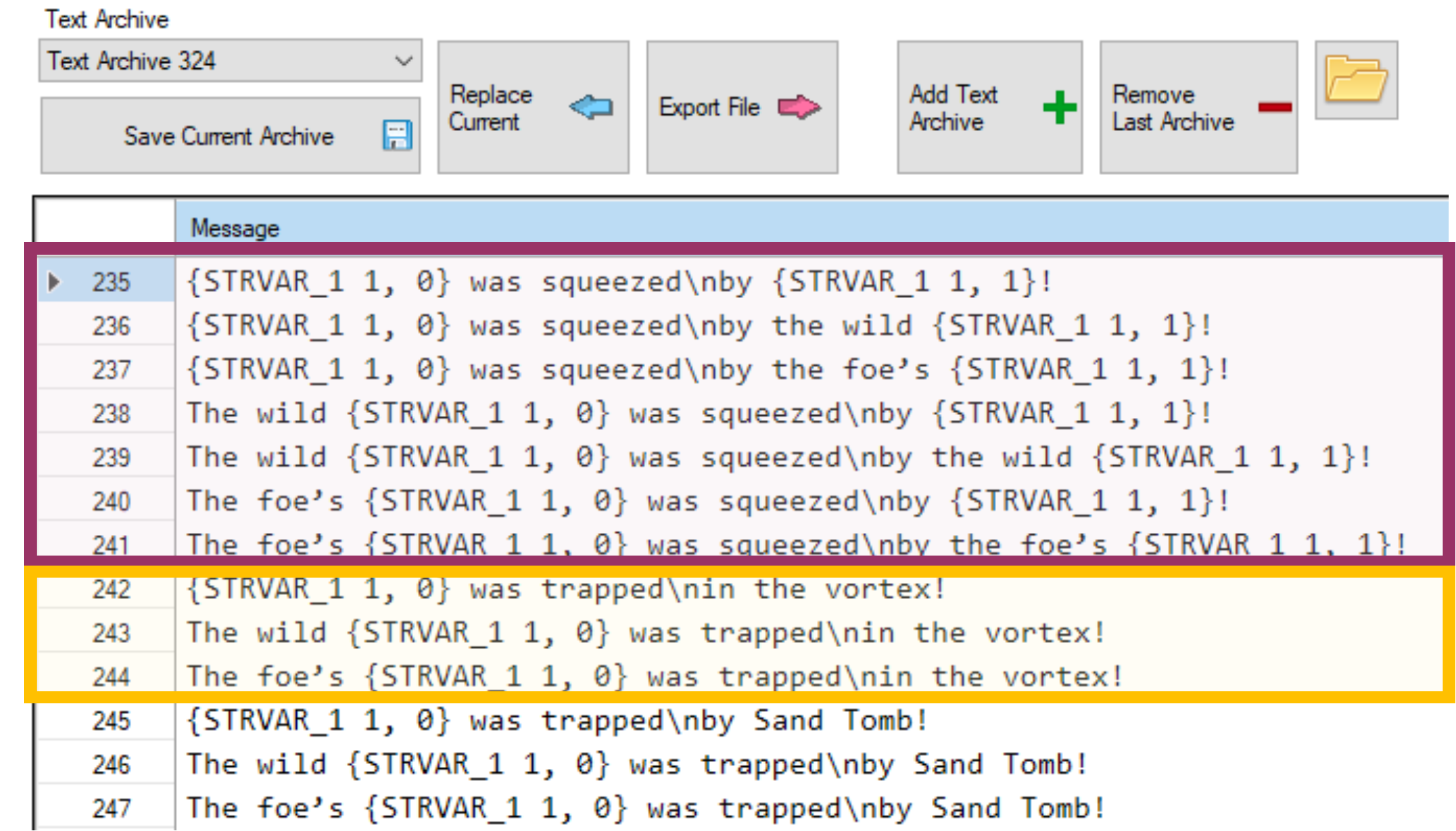
End of Turn Trapping Animation
Using the correct trapping Effect Sequence (042 - Binding move effect script), will enable the mechanical aspects of the trapping effect, however, the animation will default to showing the Bind animation with the 'End of Turn' damage is applied at the end of each turn. In order to set the trapping animation to match the chosen move, two things must be done:
- The animation must be added to the continuous animations NARC that contains these types of 'End of Turn' animations (trapping moves, Leech Seed, Ingrain...etc.).
- The trapping/binding effect battle subscript must be updated to add logic to check for the newly added animation.
The second of these steps is fairly involved, and will require some edits to existing data as well as addition of new.
Adding the 'End of Turn' Animation
Source(s): Yako? (2025)
These steps assume that the exact animation of the move will be duplicated as the End of Turn animation, which is the case in the vanilla Generation IV games, though it is worth noting that this does not have to be the case, and a different animation could be designed.
- Unpack the "Move Animations" NARC using (using the DSPRE "Unpack NARC to Folder" function).
- HGSS:
/a/0/1/0 - Platinum/Diamond/Pearl:
/files/wazaeffect/we.arc
- HGSS:
- Locate the animation for the move to being a trapping move, this can be done by identifying the move's index/ID, which will be the same number as the unpacked file name.
- Copy the whole animation file.
- Unpack the "Continuous Animations" NARC (using the DSPRE "Unpack NARC to Folder" function).
- HGSS:
/a/0/6/1 - Platinum/Diamond/Pearl:
/files/wazaeffect/we_sub.narc
- HGSS:
- Once unpacked, this should contain 50 files (0-49).
- Add a new file at the end, this will contain the new trapping animation.
- Paste in the content copied in step 3.
- Pack the "Continuous Animation" NARC back up (using the DSPRE "Build NARC from folder" function), making sure to remove any backup (e.g.
.bakfiles before doing so). - Replace the NARC in the ROM's extracted contents folder.
Trapping Effect Subscript Mapping
Source(s): Lhea, Paille92. & Yako? (2025)
In order for the new trapping animation to play when the appropriate trapping move is used, the trapping/binding effect battle subscript must be updated to compare the move used, and play the correct battle animation.
This is not necessarily complicated, but somewhat involved, because the comparison and the execution are in two different places, and there is some accounting for the Magic Guard ability in the file as well.
Viewing the battle subscript hex and Decompilation together may help understand what is happening easier.
The relevant vanilla battle subscript file 059 looks like this in a hex editor such as HxD.
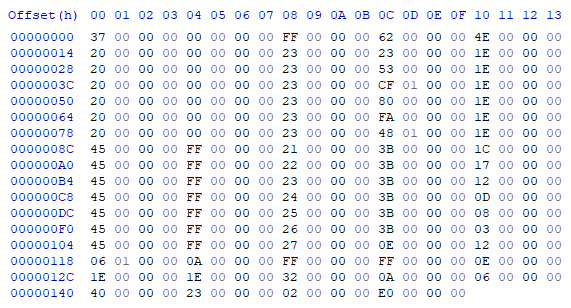
When working in a hex editor for this file, it may be helpful to set the
Bytes per rowto20.
This is not necessarily intuitive, therefore the following collapsible sections go through the edit steps one by one showing the changes at each step. This assumes that a single trapping move is added. It is possible to add multiple, but consider that multiple entries need adding in steps 1 and 2 for this, and the changes to jumps in step 3 will need to account for the number of trapping moves added. These sections assume a single trapping move is added (for simplicity).
In simple terms three tasks (steps 3-5) need to be completed for each new trapping move:
- Unpack the "Battle Subscripts" NARC using (using the DSPRE "Unpack NARC to Folder" function).
- HGSS:
/a/0/0/1 - Platinum/Diamond/Pearl:
/battle/skill/sub_seq.narc
- HGSS:
- Open file
059in a hex editor such as HxD.
3. Add a new check on the move that was used (compare function).
- Each trapping move except Bind has five sets of four bytes for the comparison.
- Bind doesn't have one as it is the "fallback", this is why the Bind animation is used if this file is not updated.
- A new set of twenty bytes must be added after the last check (Sand Tomb in vanilla), replacing the 13th and 14th bytes with the relevant move ID (Little Endian).
- Here is Sand Tomb's compare function from HGSS:
20 00 00 00 00 00 00 00 23 00 00 00 48 01 00 00 1E 00 00 00 - Here is a new function for a different move (Twister in this case):
20 00 00 00 00 00 00 00 23 00 00 00 EF 00 00 00 1E 00 00 00
- Here is Sand Tomb's compare function from HGSS:
- Paste the new byte-string after Sand Tomb's.
As an example, if the new trapping move is Twister (uses move ID 239, or EF 00 in hex), the modified battle subscript looks like this with these changes.
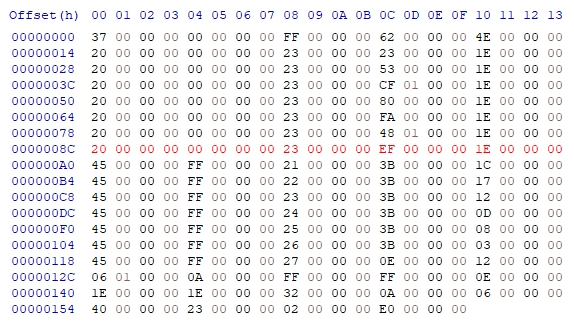
4. Add a new execution to play the correct animation.
- Each trapping move (including Bind) has five sets of four bytes for the execution.
- Bind is first because this is a fallback that is executed if none of the compare functions are met.
- A new set of twenty bytes must be added after the last execution (Sand Tomb in vanilla), replacing the ninth and tenth bytes with the relevant 'end of turn' move animation.
- Here is Whirlpool's execution function from HGSS:
45 00 00 00 FF 00 00 00 26 00 00 00 3B 00 00 00 03 00 00 00 - Here is Sand Tomb's execution function from HGSS:
45 00 00 00 FF 00 00 00 27 00 00 00 0E 00 00 00 - Note that this last entry is four bytes smaller, because it doesn't have the jump element that the others do.
- To add a new entry for a different move, the copied hex will include the jump command from the previous row (Whirlpool) and the up to the end of the 'end of turn' animation bytes for Sand Tomb. I.e. the following bytes should be copied and pasted immediately after the copied selection:
3B 00 00 00 03 00 00 00 45 00 00 00 FF 00 00 00 27 00 00 00
- Here is Whirlpool's execution function from HGSS:
- The
27 00 00 00set of bytes needs to be edited to reference the new 'end of turn' animation (in hex).27 00refers to file39in decimal, if the new file added here was file50,27 00 00 00should be replaced with32 00 00 00for example.
As an example, if the new trapping move is Twister (uses move ID 239, or EF 00 in hex), and the new 'end of turn' animation was added as file 50 (32 00 in hex), the modified battle subscript now looks like this with these changes.
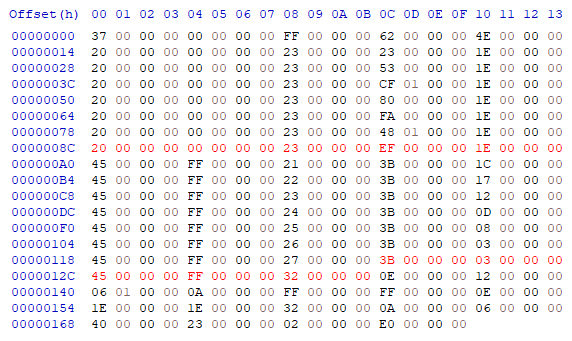
5. Update all the "jumps" in the whole file to account for the new data.
- The jumps between lines/functions now need correcting. If the file is viewed with
Bytes per rowset to20, the four bytes at the end of each row relate to the Jumps that need changing. - These jumps are defined as a number of groups of four bytes. For example, to jump 20 bytes, the value will be five.
- The first jump is following a check on the target having the Magic Guard ability, and this jump moves to the end of the file. Therefore this jump must be increased by the total number of groups of four bytes added to the file in both steps 1 and 2.
- If one trapping move was added, this will mean replacing
4E 00(78in decimal) to58 00(88in decimal).
- If one trapping move was added, this will mean replacing
- The next rows (seven rows if a single trapping move was added) all jump the same number of bytes, jumping to the relevant execution steps (which is why it is important that the order is consistent between the two sections).
- Since an extra five sets (of four bytes) have been added in the comparing functions, each of these jumps must be increased by this amount from
1E 00(30in decimal) to23 00(35in decimal).
- Since an extra five sets (of four bytes) have been added in the comparing functions, each of these jumps must be increased by this amount from
- The final set of jumps are variable, ranging from
1C 00(28) to03 00(3). This is because these jumps are all moving to a specific point after the animation is executed (the point immediately after the execution function added above).- The last jump must remain
03 00and each preceding jump is increased by 5. This essentially results in the values "moving down", and a new highest value being added at the top of21 00(33).
- The last jump must remain
As an example, if the new trapping move is Twister (uses move ID 239, or EF 00 in hex), and the new 'end of turn' animation was added as file 50 (32 00 in hex), the modified battle subscript now looks like this with these changes.
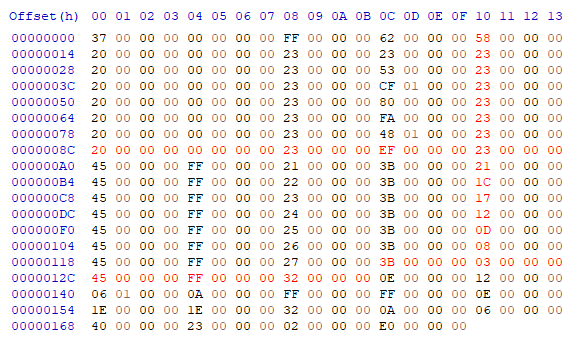
- Pack the "Battle Subscripts" NARC back up (using the DSPRE "Build NARC from folder" function), making sure to remove any backup (e.g.
.bakfiles before doing so).
Continuous Trapping Effects (Common)
Though it relates to modifying the overall battle system, and not individual moves, since it is known and relevant, this section details how to alter:
- The amount of continuous damage dealt by trapping moves, and
- The number of turns that the effect applies.
Editing the Amount of Continuous Damage Dealt
Source(s): Lhea (2023), Lmaokai (2025), Paille92 (2025).
The amount of damage dealt at the end of each turn that a trapping effect is present is determined by a 'divisor'. This value is what the maximum HP of the affected Pokémon is divided by to determine how much HP is lost.
The information is located in different overlays for different game versions. For games where the overlays are compressed (HeartGold & SoulSilver), decompression of the overlays must be done before hex editing the overlay. A unique hex string of 48 43 10 21 09 F0 (HGSS/Plat) or 10 21 08 F0 E9 (Diamond/Pearl) can be searched to find the area to be edited, the specific value to change is the 10 (16 in decimal, hence 1/16 max HP damage per turn).
This value could be changed to another value, for example to 08 for 1/8 damage per turn (as in later generations of Pokémon games), or something totally different, for example 20 for 1/32 damage per turn. As this is a divisor, the higher the number the lower the damage dealt.
| Game Version | Overlay | Offset |
|---|---|---|
| HeartGold/SoulSilver | Overlay 12 | 0x12852 |
| Platinum | Overlay 16 | 0x1228A |
| Diamond/Pearl | Overlay 11 | 0x11528 |
Editing the Duration of Trapping Moves
Source(s): Yako? & DarmaniDan
The number of turns that trapping moves last is determined in the battle subscript which applies whenever a binding move begins (battle subscript 0058). There are two important values. The normal range of number of turns (2-5 in vanilla, or 3-6 including the turn the move is initially used on); and the guaranteed number of turns that is set if the Grip Claw item is held by the Pokémon who used the move at the time it is first used.
The locations of the battle subscripts NARC in each game version are listed here.
Battle subscript 58 ("bind start") contains the following hex: 38 00 00 00 03 00 00 00 03 00 00 00 which deals with the standard randomised duration, and can be broken down as:
38 00 00 00- get a random number from zero to...03 00 00 00- maximum outcome03 00 00 00- add three to the outcome
Resulting in 3, 4, 5 & 6 as possible outcomes (which translates to 2, 3, 4 or 5 turns).
Later in the file, further information determines the outcome if the required held item is present: 32 00 00 00 07 00 00 00 09 00 00 00 06 00 00 00, which can be broken down as:
32 00 00 00(or39 00 00 00in Platinum) - update the following variable...07 00 00 00- ...by setting it to a given value09 00 00 00- the variable to update06 00 00 00- the new value to write
Resulting in an outcome of 6 every time (which translates to 5 turns).
To change the standard randomised duration, the maximum outcome and number to be added can be adjusted. Two examples are below:
Example 1: fix the number of turns to always be 3 turns: 38 00 00 00 00 00 00 00 04 00 00 00
- The random number is returned between
0and0(always0). - The number to be added is
4 - The outcome is always
4, which translates to 3 turns.
Example 2: set the number of turns to randomly vary between 4 and 5 turns: 38 00 00 00 01 00 00 00 05 00 00 00
- The random number is returned between
0and1. - The number to be added is
5 - The outcome is either always
5or6, which translates to either 4 or 5 turns respectively.
A similar approach can be taken with the logic to override the outcome if the Grip Claw is held, but in this case, it is simply a matter of replacing the "new value to write" with the specific outcome desired. For example, to set this at 4 turns: 32 00 00 00 07 00 00 00 09 00 00 00 05 00 00 00.
- The outcome (if the required held item is present) is always
5, which translates to 4 turns.
Move Compatibility (Distribution)
Level-Up Learnset
General Level-Up Edits
DSPRE's Pokémon Editor can be used for a variety of purposes, including changes to the level up learnsets of any Pokémon in-game. This editor can be accessed from the Other Editors menu option, and is a tabbed view. The Learnset Editor is the second tab.
Each entry in the list for each Pokémon can be edited or deleted, and new entries can be added, the relative positions of moves learned at the same level can also be amended. An entry cannot be added that exactly matches and existing entry (move and level); edits must be saved for each Pokémon before they are applied.
| Adding a new Entry | Editing an Existing Entry |
|---|---|
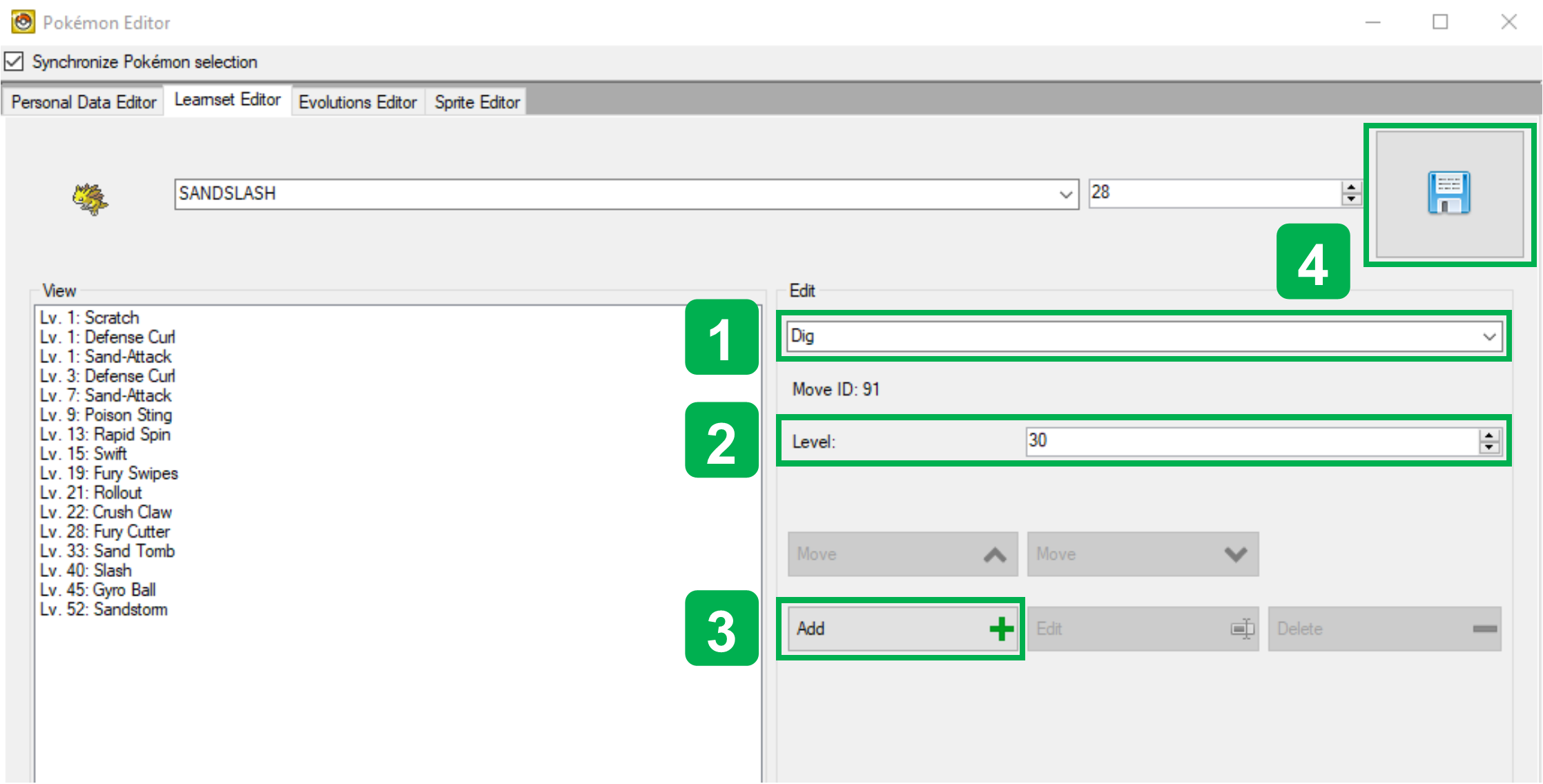 | 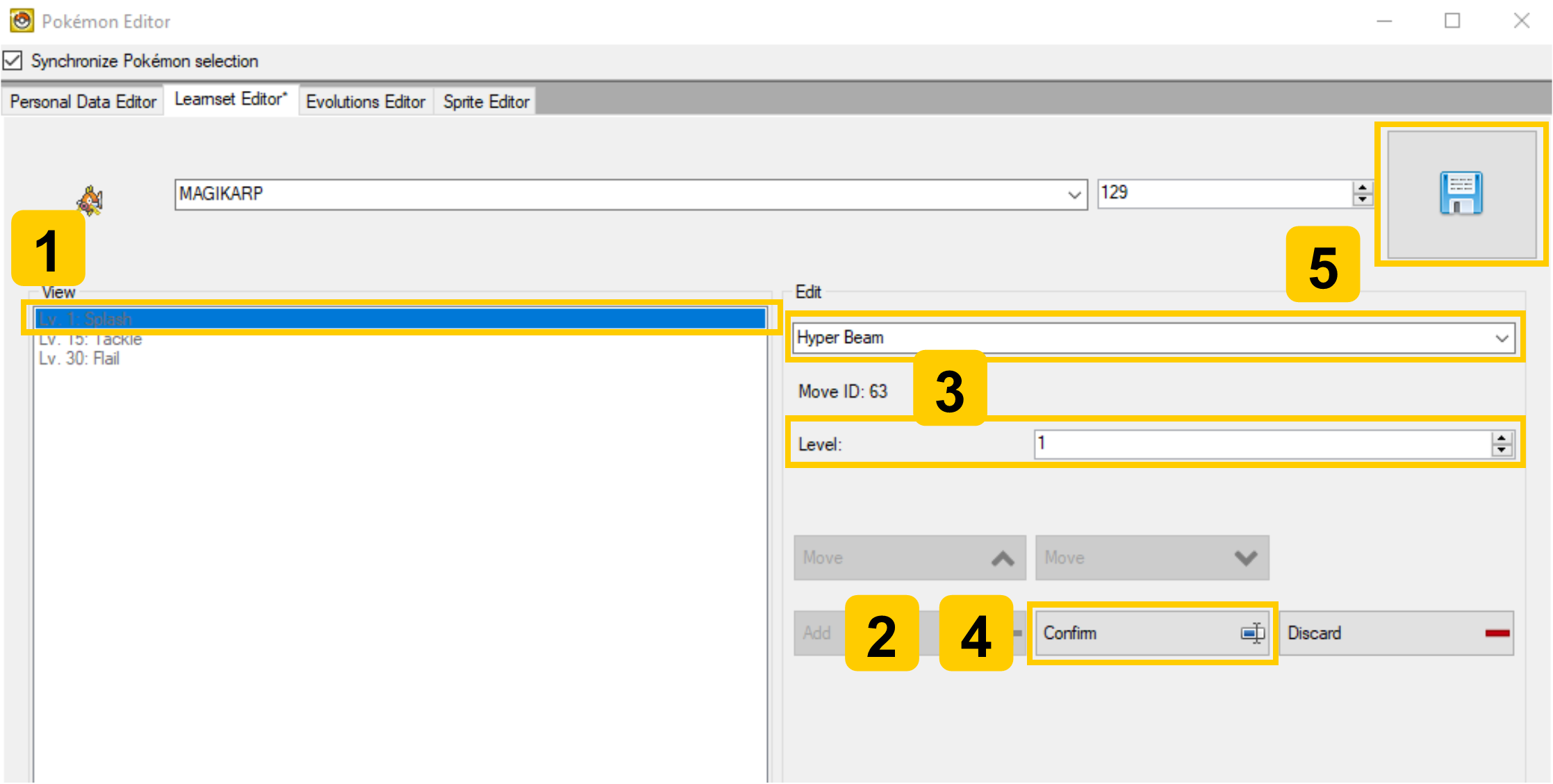 |
|
|
| Deleting an Existing Entry | Re-ordering Entries Learned at the same Level |
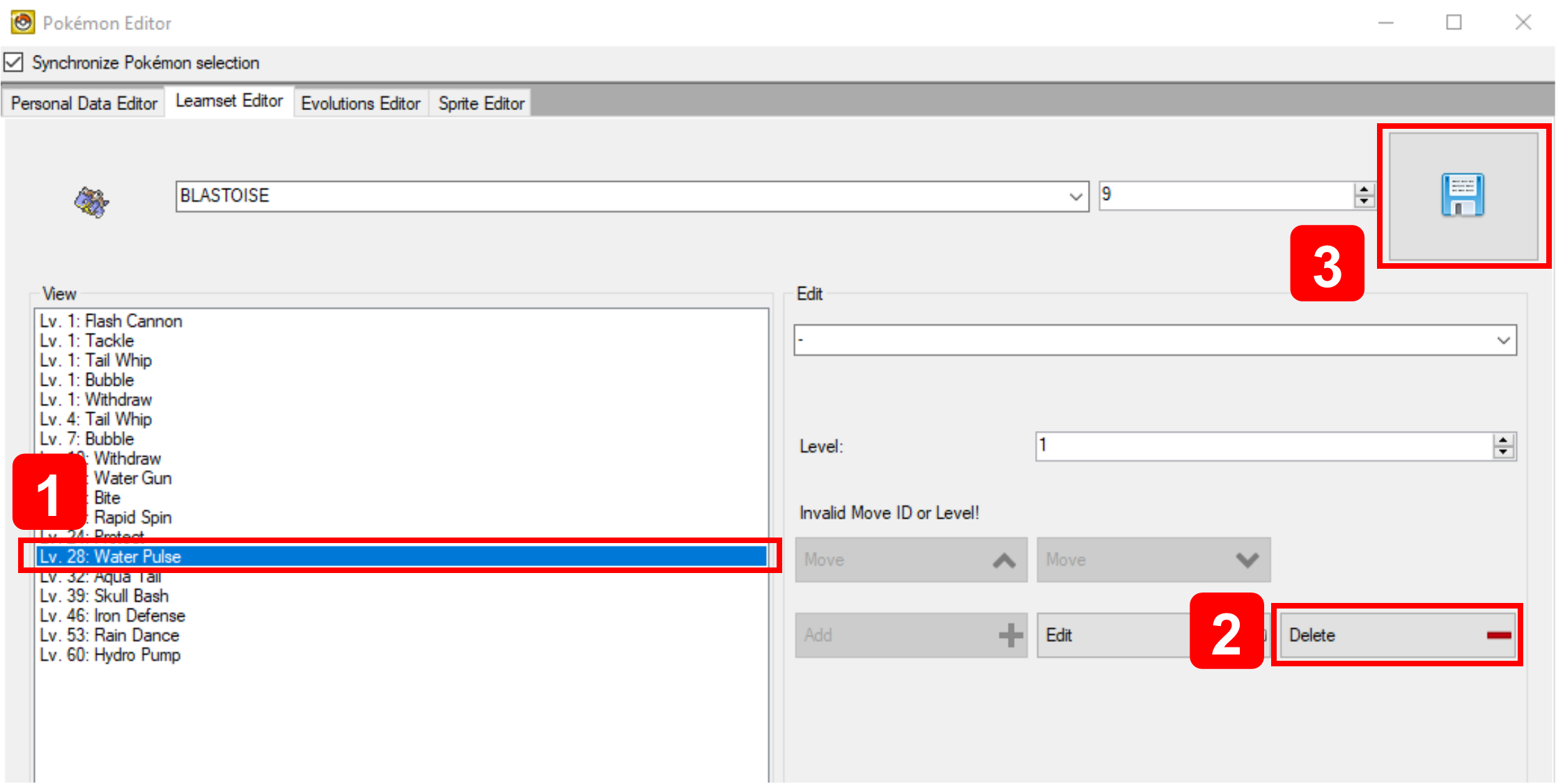 | 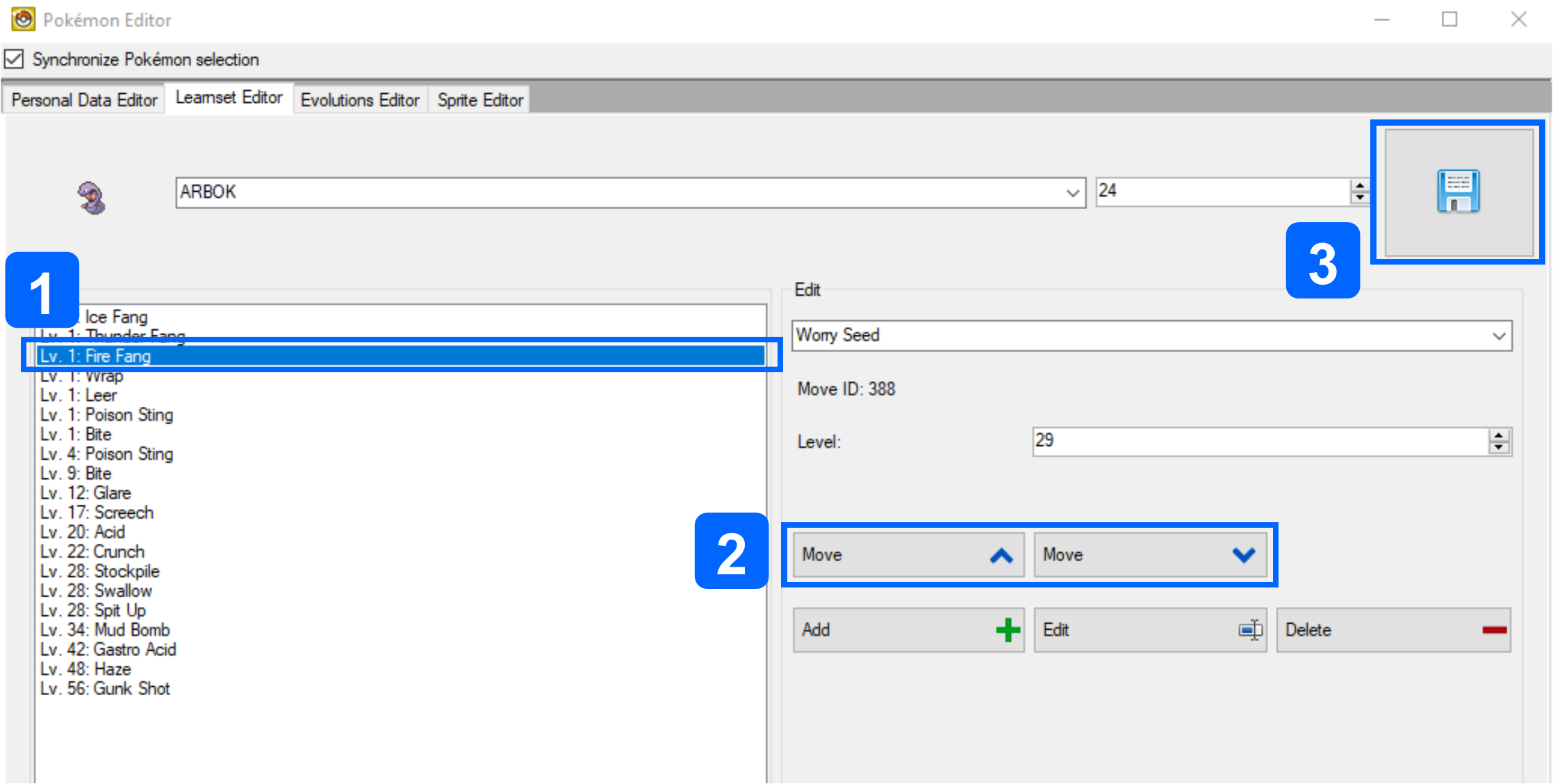 |
|
|
Maximum Move Threshold
In the Generation IV Pokémon games, level-up learnsets usually have a maximum of 20 entries. DSPRE can enable further entries to be added, but this causes issues, including when using the in-game move relearner for the affected Pokémon, either:
- Game crashes and/or
- Incomplete relearner lists to be populated
This upper limit can be edited with hex editing based on the research above for HGSS (Mikelan98), Platinum (BagBoy) & Diamond/Pearl (Chritchy & MrHam88), preventing the issues described above in the respective games.
The below table shows the required offsets for each game (US) version, the standard (or "vanilla") values at these offsets, an example of what they would be changed to to increase the limit from 20 to 30 moves, and a calculation that can be used to find any required custom value.
- The upper limit on these values is not known, but it has been sucessfully tested up to
40on a French Platinum ROM. - When making the hex edits, if the original offsets don't match the values in this table, validate that the ROM is based on a known good base ROM.
- The offsets for other regions can be found in the collapsible table below.
| Game Version | File | Offset(s) (US Version) | Standard Value (move limit = 20) | Example Value (move limit = 30) | Calculation |
|---|---|---|---|---|---|
| HeartGold/SoulSilver | arm9.bin | 0x712E00x7153E0x71908 | 2C (44 in decimal) | 40 (64 in decimal) | (move limit +2) ×2 |
0x917C40x917CE | 2A (42 in decimal) | 3E (62 in decimal) | (move limit +1) ×2 | ||
0x91858 | 15 (21 in decimal) | 1F (31 in decimal) | move limit +1 | ||
| Platinum | arm9.bin | 0x770280x772860x776680x998300x9983A | 2C (44 in decimal) | 40 (64 in decimal) | (move limit +2) ×2 |
0x998C4 | 16 (22 in decimal) | 20 (32 in decimal) | move limit +2 | ||
| Diamond/Pearl | arm9.bin | 0x695FC0x698220x69C040x88E560x88E5A | 2C (44 in decimal) | 40 (64 in decimal) | (move limit +2) ×2 |
0x88EE4 | 16 (22 in decimal) | 20 (32 in decimal) | move limit +2 |
Version-Specific Offsets
| Game Version | File | US | JP | FR | DE | IT | ES |
|---|---|---|---|---|---|---|---|
| HeartGold/SoulSilver | arm9.bin | 0x712E00x7153E0x71908 | 0x70D740x70FD20x7139C | 0x712E00x7153E0x71908 | 0x712E00x7153E0x71908 | 0x712E00x7153E0x71908 | 0x712D80x715360x71900 |
0x917C40x917CE | 0x90FFC0x91006 | 0x917C40x917CE | 0x917C40x917CE | 0x917C40x917CE | 0x917BC0x917C6 | ||
0x91858 | 0x91090 | 0x91858 | 0x91858 | 0x91858 | 0x91850 | ||
| Platinum | arm9.bin | 0x770280x772860x776680x998300x9983A | 0x769000x76B5E0x76F400x98F580x98F62 | 0x770C80x773260x777080x998D00x998DA | 0x770C80x773260x777080x998D00x998DA | 0x770C80x773260x777080x998D00x998DA | 0x770C80x773260x777080x998D00x998DA |
0x998C4 | 0x98FEC | 0x99964 | 0x99964 | 0x99964 | 0x99964 | ||
| Diamond/Pearl | arm9.bin | 0x695FC0x698220x69C040x88E560x88E5A | Unknown | 0x696580x6987E0x69C600x88EB20x88EB6 | 0x696580x6987E0x69C600x88EB20x88EB6 | 0x696380x6985E0x69C400x88E920x88E96 | 0x696580x6987E0x69C600x88EB20x88EB6 |
0x88EE4 | Unknown | 0x88F40 | 0x88F40 | 0x88F20 | 0x88F40 |
Technical & Hidden Machines (TMs & HMs)
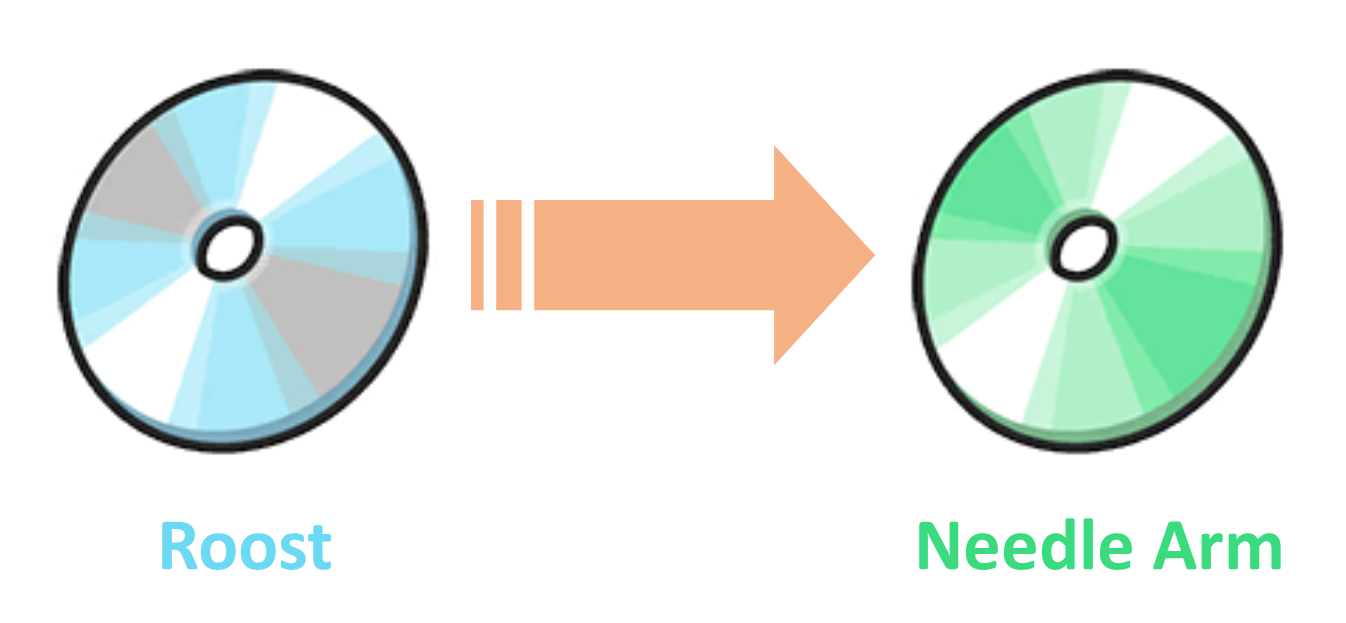
The following sections detail how to change the move that a TM teaches, and ensure that the learnsets of Pokémon are updated accordingly.
A case study example that uses all of these edits is outlined here
Editing the Move within a TM
Source(s): Mixone (2023) & Drayano (2021)
In order to change the move that a TM or HM teaches, two to four areas need editing in Generation IV Pokémon games, which previously had to be achieved with a mix of hex edits and DSPRE. However, as of DSPRE v1.14.2 all edits to TMs can be completed within the DSPRE user interface. The original hex editing methods are retained in collapsed sections for reference.
- Definition Edits (DSPRE/Hex editing):
- The move index number associated to the TM,
- The TM icon palette being used by the TM item (the colour of the 'disc') - necessary only when the type of the move is changed,
- Text Edits (DSPRE):
- The move description associated to the TM item (distinct from the move description), and
- Any NPC text or other text called by Scripts that reference the move - necessary only when the TM is given to the player with context (e.g. by a Gym Leader after their defeat).
Part 1: Definition Edits
- Open the ROM in DSPRE
- Navigate to the TM Editor (from the 'Other Editors' menu option) and select the TM number to be edited.
- Use the
Movedrop-down selector to choose the new move to be contained in the TM - Either:
- Manually select the new palette option if required.
- Click the
Auto Palettebutton to automatically assign the correct palette.
- Repeat steps 3 and 4 for any other TM changes required.
- Save the changes using the Save button.
- Save the ROM to
.ndsfile using DSPRE.
The
Auto Palette Allbutton can be used to correctly set the palettes of all TMs (based on their current move setting in the editor).
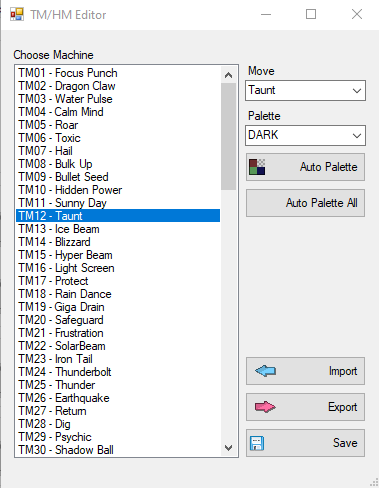
Part 1: Legacy hex edit methods for move index and TM icon palettes
Part 1: Hex Edits
- Uncompress ARM9 (if not already uncompressed)
- Open ARM9 in a hex editor
- Edit the move index number associated to the TM:
- Go to offset
0x1000CC(HGSS),0xF0BFC(Platinum) or0xF84EC(Diamond/Pearl), which is the offset for TM01.- Each TM uses two bytes in a list from this point onwards.
- This is Focus Punch (move index 264) in vanilla HGSS.
- The decimal number
264is0x108in hexadecimal, which is two bytes:01and08. - The values are represented in Little-Endian, meaning that the bytes are reversed, so this appears as
0801.
- Identify the TM you wish to edit, simply by counting through to reach the right offset.
- Replace the two bytes representing the vanilla move index, with the two bytes representing the move index you wish to replace it with.
- A simple method to identify the move index is to check the Bulbapedia page for moves by index.
- Go to offset
Version-Specific Offsets
| Version | US | JP | FR | DE | IT | ES |
|---|---|---|---|---|---|---|
| Diamond/Pearl Version | 0xF84EC | 0xFA458 | 0xF8530 | 0xF8500 | 0xF84A4 | 0xF853C |
| Platinum Version | 0xF0BFC | 0xF028C | 0xF0C84 | 0xF0C54 | 0xF0C18 | 0xF0C90 |
| HeartGold/SoulSilver Version | 0x1000CC | 0xFF84C | 0x1000B0 | 0x100080 | 0x100044 | 0x1000B4 |
-
Edit the TM icon palette used
- Open ARM9 in a hex editor
- Go to offset
0x100BD6(HGSS),0xF1706(Platinum) or0xF8FF6(Diamond/Pearl), which is the offset for TM01.- Each TM palette uses eight bytes in a list from this point onwards.
- The bytes for TM01 (Focus Punch) are:
8D 01 8E 01 21 01 33 01(in HGSS/Plat) - The third & fourth bytes refer to the palette (colour) of the TM disc as numbers from
8E 01(398) to9D 01(413) plus62 02(610) (bizarrely; for the Bug Type).
- Identify the TM you wish to edit.
- Replace the two bytes representing the vanilla type palette, with the two bytes representing the type palette you wish to replace it with.
-
Save ARM9
TM Item: Type Palettes
| Type | Palette |
|---|---|
| Fighting | 8E 01 |
| Dragon | 8F 01 |
| Water | 90 01 |
| Psychic | 91 01 |
| Normal | 92 01 |
| Poison | 93 01 |
| Ice | 94 01 |
| Grass | 95 01 |
| Fire | 96 01 |
| Dark | 97 01 |
| Steel | 98 01 |
| Electric | 99 01 |
| Ground | 9A 01 |
| Ghost | 9B 01 |
| Rock | 9C 01 |
| Flying | 9D 01 |
| Bug | 62 02 |
Part 2: Text Edits (DSPRE):
- Open the ROM in DSPRE
- Edit the TM item description
- Navigate to the Text Editor and select Text Archive
749(HGSS),646(Platinum) or587(Diamond/Pearl); which contains the descriptions for all moves. - Identify the move description you wish to change (the Message number relates directly to the move index) the TM to and copy the Message
- A simple method to identify the move index is to check the Bulbapedia page for moves by index.
- Navigate to the Text Editor and select Text Archive
221(HGSS),391(Platinum) or343(Diamond/Pearl); which contains the descriptions for all items. - Identify the TM you wish to edit by navigating to the message ID that matches the item index. TMs & HMs are indexes
328-427. A simple method to identify the index is to check the Bulbapedia page for Generation IV items by index. - Edit the Message to read the desired move description (previously copied).
- Save the Text Archive
- Navigate to the Text Editor and select Text Archive
- Edit NPC contextual texts
- Research/identify where the TM is acquired in the game (or where it is intended to be acquired in the ROM hack):
- Where it is acquired by collection as an overworld item, or from a PokéMart seller, it is likely no further edits are required.
- Where it is acquired as a gift from an NPC, there may be NPC texts that need adjustment.
- Use the search function of the Header Editor to open the relevant Header.
- Open the Text Archive associated to the Header
- Search the Text Archive for messages that refer to the TM contents and adjust as necessary.
- Save the Text Archive
- Research/identify where the TM is acquired in the game (or where it is intended to be acquired in the ROM hack):
- Save the ROM to
.ndsfile using DSPRE.
Where the TM is acquired as a gift from an NPC, there may be NPC texts that need adjustment. For example, a Gym Leader rewards the player with a TM after their defeat. In their scripted text, they will refer to the name of the move and give some description of, or advice on, it's use.
Editing a Pokémon's Machine Learnset
Whether simply to change the availability of a vanilla TM, or to adjust compatibility/distribution based on a change to the move contained within a TM, editing which Pokémon can learn the move contained in the TM is a simple change in DSPRE.
- Open the ROM in DSPRE
- Navigate to the Pokémon Editor (via the "Other Editors" dropdown as of version 1.13.1 of the tool).
- On the "Personal Editor" tab, select the Pokémon to have it's TM learnset edited.
- Move a TM from the "Disabled" list to the "Enabled" list to allow the Pokémon to be taught the move in the TM, or vice versa to prevent the Pokémon from being taught the move from the TM.
- Save the changes to the Pokémon.
- Repeat steps 3-5 for all required Pokémon.
- Save the ROM to
.ndsfile using DSPRE.
It may be useful to review public websites such as Bulbapedia or Serebii to easily identify which Pokémon can learn a move via TM and other means from the move's summary page.
Move Tutors
Source(s): Fantafaust, MapleDonut, Mixone, Solace, TurtleIsaac.
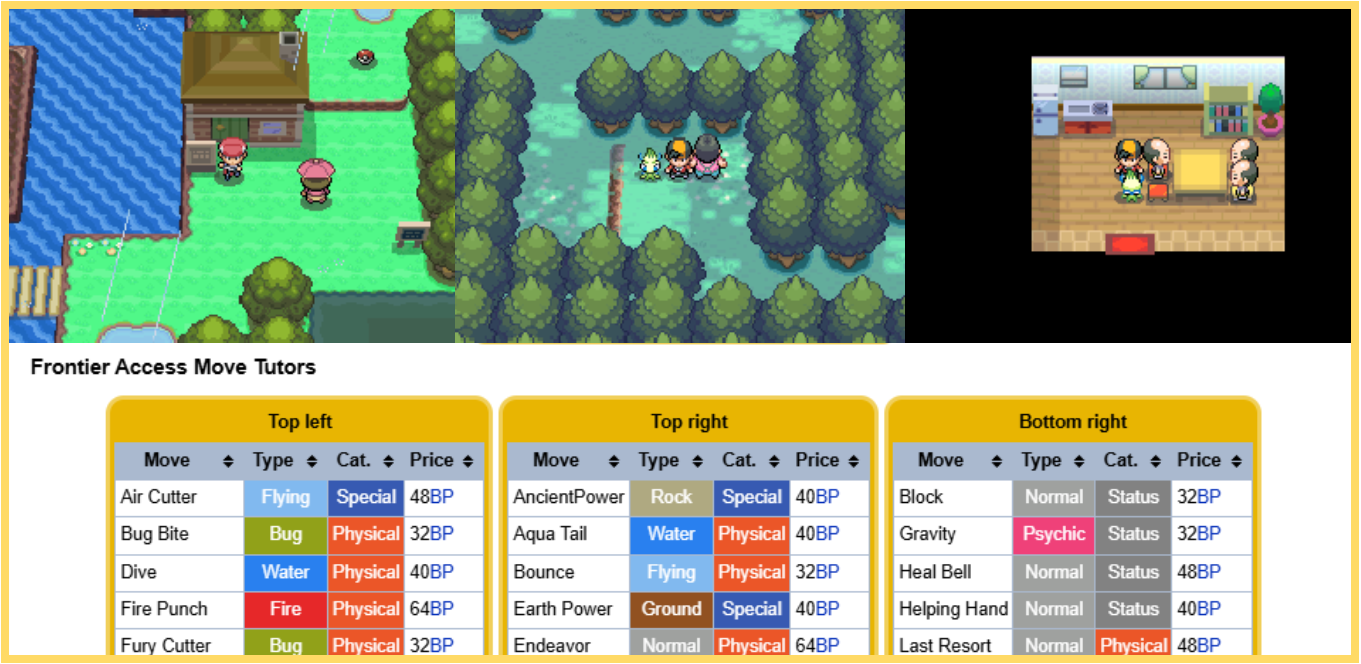
Move tutors are implemented in a number of different ways in the Generation IV Pokémon games, with some variation between games. There are two main varieties of move tutors, with some sub-types. The below table outlines the types as they are used in the vanilla games.
- Move Tutor by Pokémon Attributes
- Move Tutor by Compatibility & Special Currency
| ID | Method | Availability | Example | Description/Overview |
|---|---|---|---|---|
| 1A | Pokémon Attributes (Type & Happiness) | Diamond, Pearl, Platinum, HeartGold, SoulSilver | Draco Meteor tutor (DPPt: Route 210; HGSS: Blackthorn City) | This move tutor is fully implemented via scripting, that can be recreated/edited or adapted in DSPRE. The script uses known commands to check that the selection Pokémon has Type 16 (Dragon) as either it's primary or secondary Type, whether the Pokémon has maximum happiness, and whether the Pokémon does not already know the move Draco Meteor.If all checks are true, the move can be taught at no cost. |
| 1B | Pokémon Attributes (Pokémon ID & Happiness) | Diamond, Pearl, Platinum, HeartGold, SoulSilver | Elemental Beams tutor (DPPt: Route 228; HGSS: Blackthorn City) | This move tutor is fully implemented via scripting, that can be recreated/edited or adapted in DSPRE. The script uses known commands to check that the selection Pokémon has ID of one of a small number of values (for the fully evolved starter Pokémon), whether the Pokémon has maximum happiness, and whether the Pokémon does not already know the Type-specific Hyper Beam variant. If all checks are true, the move can be taught at no cost. Nb, incidentally, this script could probably be re-written to include the type check used in 1A to slightly streamline it. |
| 2A | Compatibility & Special Currency (Shards) | Platinum | Three Shard Tutors (Route 212, Snowpoint City, Survival Area) | This move tutor uses scripting, but also two tables of data stored in Overlay 5.bin, which define the available pool of moves that can be tutored, compatibility with each Pokémon, the prices and assigned tutors for each. |
| 2B | Compatibility & Special Currency (Battle Points) | HeartGold, SoulSilver | Three BP Tutors (Frontier Access) | This move tutor uses scripting, but also two tables of data stored in Overlay 1.bin and waza_oshie.bin, which define the available pool of moves that can be tutored, compatibility with each Pokémon, the prices and assigned tutors for each. |
| 2C | Compatibility & Special Currency (Free) | HeartGold, SoulSilver | Headbutt Tutor (Ilex Forest) | This move tutor uses scripting, and a Headbutt-specific command, but also two tables of data stored in Overlay 1.bin and waza_oshie.bin. |
Editing or Creating "Pokémon Attributes" Move Tutors
As described in the table above, move tutors which are driven by scripting to determine if a Pokémon meets certain criteria such as type, ID, happiness are available in all main series Generation IV Pokémon games, and require only scripting in DSPRE.
This means that creating new tutors is very straightforward using the vanilla scripts as a base, and it would even be possible to add checks for other Pokémon data attributes this way.
Editing "Compatibility & Special Currency" Move Tutors
While more complex, and involving hex edits, it is very possible to edit the more complex move tutors as well without significant re-pointing. In fact, in HGSS, there is even space to add up to 12 more moves that can be tutored (not the case in Platinum).
Since these tables only exist in Platinum, Heartgold & Soulsilver versions, these tutor methods are not available in Diamond & Pearl (without more significant work, possibly code injection).
There are some variations between versions, below will outline where edits are needed and how to define the desired results. All of these will require at least rudimentary hex editing skill. See this documentation to learn enough to proceed.
These instructions were written for the US versions of Platinum, HeartGold and SoulSilver.
The below download link is for a Microsoft Excel file which can be used to easily produce the required hex strings to change the Tutorable Moves (incl. Costs & Tutor IDs) & the Tutorable Moves (Pokémon Compatibility) data in both Platinum & HGSS. The following sections describe where these changes should be done and any other context.
Download the GenIV Move Tutor Hex Creator Spreadsheet
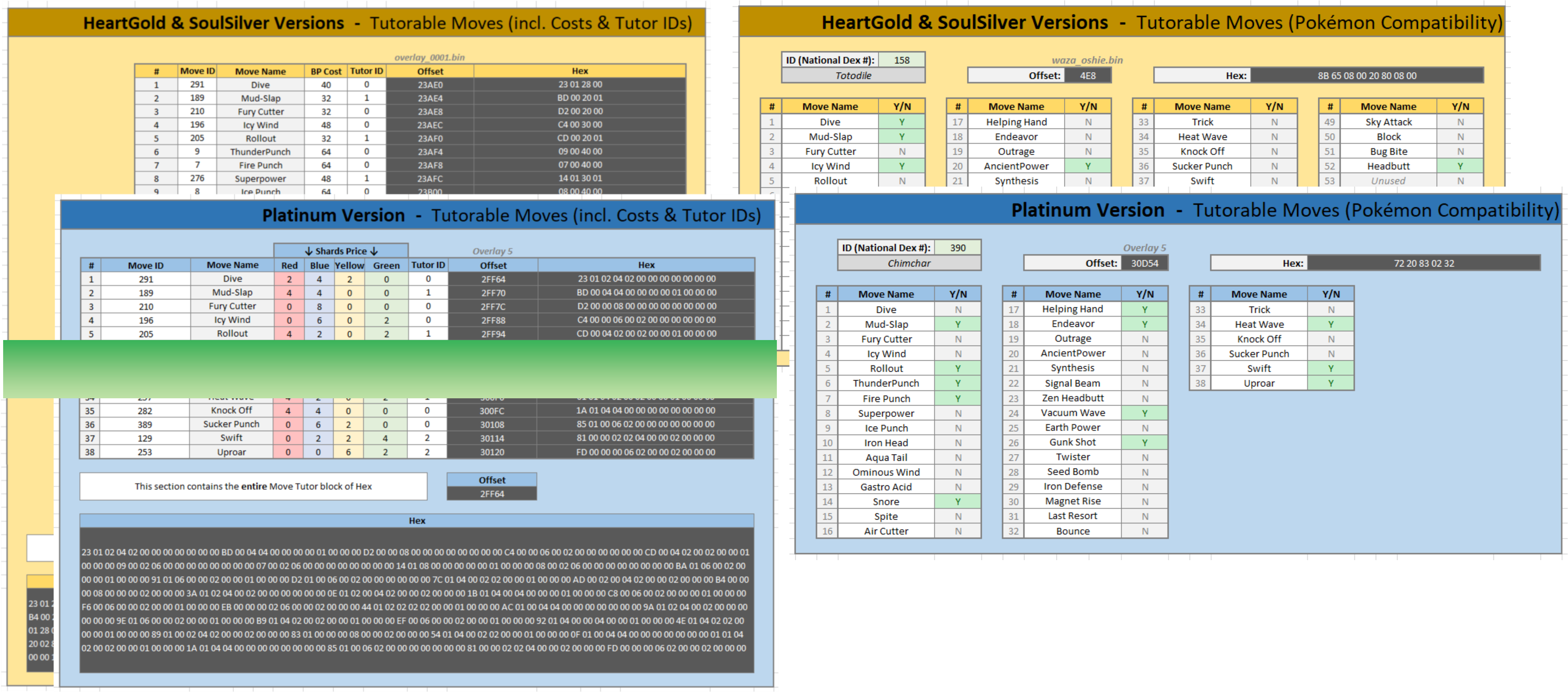
Type 2A (Platinum): Compatibility & Special Currency (Shards)
Source(s): MapleDonut, TurtleIsaac & Solace (2021); decomp data layout
All of the data exists in decompressed Overlay 5.bin, and edits can be made from an extracted file (as produced by DSPRE during unpacking, or via a program such as Tinke).
Move pool definition
The available pool of moves that can be tutored can be found at offset 0x2FF64 (and up to and including offset 0x3012B).
In platinum there are 38 used moves, each takes 12 bytes of space (plus two unused sets of bytes). A list of the moves available in the pool can be found in online sources such as Bulbapedia.
The format of the bytes is as follows:
XX XX RR BB YY GG 00 00 LL LL LL LL
Where:
XX XX: Move ID in hex (little endian, ie Move 1C3 would beC3 01)RR: Number of red shards required to tutor this move (red shards are used for Physical moves)BB: Number of blue shards required to tutor this move (blue shards are used for Special moves)YY: Number of yellow shards required to tutor this move (yellow shards are used for damaging or non-damaging moves with Status effects)GG: Number of green shards required to tutor this move (green shards have no specific correlation with move attributes)LL LL LL LL: Tutor ID as a four-byte little-endian value.00 00 00 00is the tutor on Route 212,01 00 00 00is the tutor in the Survival Area, and02 00 00 00is the tutor in Snowpoint City.
As an example, the first tutorable move is:
23 01 02 04 02 00 00 00 00 00 00 00
Meaning this is move ID 291 (Dive), costs 2 Red Shards, 4 Blue Shards, 2 Yellow Shards & 0 Green Shards, and is available at the tutor on Route 212.
To check understanding, look at the last tutorable move, and identify the required information:
FD 00 00 00 06 02 00 00 02 00 00 00
Interpretation of the hex above
This is move ID 253 (Uproar), costs 0 Red Shards, 0 Blue Shards, 6 Yellow Shards & 2 Green Shards, and is available at the tutor in Snowpoint City.
This knowledge can be used to change any of the moves that the tutors can (collectively) teach, the costs for the move in shards, and the specific tutor who can teach it.
Note that the Tutor ID simply relates to an input to the CheckLearnableTutorMoves script command. This means that the moves aren't tied to specific NPCs, locations etc., and it means that new Tutors could be defined by editing the Tutor ID parts of the available pool of moves. It is also worth noting that the pool could theoretically have multiple of the same move present, for example if you wanted Tutor ID 00 and a new Tutor ID 03 to both teach Ominous Wind, you could replace an unwanted move in the table with a second for Ominous Wind and a different Tutor ID.
For duplicate moves, the vanilla shard-payment command uses the cost from the first entry with that move ID, regardless of Tutor ID (decomp).
Pokémon compatibility
The compatibility table starts at offset 0x3012C. Each Pokémon uses 5 bytes; special forms use the IDs listed below (decomp).
The format of the bytes is as follows:
AA BB CC DD EE
Where:
AA: Binary true/false definition for tutorable moves 01-08BB: Binary true/false definition for tutorable moves 09-16CC: Binary true/false definition for tutorable moves 17-24DD: Binary true/false definition for tutorable moves 25-32EE: Binary true/false definition for tutorable moves 33-40 (only 33-38 are used)
The individual bytes must be interpreted seperately for accuracy.
As an example, if a Pokémon should be able to learn the 2nd & 3rd moves in the tutorable table AA must be 06, and not 60 as the "positions" are read right to left in binary. An example below, shows this in action:
- Compatible Moves: Mud-Slap (catalog position
2), Fury Cutter (catalog position3) - Binary:
0000 0110 - Hex:
06 - A binary to hex converter could be used to work this out, or the
BIN2HEXfunction in Microsoft Excel.
To find a Pokémon's offset in Excel, enter its National Dex ID (or special-form ID from the table below) in A1 and use =DEC2HEX(((A1-1)*5)+196908) in B1.
Pokémon IDs (Special Forms)
| Pokémon ID | Name/Form |
|---|---|
1-493 | National Dex ID for normal form |
494 | Deoxys (ATK) |
495 | Deoxys (DEF) |
496 | Deoxys (SPD) |
497 | Wormadam (SAND) |
498 | Wormadam (TRASH) |
499 | Giratina (ORIGIN) |
500 | Shaymin (SKY) |
501 | Rotom (HEAT) |
502 | Rotom (WASH) |
503 | Rotom (FROST) |
504 | Rotom (FAN) |
505 | Rotom (MOW) |
Type 2B (HGSS): Compatibility & Special Currency (Battle Points)
Move pool definition
Thanks to Fantafaust for related research which identifies the location of the move pool definition table in HGSS (
Overlay 1). See also the decomp table.
The available pool of moves that can be tutored can be found at offset 0x23AE0 (and up to and including offset 0x23BC7) in a decompressed Overlay 1 (DSPRE can be used to decompress this overlay).
In HGSS there are 52 used moves, each takes four bytes of space. There is space in Overlay 1 for six more moves to be defined (which are just present as 00 10 00 00 in the vanilla game). A list of the moves available in the pool can be found in online sources such as Bulbapedia.
The format of the bytes is as follows:
XX XX BB TT
Where:
XX XX: Move ID in hex (little endian, ie Move 1C3 would beC3 01)BB: Price in Battle PointsTT: Tutor ID.00is the top-left tutor,01is the top-right tutor and02is the bottom-right tutor, all in the house in the Frontier Access,03refers to the Headbutt tutor in Ilex Forest.
As an example, the first tutorable move is:
23 01 28 00
Meaning this is move ID 291 (Dive), costs 40 Battle Points, and is available at the top-left tutor.
To check understanding, look at the second-to-last (used) tutorable move, and identify the required information:
C2 01 20 00
Interpretation of the Hex above
This is move ID 450 (Bug Bite), costs 32 Battle Points, and is also available at the top-left tutor.
This knowledge can be used to change any of the moves that the tutors can (collectively) teach, the costs for the move in BP, and the specific tutor who can teach it.
Note that the Tutor ID simply relates to an input to the CheckLearnableTutorMoves script command. This means that the moves aren't tied to specific NPCs, locations etc., and it means that new Tutors could be defined by editing the Tutor ID parts of the available pool of moves. It is also worth noting that the pool could theoretically have multiple of the same move present, for example if you wanted Tutor ID 00 and a new Tutor ID 04 to both teach Ominous Wind, you could replace an unwanted move in the table with a second for Ominous Wind and a different Tutor ID.
For duplicate moves, the vanilla BP-price lookup uses the cost from the first entry with that move ID, regardless of Tutor ID (decomp).
When considering adding new Tutor IDs in HGSS, bear in mind that tutor ID 03 is used (the Headbutt tutor).
Pokémon compatibility
Source(s): Mixone (2024); decomp data format
The compatibility table is in fielddata/wazaoshie/waza_oshie.bin, starting at offset 0x0 and covering the entire file. Each Pokémon uses 8 bytes; special forms use the IDs listed below.
The format of the bytes is as follows: AA BB CC DD EE FF GG HH, where:
AA: Binary true/false definition for tutorable moves 01-08BB: Binary true/false definition for tutorable moves 09-16CC: Binary true/false definition for tutorable moves 17-24DD: Binary true/false definition for tutorable moves 25-32EE: Binary true/false definition for tutorable moves 33-40FF: Binary true/false definition for tutorable moves 41-48GG: Binary true/false definition for tutorable moves 49-56 (only 49-52 are used, 53-56 are present, but unused)HH: Binary true/false definition for tutorable moves 57-64 (only 57-58 are present, but unused)
The individual bytes must be interpreted seperately for accuracy.
As an example, if a Pokémon should be able to learn the 2nd & 3rd moves in the tutorable table AA must be 06, and not 60 as the "positions" are read right to left in binary. The example below, taken from Mixone's reseach shows this in action:
- Compatible Moves: Mud-Slap (catalog position
2), Fury Cutter (catalog position3) - Binary:
0000 0110 - Hex:
06 - A binary to hex converter could be used to work this out, or the
BIN2HEXfunction in Microsoft Excel.
To find a Pokémon's offset in Excel, enter its National Dex ID (or special-form ID from the table below) in A1 and use =DEC2HEX((A1-1)*8) in B1.
Pokémon IDs (Special Forms)
| Pokémon ID | Name/Form |
|---|---|
1-493 | National Dex ID for normal form |
494 | Deoxys (ATK) |
495 | Deoxys (DEF) |
496 | Deoxys (SPD) |
497 | Wormadam (SAND) |
498 | Wormadam (TRASH) |
499 | Giratina (ORIGIN) |
500 | Shaymin (SKY) |
501 | Rotom (HEAT) |
502 | Rotom (WASH) |
503 | Rotom (FROST) |
504 | Rotom (FAN) |
505 | Rotom (MOW) |
Type 2C: Compatibility & Special Currency (Free)
The Ilex Forest tutor teaches Headbutt (move ID 29, position 52 in the move pool, tutor ID 3). It uses the compatibility table described in Type 2B. To make it teach a different move, its script must also be edited; changing the move pool alone is not enough (decomp).
This is achieved through a very specific command CheckHeadbuttCompatibility which inherently checks for tutorable moves with tutor ID = 03. It is possible to use the same command along with the AdrsValueSet command to create other one move tutors, or even different uses. An example of this implementation is Fantafaust's HM Integration, which is used to perform compatibility checks for a HM-replacement system.
Creating New Move Tutors
With the information documented above, it is possible to create new move tutors, by utilising unused Tutor IDs (for both Platinum & HGSS). In HGSS it is easily possible to define six more moves that can be tutored, using the available space in the existing table in Overlay 1. Existing commonscripts can be copied/replicated to create new tutors that use the same purchasing mechanisms (shards or BP). It is also easily possible to use the same move tutor data to develop tutors that have more unique/complex logic controlling availability/purchase of the tutorable moves with custom scripting.
In HGSS, the Event and Script data of the move tutors in the Frontier Access can be reviewed to find that a small series of commonscripts are used to drive their dialogue & options. Adding a new tutor that uses (for example Tutor ID 04), can be achieved by following these steps:
- Update the Tutorable Moves data (
Overlay 1) to include moves that are aligned to Tutor ID04(Details here; hex creator tool here). - Update the Pokémon Compatibility data (
waza_oshie.bin) to set the compatibility for the newly added moves (Details here; hex creator tool here). - Locate the last move tutor commonscript (file 2, Script 3). Copy the script and paste it as Script 4, editing the
SetVarcommands for variables32768&32775to change the value the variable is set to (2) to4, for example:
Script 4:
 	SetVar 32768 4
 	SetVar 16399 24
	SetVar 32775 4
Jump Function#1
- Copy the script used by one of the move tutors from the house in the Frontier Access, alter the commonscript called to be the correct (Script 4 in file 2 is
10443).
Script 999:
	PlayFanfare SEQ_SE_CONFIRM
	LockAll
	FacePlayer
	CommonScript 10443
	ReleaseAll
End
In Platinum, this is slightly more involved, as commonscripts aren't utilised, the functions are within the Script files of the tutors themselves. In these cases, copying the relevant scripts & functions of the tutor, and directly changing the Tutor ID parameters of the CheckLearnableTutorMoves and ShowTutorMovesList commands (command names are as of DSPRE Organisation SCRCMD, DSPRE v1.14.0).
- Update the Tutorable Moves data to include moves that are aligned to Tutor ID
04(Details here; hex creator tool here). - Update the Pokémon Compatibility data to set the compatibility for the newly added moves (Details here; hex creator tool here).
- Locate one of the vanilla move tutor scripts & functions. Copy the script and all functions to the required script file, editing the Tutor ID parameters of the
CheckLearnableTutorMovesandShowTutorMovesListcommands to4.
Nb, if multiple tutors are being created in Platinum, setting up some commonscripts to function as per HGSS may be a sensible approach to make the process of calling them when required easier.
Egg Moves
Source(s): BluRose, Lhea, RefinedPlat (2023)
Egg moves are moves that can be learned by a Pokémon via breeding which are not moves that the hatched Pokémon would normally learn at level 1, moves that the hatched Pokémon could learn by level up, compatible moves that the male parent Pokémon learned from a TM.
When breeding for moves, Egg Moves are the last priority to be override existing moves, so if a hatched Pokémon could learn an Egg Move, it will definitely be learned. When determining the moves of a child Pokémon, the following sequence is followed, where at each stage if there are no empty move slots, the move to be learned overrides the slot after the last move chosen in this way.
- Level 1 moves.
- Moves that the child learns by level up, if both parents have them.
- Any compatible TM or HM moves known by the father.
- Any Egg Moves known by the father.
Definition
These moves are specifically defined for every Pokémon species that can legally hatch from an egg. This point specifically, is important to note for any ROM hacks where species that cannot normally be hatched from an egg, have been changed to allow this.
To illustrate this, here are a few examples:
- The game holds Egg Move data for Bulbasaur, but does not hold Egg Move data for Ivysaur or Venusaur.
- The game holds Egg Move data for Mantine, and does hold (different) Egg Move data for Mantyke.
- The game holds Egg Move data for Pichu, but does not hold Egg Move data for Pikachu or Raichu.
- The game holds no Egg Move data for Beldum, Metang or Metagross.
The data is continuous (when one species data ends the next begins, regardless of the quantity of Egg Moves) and arranged in the following way:
## ## AA AA BB BB ... PP PP
Where:
## ##- is the Pokémon's index (National Pokedex ID) + 20,000 (e.g. Bulbasaur is 20,001 or21 4Ein Little Endian hex).AA AA- is the first Egg Move's move index (e.g. Light Screen is 113 or71 00in Little Endian hex).BB BB- is the second Egg Move's move index.
...PP PP- is the last (up to sixteenth) Egg Move's move index.
Some additional notes:
- Pokémon species who are hatched only when parents breed holding an Incense item (e.g. Mantyke) have different Egg Move data to the species that would hatch of the Incense was not used (e.g. Mantine).
- There is a single "special" Egg move that is not defined in this data either: Pichu learning Volt Tackle if one of the parent Pikachu are holding a Light Ball.
- The Egg Moves are not defined in any meaningful or consistent relative order for different species (e.g. Magical Leaf is defined earlier in the list than Ingrain for Bulbasaur, but later in the list for Bellsprout).
- Each Pokémon species can have a maximum of 16 Egg Moves defined.
Location
| Game Version | Location | Offset(s) |
|---|---|---|
| HeartGold/SoulSilver | /a/2/2/9 | 0x0 |
| Platinum | Overlay 5 | 0x29222 |
| Diamond/Pearl | Overlay 5 | 0x20668 |
Version-Specific Offsets
| Version | US | JP | FR | DE | IT | ES | Length |
|---|---|---|---|---|---|---|---|
| Diamond/Pearl Version | 0x20668 | 0x21654 | 0x20620 | 0x20620 | 0x20620 | 0x20620 | 0xEEA |
| Platinum Version | 0x29222 | 0x29012 | 0x2922A | 0x2923E | 0x29232 | 0x2922A | 0xEEC |
Because the data is held in its own NARC for HGSS, it is easily editable and expandable, however for Diamond, Pearl & Platinum versions this data is held within an overlay with no space for expansion in-situ.
It is relatively straightforward to update/change existing entries, for example changing an Egg Move from 'x' move to 'y' move for a species. It is also simple to add new entries in HGSS, but the table would need re-pointing to add more (total) entries (without replacing existing data) in Diamond, Pearl or Platinum versions. Without re-pointing the table, entries could be added in these versions as long as the length of the total egg move data remained the same (i.e. removing other entries).
Example Case Studies
This section contains a number of specific step-by-step instructions to achieve specific outcomes. This can be used exactly as-is to produce working results, but is intended to provide working examples of the various techniques and tutorials detailed above. Specifically how editing a move can involve many techniques to "seamlessly" complete.
The majority of these tutorials are written using Pokémon HeartGold Version as the base ROM. The detailed sections above include all the information needed to adjust these for other Gerneration IV Pokémon games.
Two-turn > One-turn Move (Razor Wind)
In this case study, the move Razor Wind will be changed from a two-turn move to a single-turn stat recoil move: a mechanical clone of Leaf Storm.
This will be completed in a Pokémon HeartGold Version ROM, and will comprise of three steps:
- Edit the move effect and attributes/data
- Edit the move description texts
- Edit the move animation (so that the entire animation is seen on a single turn)
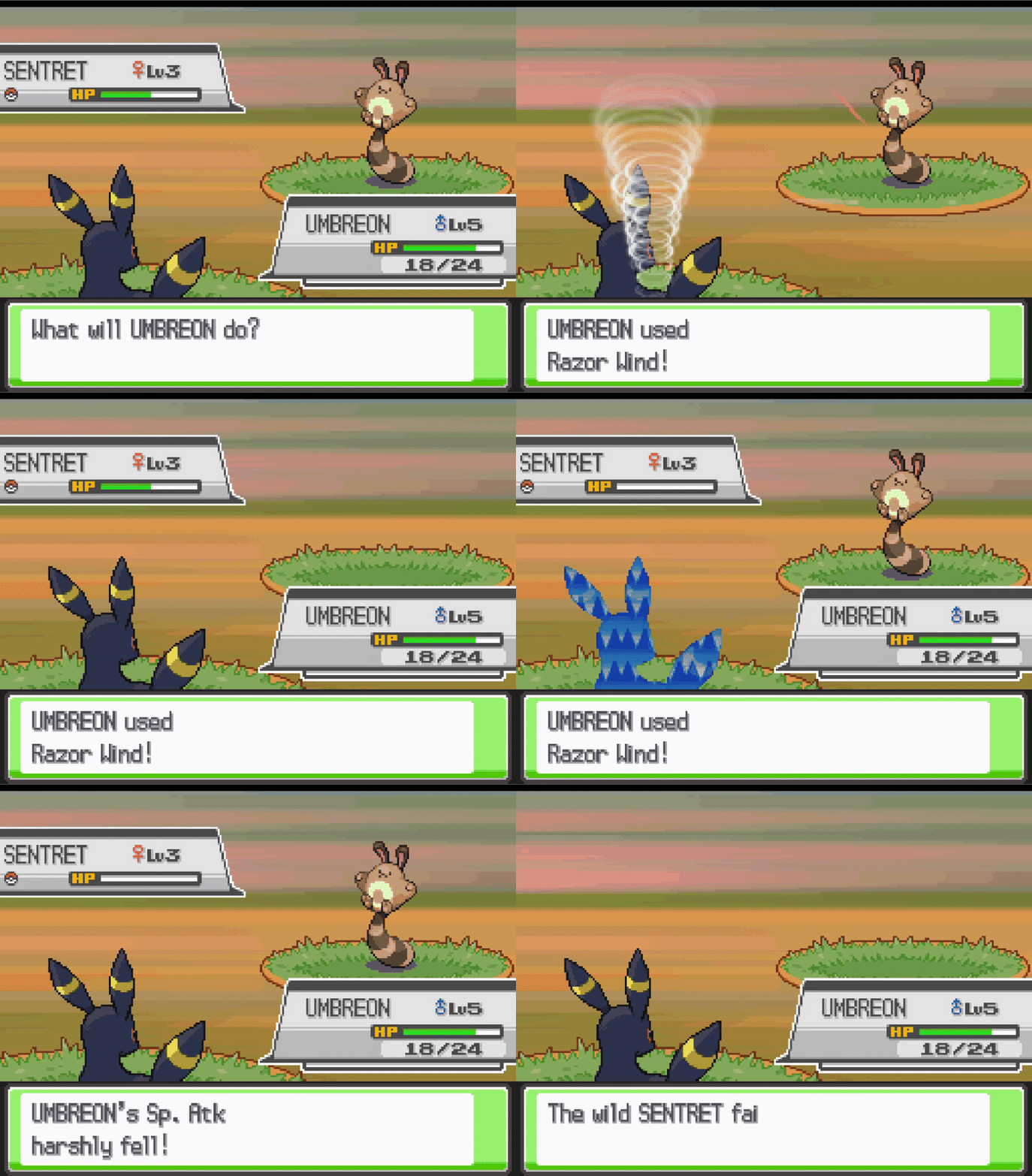
Step 1: Move Effect & Attributes
- Open DSPRE & load the ROM
- Open the
Move Data Editorfrom theOther Editorstoolbar option - Select the move
Leaf Stormand make a note of the configuration:- Effect Sequence:
204 - Power:
120 - Accuracy:
100 - PP:
5 - Side Effect Probability:
100
- Effect Sequence:
- Select the move
Razor Windand update the configuration to include the above (and anything else desirable, in this example the type is also changed to Flying). - Click the
Savebutton
Step 2: Move Description
- Open the
Text Editorfrom the main toolbar - Use the search function to find the move description, taking a small part of the text (as displayed in the Move Data Editor), e.g. "Blades of wind"
- Update the message to include a more accurate description (while retaining appropriate line breaks), for example changing the vanilla:
A two-turn attack.\nBlades of wind hit the\nfoe on the second\nturn. It has a high\ncritical-hit ratio.to something like:Blades of wind hit\nthe foe. The attack’s\nrecoil sharply\nreduces the user’s\nSp. Atk stat.
- Click the
Save Current Archivebutton - Click the
Save ROMbutton from the main toolbar to apply the changes to a.ndsROM file.
Step 3: Move Animation
- Open WazaEffectEditor (for HGSS in this case)
- Select the move Razor Wind.
- Remove the initial
CheckTurncommand andEndlines. - Remove the duplicated elements of the remaining two sections (each representing the animation on one turn)
- Everything from
InittoCmd_3cand fromWaitAnimtoEndare common across both elements, so the second set of these can be removed.
- Everything from
- Merge the remaining elements as they should be animated:
- Each
LoadAnimcommands should be retained in the order that exist in. In this case, the desired outcome is for the first animation to finish before the next starts, so theWaitcommands should be kept after each. - Insert the
PlaySoundfrom the first turn element just before theWaitSoundandWaitfrom the second turn element. - Insert the
ApplyCmdcommands, - Discard the excess
Wait
- Each
- Click the
Save Currentbutton to save the Animation script. - Save the ROM from the File option on the toolbar.
The changes are now complete, and can be tested in-game. Below are examples of the changes in DSPRE & WazaEffectEditor.
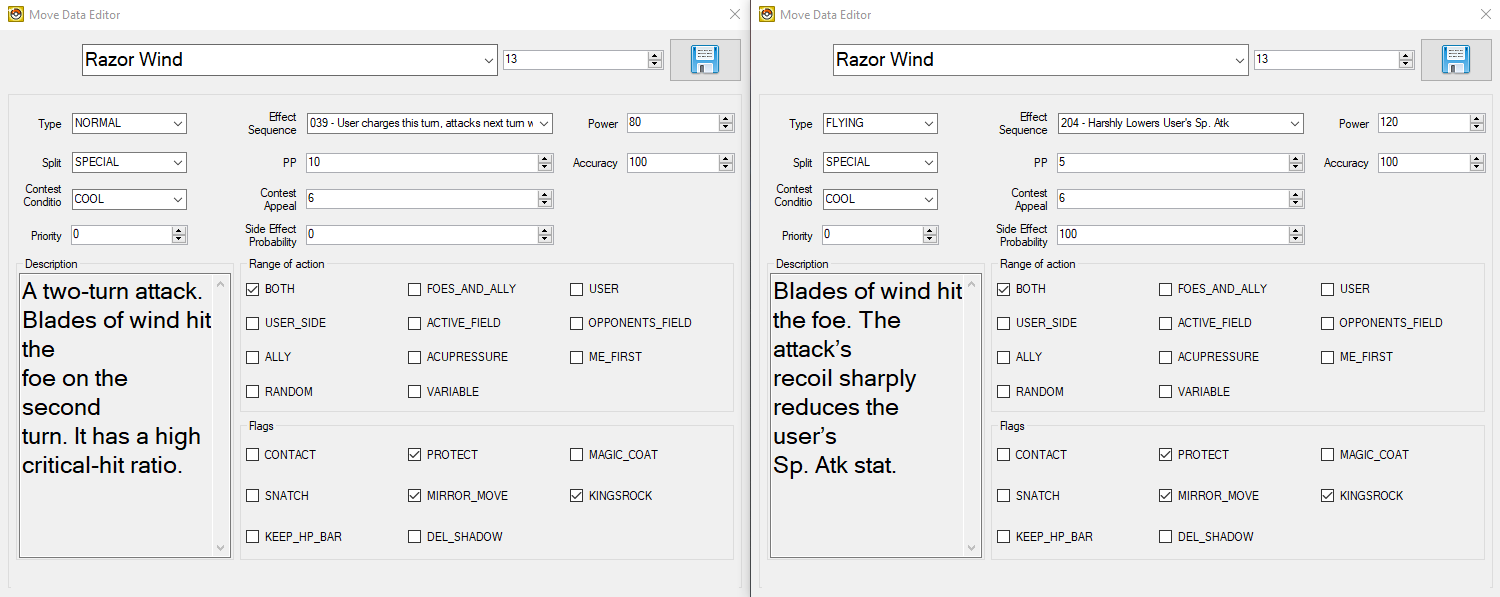
Razor Wind (WazaEffectEditor vanilla)
CheckTurn 0x3 0x3f
End
Init
Cmd_39 0x0
Cmd_39 0x1
Cmd_39 0x2
Cmd_39 0x3
Cmd_3a 0x4 0x0 0x0 0x0
Cmd_3a 0x5 0x0 0x1 0x1
Cmd_3a 0x6 0x0 0x2 0x2
Cmd_3a 0x7 0x0 0x3 0x3
ApplyCmd 0x4e 0x1 0x0
SetPlayAnim 0x0 0x2c 0x1
Cmd_3b
Cmd_3c 0x0
Cmd_3c 0x1
Cmd_3c 0x2
Cmd_3c 0x3
LoadAnim 0x0 0x1 0x3
Wait 0xa
PlaySound 0x72d 0xffffff8b
Wait 0xa
WaitAnim
Cmd_35 0x0
End
Init
Cmd_39 0x0
Cmd_39 0x1
Cmd_39 0x2
Cmd_39 0x3
Cmd_3a 0x4 0x0 0x0 0x0
Cmd_3a 0x5 0x0 0x1 0x1
Cmd_3a 0x6 0x0 0x2 0x2
Cmd_3a 0x7 0x0 0x3 0x3
ApplyCmd 0x4e 0x1 0x0
SetPlayAnim 0x0 0x2c 0x1
Cmd_3b
Cmd_3c 0x0
Cmd_3c 0x1
Cmd_3c 0x2
Cmd_3c 0x3
LoadAnim 0x0 0x0 0x14
WaitSound 0x73b 0x75 0x5
Wait 0xa
ApplyCmd 0x24 0x5 0x3 0x0 0x1 0x2 0x108
ApplyCmd 0x24 0x5 0x3 0x0 0x1 0x2 0x110
WaitAnim
Cmd_35 0x0
End
Razor Wind (WazaEffectEditor custom one-turn)
Init
Cmd_39 0x0
Cmd_39 0x1
Cmd_39 0x2
Cmd_39 0x3
Cmd_3a 0x4 0x0 0x0 0x0
Cmd_3a 0x5 0x0 0x1 0x1
Cmd_3a 0x6 0x0 0x2 0x2
Cmd_3a 0x7 0x0 0x3 0x3
ApplyCmd 0x4e 0x1 0x0
SetPlayAnim 0x0 0x2c 0x1
Cmd_3b
Cmd_3c 0x0
Cmd_3c 0x1
Cmd_3c 0x2
Cmd_3c 0x3
LoadAnim 0x0 0x1 0x3
Wait 0xa
LoadAnim 0x0 0x0 0x14
Wait 0xa
PlaySound 0x72d 0xffffff8b
WaitSound 0x73b 0x75 0x5
Wait 0xa
ApplyCmd 0x24 0x5 0x3 0x0 0x1 0x2 0x108
ApplyCmd 0x24 0x5 0x3 0x0 0x1 0x2 0x110
WaitAnim
Cmd_35 0x0
End
One-turn > Two-turn Move (Solar Blade)
In this case study, the move Leaf Blade will be changed from a one-turn move with high critical hit chance to a two-turn sun-powered move: a mechanical (but Physical) clone of Solar Beam. In this case the power, accuracy & PP of the move will be as-per Solar Beam, alternatively, the later generation values for these could be used.
This will be completed in a Pokémon HeartGold Version ROM, and will comprise of four steps:
- Edit the move effect and attributes/data
- Edit the move description texts
- Edit the move animation (so that the charging animation from Solar Beam is seen on turn one, and the Leaf Blade animation on turn two)
- Edit the required Pokémon learnsets
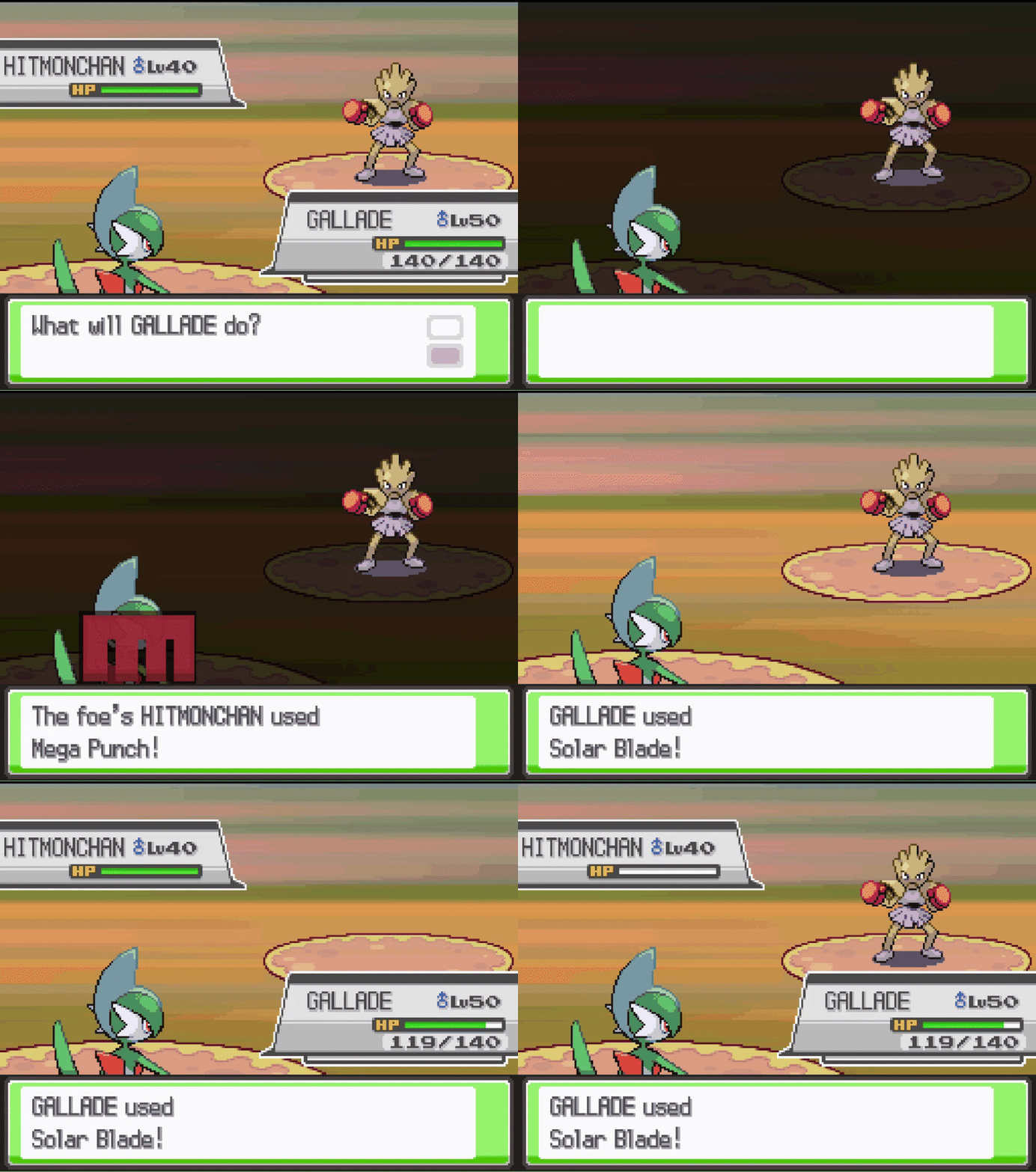
Step 1: Move Effect & Attributes
- Open DSPRE & load the ROM
- Open the
Move Data Editorfrom theOther Editorstoolbar option - Select the move
Solar Beamand make a note of the configuration:- Effect Sequence:
151 - Power:
120 - Accuracy:
100 - PP:
10 - Side Effect Probability:
0
- Effect Sequence:
- Select the move
Leaf Bladeand update the configuration to include the above (and anything else desirable). - Click the
Savebutton
Step 2: Move Description
- Open the
Text Editorfrom the main toolbar - Use the search function to find the move description, taking a small part of the text (as displayed in the Move Data Editor), e.g. "a sharp leaf"
- Update the message (
349) to include a more accurate description (while retaining appropriate line breaks), for example changing the vanilla:The foe is slashed\nwith a sharp leaf.\nIt has a high\ncritical-hit ratio.\nto something like:A two-turn attack.\nThe user gathers\nlight, then slashes\nthe foe on the\nsecond turn.
- Click the
Save Current Archivebutton - Click the
Save ROMbutton from the main toolbar to apply the changes to a.ndsROM file.
Step 3: Move Animation
- Open WazaEffectEditor (for HGSS in this case)
- Select the move Solar Beam, and copy the initial and first-turn elements of the animation script (from
Initto the secondEnd). - Select the move Solar Blade (previously Leaf Blade), paste the copied script at the beginning of the existing Leaf Blade script.
- Click the
Save Currentbutton to save the Animation script. - Save the ROM from the File option on the toolbar.
Step 4: Adjust Learnsets
In this example, the Pokémon which learn the move will remain as-per Leaf Blade, including any that may learn via methods such as Egg Moves. However, the levels that these Pokémon learn the move will be altered to reflect the new power level of the updated move.
- Consult a source material to identify all Pokémon in the game which learn Leaf Blade by level up.
- Open DSPRE & load the ROM (from the
.ndsfile to ensure animation changes are included) - Decide which learnsets to adjust, in this example Grovyle & Sceptile's level-up learnsets will be adjusted (and Victreelbel, Bellossom, Leafeon & Gallade will remain as-is).
- Open the
Pokémon Editorfrom theOther Editorstoolbar option, switch to theLearnset Editortab. - Select Grovyle and the move
Solar Bladeat level29, click Edit. - Enter a new level to be learned (e.g.
39), click Confirm. - Click the Save button.
- Repeat steps 5-7 for Sceptile.
- Click the
Save ROMbutton from the main toolbar to apply the changes to a.ndsROM file.
The changes are now complete, and can be tested in-game. Below are examples of the changes in DSPRE & WazaEffectEditor.
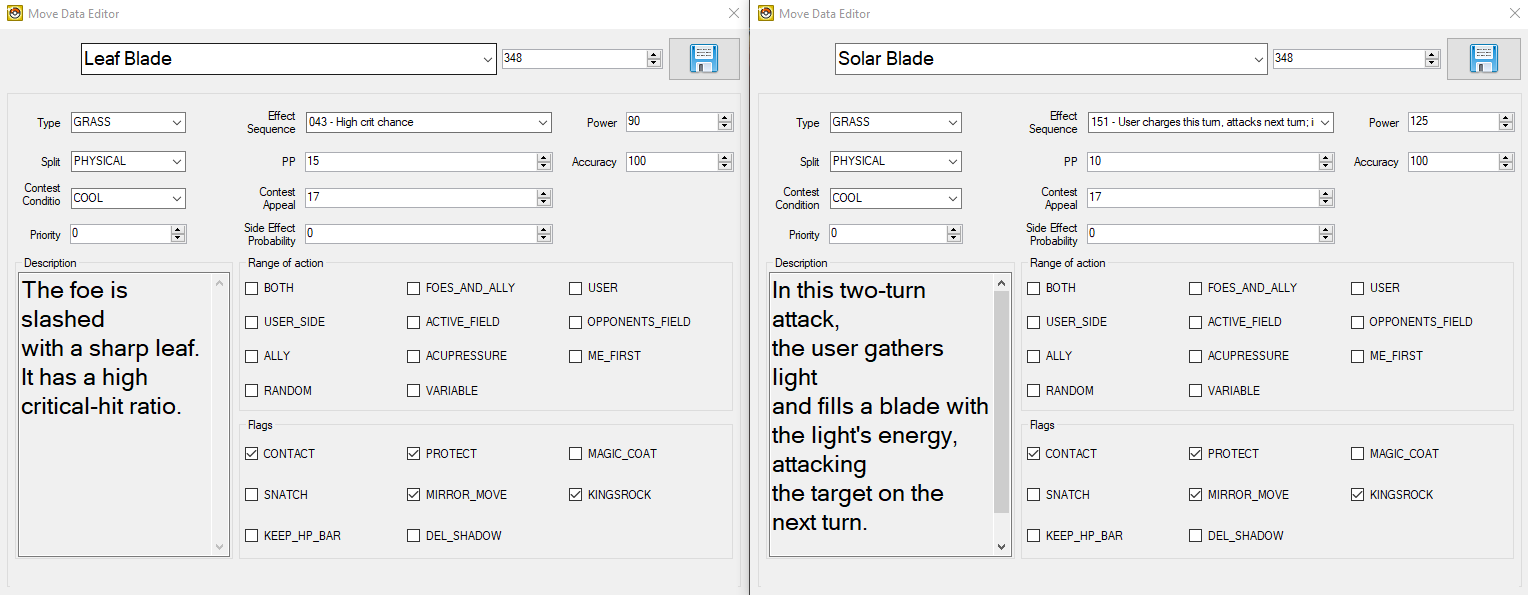
Leaf Blade (WazaEffectEditor vanilla)
Init
Cmd_39 0x0
Cmd_39 0x1
Cmd_39 0x2
Cmd_39 0x3
Cmd_3a 0x4 0x0 0x0 0x0
Cmd_3a 0x5 0x0 0x1 0x1
Cmd_3a 0x6 0x0 0x2 0x2
Cmd_3a 0x7 0x0 0x3 0x3
ApplyCmd 0x4e 0x1 0x0
SetPlayAnim 0x0 0x16e 0x1
Cmd_3b
Cmd_3c 0x0
Cmd_3c 0x1
Cmd_3c 0x2
Cmd_3c 0x3
LoadAnim 0x0 0x2 0x4
LoadAnim 0x0 0x3 0x4
LoadAnim 0x0 0x4 0x4
LoadAnim 0x0 0x1 0x4
LoadAnim 0x0 0x0 0x4
RepeatSound 0x779 0x75 0x2 0x7
Wait 0x1e
ApplyCmd 0x24 0x5 0x2 0x0 0x1 0x2 0x108
Wait_Func
WaitAnim
Cmd_35 0x0
End
Solar Beam (WazaEffectEditor vanilla)
Init
Cmd_39 0x0
Cmd_39 0x1
Cmd_39 0x2
Cmd_39 0x3
Cmd_3a 0x4 0x0 0x0 0x0
Cmd_3a 0x5 0x0 0x1 0x1
Cmd_3a 0x6 0x0 0x2 0x2
Cmd_3a 0x7 0x0 0x3 0x3
ApplyCmd 0x4e 0x1 0x0
SetPlayAnim 0x0 0x6b 0x1
Cmd_3b
Cmd_3c 0x0
Cmd_3c 0x1
Cmd_3c 0x2
Cmd_3c 0x3
CheckTurn 0x3 0x2d
End
ApplyCmd 0x21 0x5 0x0 0x1 0x0 0xc 0x0
Wait_Func
LoadAnim 0x0 0x13 0x3
Wait 0xa
PlaySound 0x841 0xffffff8b
Wait 0x14
ApplyCmd 0x22 0x6 0x2 0x0 0x2 0x33ff 0xa 0x0
WaitAnim
Cmd_35 0x0
Wait_Func
ApplyCmd 0x21 0x5 0x0 0x1 0xc 0x0 0x0
Wait_Func
End
ApplyCmd 0x21 0x5 0x0 0x1 0x0 0xc 0x0
Wait_Func
LoadAnim 0x0 0x0 0x3
LoadAnim 0x0 0x8 0x3
LoadAnim 0x0 0x9 0x3
Wait 0x5
SomethingSound 0x7a6 0xffffff8b 0x75 0x4 0x2
Wait 0xf
LoadAnim 0x0 0xa 0x4
LoadAnim 0x0 0xb 0x4
LoadAnim 0x0 0x1 0x4
Wait 0x5
ApplyCmd 0x22 0x6 0x8 0x0 0x2 0x33ff 0xe 0x0
ApplyCmd 0x24 0x5 0x4 0x0 0x1 0xc 0x108
WaitAnim
Cmd_35 0x0
ApplyCmd 0x21 0x5 0x0 0x1 0xc 0x0 0x0
Wait_Func
End
Solar Blade (WazaEffectEditor custom two-turn)
Init
Cmd_39 0x0
Cmd_39 0x1
Cmd_39 0x2
Cmd_39 0x3
Cmd_3a 0x4 0x0 0x0 0x0
Cmd_3a 0x5 0x0 0x1 0x1
Cmd_3a 0x6 0x0 0x2 0x2
Cmd_3a 0x7 0x0 0x3 0x3
ApplyCmd 0x4e 0x1 0x0
SetPlayAnim 0x0 0x6b 0x1
Cmd_3b
Cmd_3c 0x0
Cmd_3c 0x1
Cmd_3c 0x2
Cmd_3c 0x3
CheckTurn 0x3 0x2d
End
ApplyCmd 0x21 0x5 0x0 0x1 0x0 0xc 0x0
Wait_Func
LoadAnim 0x0 0x13 0x3
Wait 0xa
PlaySound 0x841 0xffffff8b
Wait 0x14
ApplyCmd 0x22 0x6 0x2 0x0 0x2 0x33ff 0xa 0x0
WaitAnim
Cmd_35 0x0
Wait_Func
ApplyCmd 0x21 0x5 0x0 0x1 0xc 0x0 0x0
Wait_Func
End
Init
Cmd_39 0x0
Cmd_39 0x1
Cmd_39 0x2
Cmd_39 0x3
Cmd_3a 0x4 0x0 0x0 0x0
Cmd_3a 0x5 0x0 0x1 0x1
Cmd_3a 0x6 0x0 0x2 0x2
Cmd_3a 0x7 0x0 0x3 0x3
ApplyCmd 0x4e 0x1 0x0
SetPlayAnim 0x0 0x16e 0x1
Cmd_3b
Cmd_3c 0x0
Cmd_3c 0x1
Cmd_3c 0x2
Cmd_3c 0x3
LoadAnim 0x0 0x2 0x4
LoadAnim 0x0 0x3 0x4
LoadAnim 0x0 0x4 0x4
LoadAnim 0x0 0x1 0x4
LoadAnim 0x0 0x0 0x4
RepeatSound 0x779 0x75 0x2 0x7
Wait 0x1e
ApplyCmd 0x24 0x5 0x2 0x0 0x1 0x2 0x108
Wait_Func
WaitAnim
Cmd_35 0x0
End
+2 Accuracy Status Move (Sharp Eyes)
In this case study, the move Mind Reader will be changed from a guaranteed next turn hits status move to a increase accuracy by two stages status move. Much of the move attributes and data will be aligned to similar status moves like Calm Mind, Agility etc.
This will be completed in a Pokémon HeartGold Version ROM, and will comprise of five steps:
- Fix unused stat-changing move effect scripts
- Edit the move effect and attributes/data
- Edit the move description texts
- Edit the move animation (copying the Glare animation)
- Edit the required Pokémon learnsets
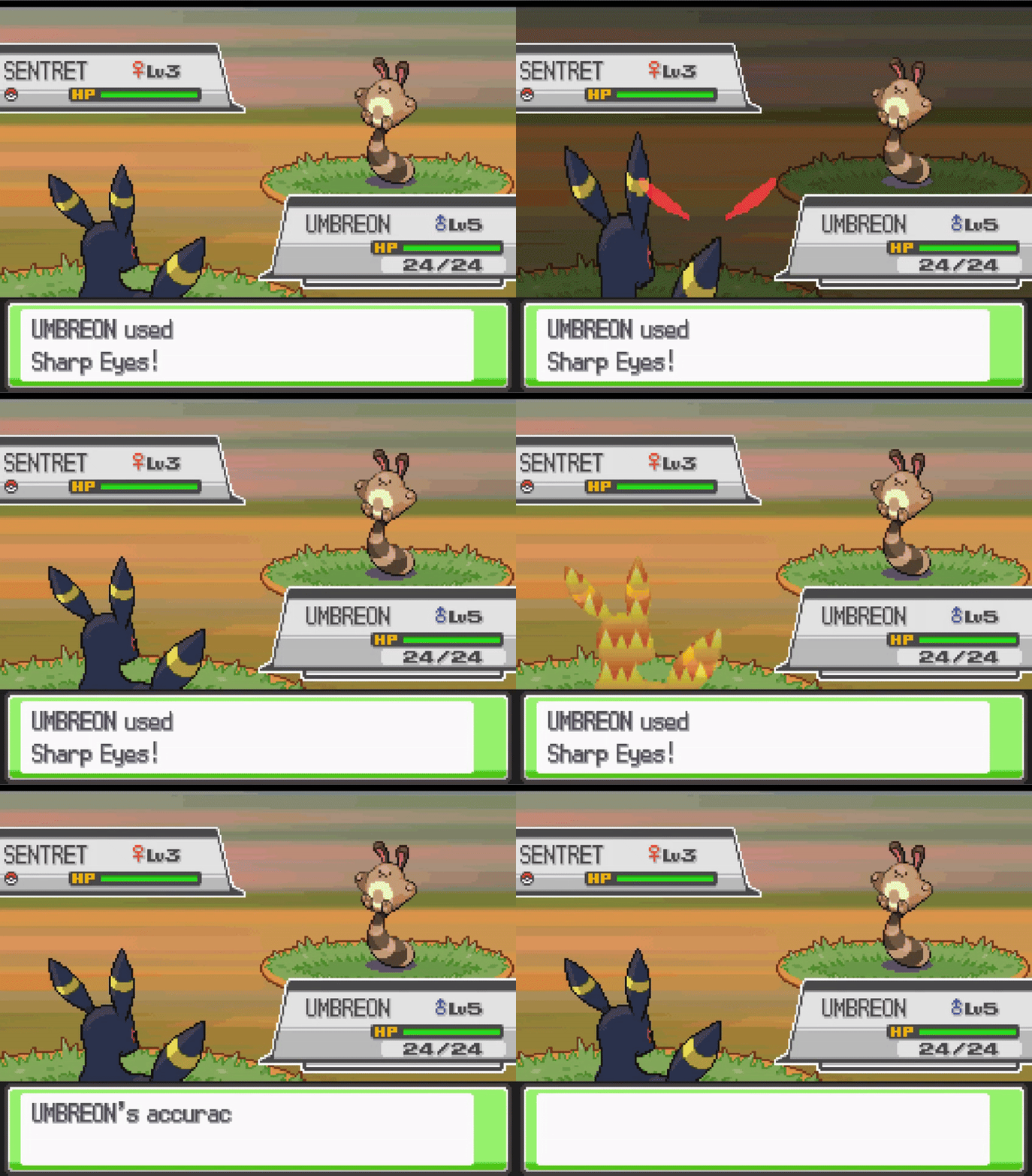
Step 1: Fix Unused Stat-Changing Move Effect Scripts
- Follow the steps here to correct the "non-implemented" move effect scripts (specifically move effect script
55).
Step 2: Move Effect & Attributes
- Open DSPRE & load the ROM
- Open the
Move Data Editorfrom theOther Editorstoolbar option - Select the move
Mind Readerand make the following configuration changes:- Effect Sequence:
055 - Type:
Dark - Range:
USER - PP:
30 - Contest Appeal:
11 - Flags:
SNATCHKEEP_HP_BAR
- Effect Sequence:
- Click the
Savebutton
Step 3: Move Description
- Open the
Text Editorfrom the main toolbar - Use the search function to find the move description, taking a small part of the text (as displayed in the Move Data Editor), e.g. "foe's movements"
- Update the message (
170) to include a more accurate description (while retaining appropriate line breaks), for example changing the vanilla:The user senses the\nfoe’s movements\nwith its mind to\nensure its next\nattack does not miss.to something like:The user’s predatory\neyesight focuses\non its targets.\nIt sharply boosts\nthe Accuracy stat.
- Click the
Save Current Archivebutton - Click the
Save ROMbutton from the main toolbar to apply the changes to a.ndsROM file.
Step 4: Move Animation
- Open WazaEffectEditor (for HGSS in this case)
- Select the move Glare, and copy entire animation script.
- Select the move Sharp Eyes (previously Mind Reader)
- Delete everything after the final
Cmd_3c. - Paste the copied script in place of the deleted elements.
- Delete everything after the final
- Click the
Save Currentbutton to save the Animation script. - Save the ROM from the File option on the toolbar.
Step 5: Adjust Learnsets
In this example, the Pokémon which learn the move will be changed to limit the new move to some specific Pokémon, and Egg Move learnsets will also be adjusted.
- Consult a source material to identify all Pokémon in the game which learn Mind Reader by level up.
Level-Up Learnset Changes
- Open DSPRE & load the ROM (from the
.ndsfile to ensure animation changes are included) - Decide which new Pokémon will learn this move, and at what level, in this example we will add the move to the learnsets of some "predatory" Pokémon such as Sneasel, Spinarak, Kabuto, Hoothoot and their evolutions.
- Open the
Pokémon Editorfrom theOther Editorstoolbar option, switch to theLearnset Editortab. - Select Sneasel, choose the move
Sharp Eyes, and enter the level it will be learned at. - Click Add and click the Save button.
- Repeat steps 5-6 for any other Pokémon that will learn the new move.
- Decide which Pokémon that did learn
Mind Reader, which will no longer learnSharp Eyes. In this example the move will be replaced with the effectiveMind Readerclone:Miracle Eye(though they could also be removed from the learnset), we will perform this substitution for Meditite and Medicham. - Select Meditite and the move
Sharp Eyesat level18, click Edit. - Enter a new move to be learned (e.g.
Miracle Eye), click Confirm. - Click the Save button.
- Repeat steps 9-11 for any other Pokémon that will learn
Miracle Eyeinstead ofSharp Eyesthe new move. - Click the
Save ROMbutton from the main toolbar to apply the changes to a.ndsROM file.
Egg Move Learnset Changes
- Decide which new Pokémon will learn
Sharp Eyesas an Egg Move, and which that did learnMind Readerwill no longer. In this example Surskit will no longer learnSharp Eyesvia breeding (Egg Move), butEeveewill. This one-to-one swap could be accomplished on any Generation IV version. - Using DSPRE, unpack the egg move NARC
/a/2/2/9, resulting in a single hex file (if following this example in Platinum or Diamond/Pearl, refer to this section for the relevant Overlay & Offset to edit instead). - Using a hex editor such as HxD, open the file and find Surskit's data:
- Surskit's National Dex ID + 20000 =
20283, or0x4F3Bin hex. This means that the hex string3B 4Fis the marker for Surskit's data.
- Surskit's National Dex ID + 20000 =
- Find the bytes that relate to it being able to learn
Sharp Eyes, which are very soon after Surskit's marker, and before the next Pokémon's marker (i.e. another very large hex number). The move ID is170, or0xAAin hex, this means that the hex stringAA 00is the notation for this move compatibility. - Delete those bytes.
- Now find Eevee's data:
- Eevee's National Dex ID + 20000 =
20133, or0x4EA5in hex. This means that the hex stringA5 4Eis the marker for Eevee's data.
- Eevee's National Dex ID + 20000 =
- Add the bytes required (
AA 00) for move ID170anywhere after Eevee's marker, and before the next Pokémon's marker (i.e. another very large hex number). This could be immediately after theA5 4Ebytes, as order does not matter in this list. - Save the file.
- Move any backup files created by the hex editor out of the folder.
- Using DSPRE, pack the egg move NARC from the edited folder, remove the
.narcfile extension and override the original NARC file with this updated one. - Open DSPRE & load the ROM from the contents folder.
- Click the
Save ROMbutton from the main toolbar to apply the changes to a.ndsROM file.
The changes are now complete, and can be tested in-game. Below are examples of the changes in DSPRE & WazaEffectEditor.
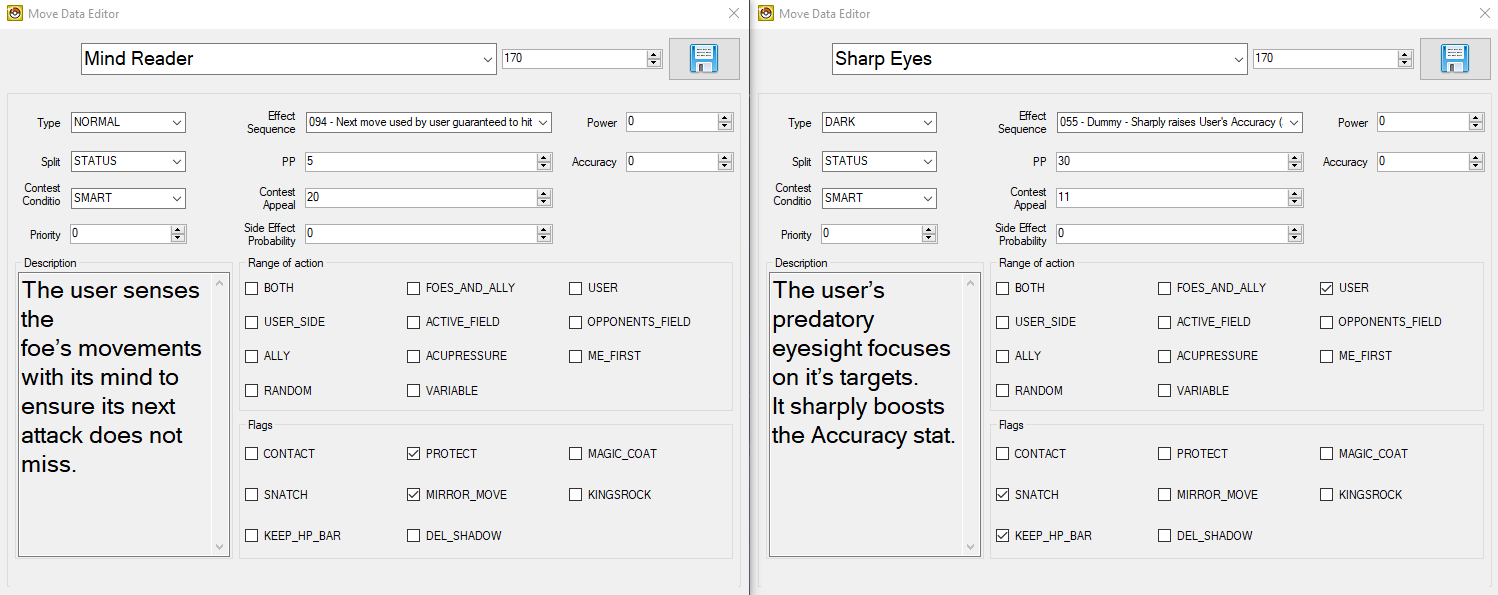
Glare (WazaEffectEditor vanilla)
ApplyCmd 0x21 0x5 0x0 0x1 0x0 0xc 0x0
Wait_Func
Cmd_49 0x0 0x1 0x1 0x1 0x1 0x1 0x0 0x0
Cmd_4a 0x0 0x6
Cmd_4b 0x0 0x6 0x1
Cmd_4c 0x0 0x6
Cmd_4d 0x0 0x6
Cmd_4e 0x0 0x7 0x6 0x6 0x6 0x6 0x0 0x0 0x0
Wait 0x8
PlaySound 0x78d 0x0
Wait_Func
Cmd_50 0x0
ApplyCmd 0x21 0x5 0x0 0x1 0xc 0x0 0x0
Wait_Func
End
Sharp Eyes (WazaEffectEditor custom)
Init
Cmd_39 0x0
Cmd_39 0x1
Cmd_39 0x2
Cmd_39 0x3
Cmd_3a 0x4 0x0 0x0 0x0
Cmd_3a 0x5 0x0 0x1 0x1
Cmd_3a 0x6 0x0 0x2 0x2
Cmd_3a 0x7 0x0 0x3 0x3
ApplyCmd 0x4e 0x1 0x0
SetPlayAnim 0x0 0xbf 0x1
Cmd_3b
Cmd_3c 0x0
Cmd_3c 0x1
Cmd_3c 0x2
Cmd_3c 0x3
ApplyCmd 0x21 0x5 0x0 0x1 0x0 0xc 0x0
Wait_Func
Cmd_49 0x0 0x1 0x1 0x1 0x1 0x1 0x0 0x0
Cmd_4a 0x0 0x6
Cmd_4b 0x0 0x6 0x1
Cmd_4c 0x0 0x6
Cmd_4d 0x0 0x6
Cmd_4e 0x0 0x7 0x6 0x6 0x6 0x6 0x0 0x0 0x0
Wait 0x8
PlaySound 0x78a 0xffffff8b
WaitSound 0x78a 0xffffff8b 0x1e
WaitAnim
Cmd_35 0x0
ApplyCmd 0x21 0x5 0x0 0x1 0xc 0x0 0x0
Wait_Func
End
Move with -1 Evasion Side Effect (Constrict)
In this case study, the move Constrict will be changed to have a guaranteed one stage drop to evasion, and an increase to base power to become a mechanical clone of Mud-Slap.
This will be completed in a Pokémon HeartGold Version ROM, and will comprise of three steps:
- Fix unused stat-changing move effect scripts
- Edit the move effect and attributes/data
- Edit the move description texts
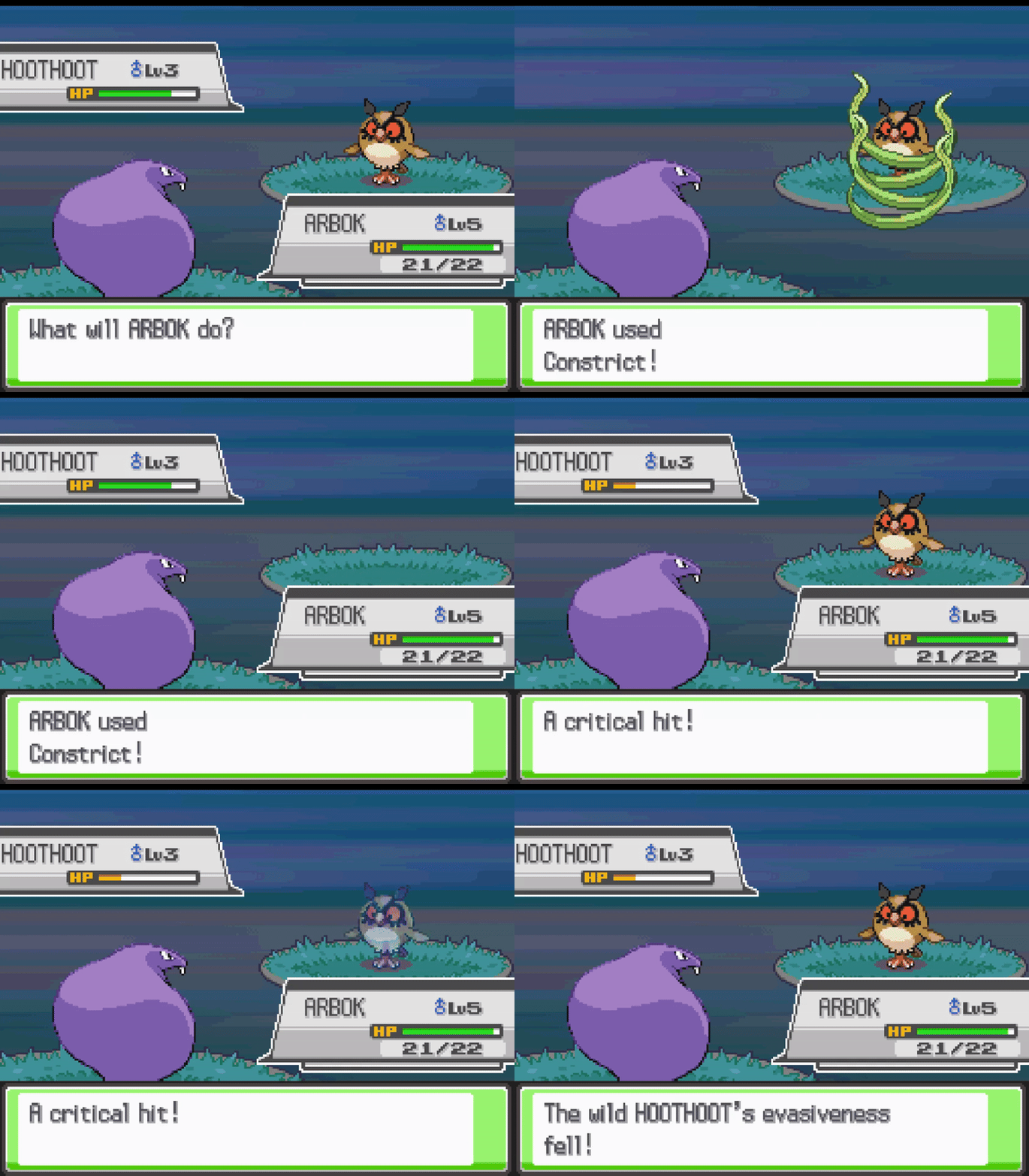
Step 1: Fix Unused Stat-Changing Move Effect Scripts
- Follow the steps here to correct the "non-implemented" move effect scripts (specifically move effect script
74).
Step 2: Move Effect & Attributes
- Open DSPRE & load the ROM
- Open the
Move Data Editorfrom theOther Editorstoolbar option - Select the move
Mind Readerand make the following configuration changes:- Effect Sequence:
055 - Type:
Dark - Range:
USER - PP:
30 - Contest Appeal:
11 - Flags:
SNATCHKEEP_HP_BAR
- Effect Sequence:
- Click the
Savebutton
Step 3: Move Description
- Open the
Text Editorfrom the main toolbar - Use the search function to find the move description, taking a small part of the text (as displayed in the Move Data Editor), e.g. "foe's movements"
- Update the message (
132) to include a more accurate description (while retaining appropriate line breaks), for example changing the vanilla:The foe is attacked\nwith long, creeping\ntentacles or vines.\nIt may also lower the\ntarget’s Speed.to something like:The foe is attacked\nwith long tentacles,\nvines or threads\nwhich lower the\ntarget’s Evasion.
- Click the
Save Current Archivebutton - Click the
Save ROMbutton from the main toolbar to apply the changes to a.ndsROM file.
The changes are now complete, and can be tested in-game. Below are examples of the changes in DSPRE.
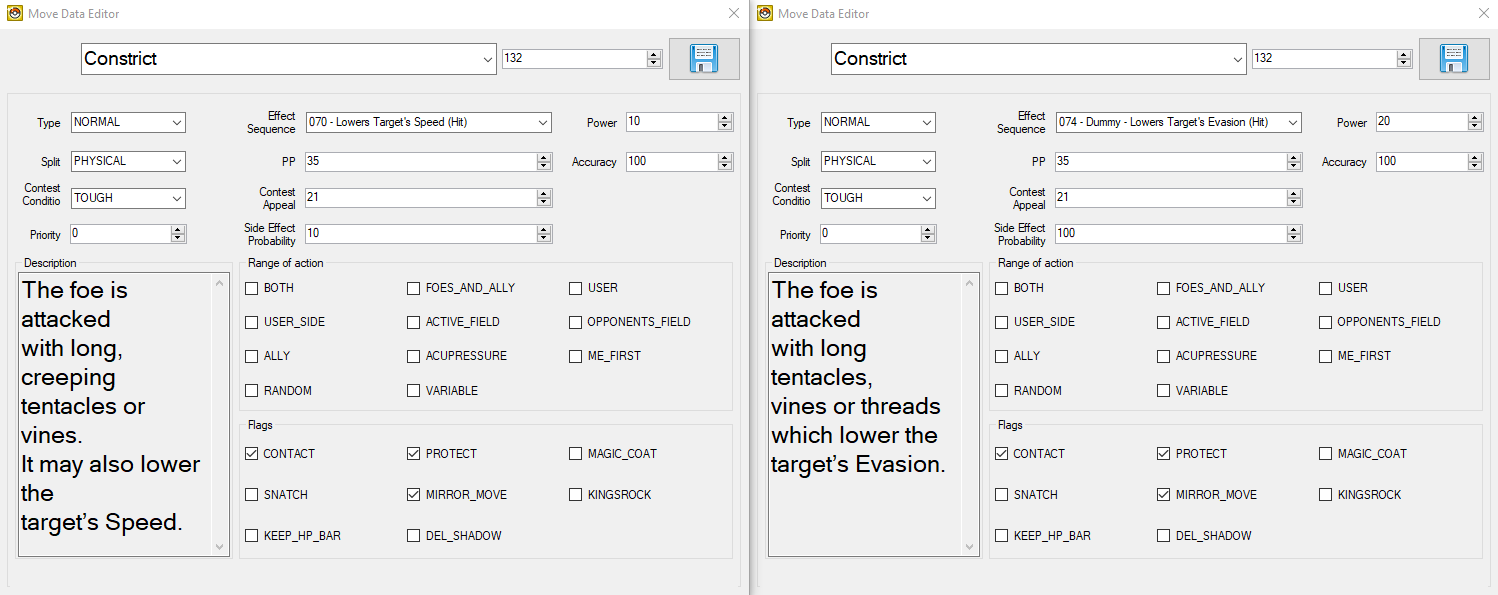
+1 Sp.Atk, Sp.Def & Spd Status Move (Quiver Dance)
In this case study, the move Dragon Dance will be replaced with Quiver Dance. The move attributes will be aligned to the later generation implementation. The same approach can be taken to replicate other moves which adjust three different stats (Coil, Hone Claws), and an extension of this can be used for moves which affect even more (such as Shell Smash).
This will be completed in a Pokémon HeartGold Version ROM, and will comprise of five steps:
- Re-write the Dragon Dance battle subscript
- Edit the move effect and attributes/data
- Edit the move description texts
- Edit the move animation
- Edit the required Pokémon learnsets
Note: the alternate method to achieve this is described in Drayano's tutorial, linked above.
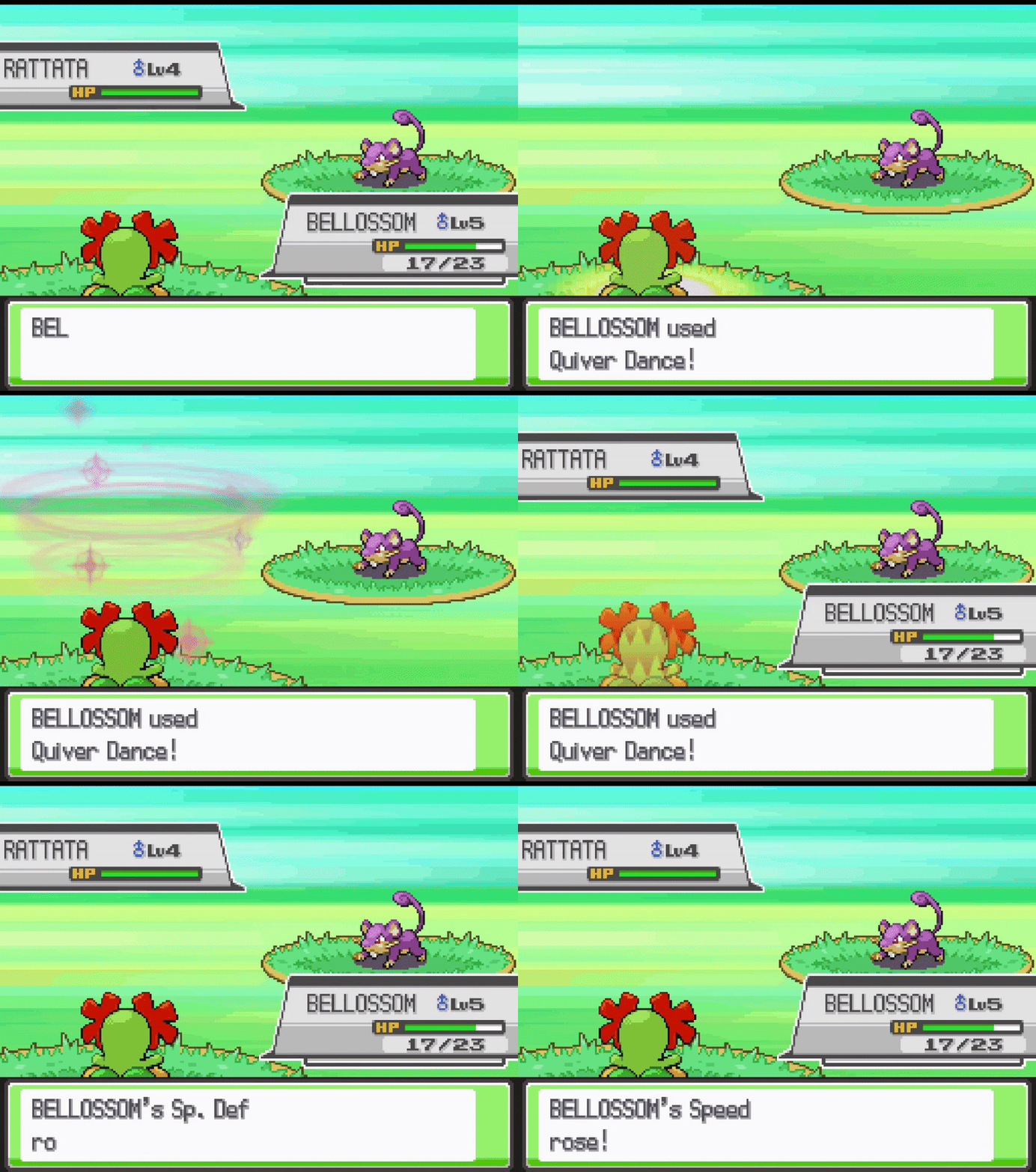
Step 1: Re-write the Dragon Dance Battle Subscript
- Using DSPRE, unpack the battle subscripts NARC
/a/0/0/1. - Open file
152in a hex editor such as HxD. - Delete the contents of the file and replace it with the below.
21 00 00 00 01 00 00 00 07 00 00 00 16 00 00 00 0C 00 00 00 0C 00 00 00 21 00 00 00 01 00 00 00 07 00 00 00 17 00 00 00 0C 00 00 00 06 00 00 00 21 00 00 00 00 00 00 00 07 00 00 00 15 00 00 00 0C 00 00 00 29 00 00 00 3C 00 00 00 4C 00 00 00 32 00 00 00 0A 00 00 00 06 00 00 00 00 00 20 00 32 00 00 00 0A 00 00 00 06 00 00 00 01 40 00 00 32 00 00 00 0A 00 00 00 3C 00 00 00 80 00 00 00 32 00 00 00 07 00 00 00 22 00 00 00 12 00 00 00 3C 00 00 00 0C 00 00 00 32 00 00 00 07 00 00 00 22 00 00 00 13 00 00 00 3C 00 00 00 0C 00 00 00 32 00 00 00 07 00 00 00 22 00 00 00 11 00 00 00 3C 00 00 00 0C 00 00 00 32 00 00 00 0B 00 00 00 3C 00 00 00 02 00 00 00 32 00 00 00 0B 00 00 00 3C 00 00 00 80 00 00 00 E0 00 00 00 11 00 00 00 0E 00 00 00 1E 00 00 00 1E 00 00 00 12 00 00 00 00 03 00 00 02 00 00 00 07 00 00 00 0E 00 00 00 1E 00 00 00 1E 00 00 00 32 00 00 00 0A 00 00 00 0A 00 00 00 00 00 00 80 E0 00 00 00
- Save the file.
- Move any backup files created by the hex editor out of the folder.
- Using DSPRE, pack the battle subscripts NARC from the edited folder, remove the
.narcfile extension and override the original NARC file with this updated one. - Open DSPRE & load the
project_DSPRE_contentsfolder. - Click the
Save ROMbutton from the main toolbar to apply the changes to a.ndsROM file.
Step 2: Move Effect & Attributes
- Open DSPRE & load the ROM
- Open the
Move Data Editorfrom theOther Editorstoolbar option - Select the move
Dragon Danceand make the following configuration changes:- Effect Sequence:
055 - Type:
Bug - Contest Condition:
Beautiful - Contest Appeal:
6
- Effect Sequence:
- Click the
Savebutton
Step 3: Move Description
- Open the
Text Editorfrom the main toolbar - Use the search function to find the move description, taking a small part of the text (as displayed in the Move Data Editor), e.g. "foe's movements"
- Update the message (
349) to include a more accurate description (while retaining appropriate line breaks), for example changing the vanilla:The user vigorously\nperforms a mystic,\npowerful dance that\nboosts its Attack and\nSpeed stats.to something like:The user lightly\nperforms a mystic,\nbeautiful dance that\nboosts its Sp. Atk,\nSp. Def, & Speed stats.
- Click the
Save Current Archivebutton - Click the
Save ROMbutton from the main toolbar to apply the changes to a.ndsROM file.
Step 4: Move Animation
For the move animation, elements of Lunar Dance, Petal Dance & Thrash will be combined.
- Open WazaEffectEditor (for HGSS in this case)
- Select the move Lunar Dance, and copy the animation script from the first
Init(after theCheckTurn) all the way to the nextEnd(lines 4-75). - Select the move Quiver Dance (previously Dragon Dance), and replace the entire animation script with the script elements copied in the previous step.
- Delete the elements that set the background:
- Delete the
ChangeBackG 0x2a 0x20001andWaitBack2elements (setting the special background). - Delete the
BackBackG 0x2a 0x40001andWaitBack2elements (restoring the normal background).
- Delete the
- Click the
Save Currentbutton to save the Animation script. - Select the move Petal Dance, and copy the second
PlaySoundline (PlaySound 0x7aa 0x75), which is responsible for the sound played when Petal Dance hits the opponent. This will be the sound played when Quiver Dance is used. - Select the move Quiver Dance (previously Dragon Dance), and locate the
PlaySoundline (PlaySound 0x836 0xffffff8b). Replace this with the copied element. - Click the
Save Currentbutton to save the Animation script. - Select the move Thrash, and copy the elements that relate to the user's sprite movement (lines starting
ApplyCmd 0x3c...andApplyCmd 0x24...). - Select the move Quiver Dance (previously Dragon Dance), add a new line between
Cmd_3a 0x2 0x0 0x1 0x1andWait 0x1, then:- Paste the two copied lines.
- Add a new line with
Wait 0x3. - Add a new line with
Wait_Func. - Paste the two copied lines.
- Click the
Save Currentbutton to save the Animation script. - Save the ROM from the File option on the toolbar.
Step 5: Adjust Learnsets
In this example, the Pokémon which learn the move will be changed completely, and some new Pokémon will be able to learn this move by breeding.
- Consult a source material to identify all Pokémon in the game which learn Dragon Dance.
Level-Up Learnset Changes
- Open DSPRE & load the ROM (from the
.ndsfile to ensure animation changes are included) - Decide which new Pokémon will learn this move, and at what level, in this example we will add the move to the learnsets of some Bug & Grass type Pokémon such as Butterfree and Bellossom. The targets could be chosen by reviewing Generation V learnsets and aligning.
- Open the
Pokémon Editorfrom theOther Editorstoolbar option, switch to theLearnset Editortab. - Select Butterfree, choose the move
Quiver Dance, and enter the level it will be learned at. - Click Add and click the Save button.
- Repeat steps 5-6 for any other Pokémon that will learn the new move.
- Decide which Pokémon that did learn
Dragon Dance, which will no longer learnQuiver Dance. In this example the move will be deleted entirely from their learnset, this will be done for Horsea, Dratini and their evolutions, Altaria, Tropius, Latios and Rayquaza. - Select Horsea and the move
Quiver Danceat level45, click Delete. - Click the Save button.
- Repeat steps 9-10 for any other Pokémon that will no longer learn
Quiver Dance. - Click the
Save ROMbutton from the main toolbar to apply the changes to a.ndsROM file.
Egg Move Learnset Changes
- Decide which new Pokémon will learn
Quiver Danceas an Egg Move. In this example Smoochum, Zigzagoon, Lotad, Luvdisc and Cherubi will be made compatible with Quiver Dance as an Egg Move. This is an addition of a move, only possible in HGSS. To accomplish this with DDPt, another Egg Move would need removing from anywhere else in the Egg Move data to ensure the data remained at exact same size overall. - Using DSPRE, unpack the egg move NARC
/a/2/2/9, resulting in a single hex file (if following this example in Platinum or Diamond/Pearl, refer to this section for the relevant Overlay & Offset to edit instead). - Using a hex editor such as HxD, open the file and find Smoochum's data:
- Smoochum's National Dex ID + 20000 =
20239, or0x4F0Fin hex. This means that the hex string0F 4Fis the marker for Smoochum's data.
- Smoochum's National Dex ID + 20000 =
- Add the bytes required (
84 00) for move ID132(or0x84in hex) anywhere after Smoochum's marker, and before the next Pokémon's marker (i.e. another very large hex number). This could be immediately after the0F 4Fbytes, as order does not matter in this list. - Repeat steps 15 and 16 for any other Pokémon that will learn Quiver Dance by breeding (Egg Move).
- Save the file.
- Move any backup files created by the hex editor out of the folder.
- Using DSPRE, pack the egg move NARC from the edited folder, remove the
.narcfile extension and override the original NARC file with this updated one. - Open DSPRE & load the ROM from the contents folder.
- Click the
Save ROMbutton from the main toolbar to apply the changes to a.ndsROM file.
The changes are now complete, and can be tested in-game. Below are examples of the changes in DSPRE & WazaEffectEditor.
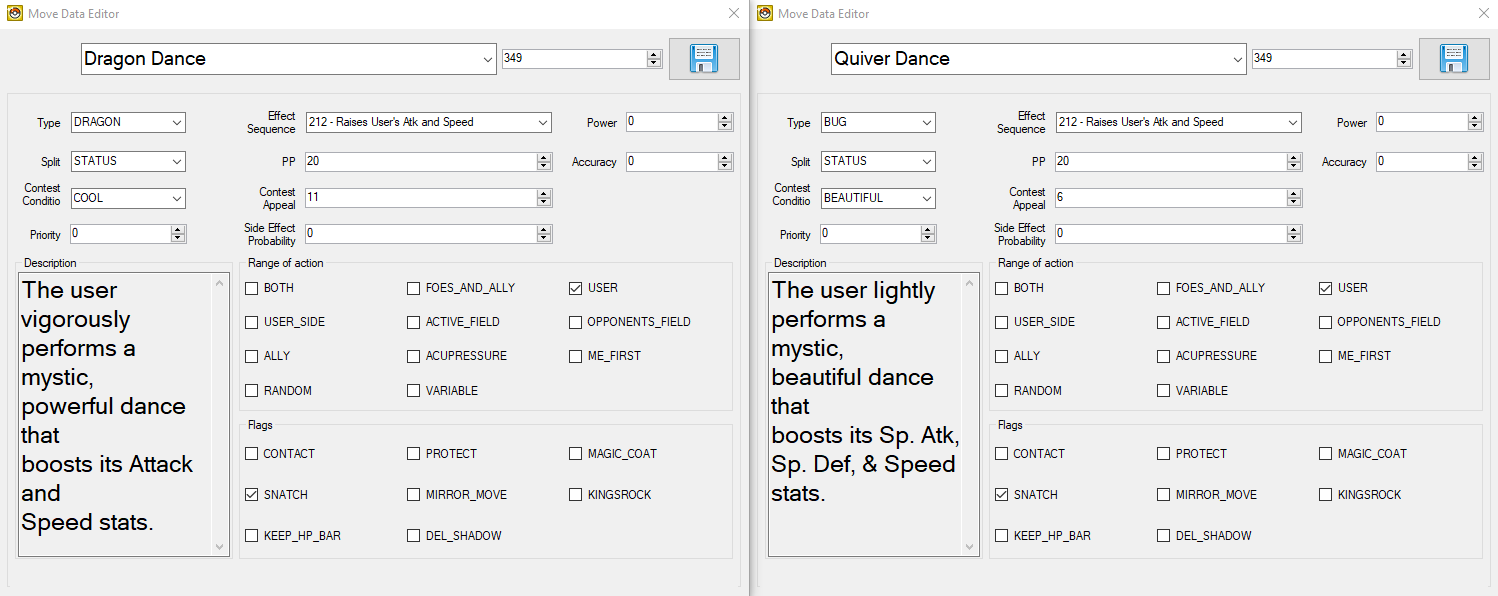
Lunar Dance (WazaEffectEditor vanilla)
CheckTurn 0x3 0xed
End
Init
Cmd_39 0x0
Cmd_39 0x1
Cmd_39 0x2
Cmd_39 0x3
Cmd_3a 0x4 0x0 0x0 0x0
Cmd_3a 0x5 0x0 0x1 0x1
Cmd_3a 0x6 0x0 0x2 0x2
Cmd_3a 0x7 0x0 0x3 0x3
ApplyCmd 0x4e 0x1 0x0
SetPlayAnim 0x0 0x1df 0x1
Cmd_3b
Cmd_3c 0x0
Cmd_3c 0x1
Cmd_3c 0x2
Cmd_3c 0x3
Init
Cmd_39 0x0
Cmd_39 0x1
Cmd_39 0x2
Cmd_39 0x3
Cmd_3a 0x4 0x0 0x0 0x0
Cmd_3a 0x5 0x0 0x1 0x1
Cmd_3a 0x6 0x0 0x2 0x2
Cmd_3a 0x7 0x0 0x3 0x3
ApplyCmd 0x4e 0x1 0x0
SetPlayAnim 0x1 0x1df 0x1
Cmd_3b
Cmd_3c 0x0
Cmd_3c 0x1
Cmd_3c 0x2
Cmd_3c 0x3
Cmd_c 0x4 0x0
Cmd_c 0x0 0x0
Cmd_c 0x1 0x1
ChangeBackG 0x2a 0x20001
WaitBack2
Init
Cmd_39 0x0
Cmd_39 0x1
Cmd_3a 0x0 0x0 0x0 0x0
Cmd_3a 0x2 0x0 0x1 0x1
Wait 0x1
ApplyCmd 0x4b 0x5 0x0 0x51 0x3 0x0 0x0
ApplyCmd 0x4b 0x5 0x1 0x50 0x3 0x0 0x2
Wait 0x1
PlaySound 0x836 0xffffff8b
LoadAnim 0x0 0x3 0x3
LoadAnim 0x0 0x0 0x3
LoadAnim 0x1 0x1 0x11
Cmd_37 0x6 0x0 0x1 0x5 0x0 0x0 0x0
Cmd_37 0x4 0x1 0x0 0xfffff948 0x0
LoadAnim 0x1 0x2 0x11
Cmd_37 0x6 0x0 0x1 0x5 0x0 0x0 0x0
Cmd_37 0x4 0x1 0x0 0xfffff948 0x0
ApplyCmd 0x3f 0x6 0x2 0x0 0x1 0x0 0xa 0x33ff
Wait 0x14
ApplyCmd 0x3f 0x6 0x2 0x0 0x1 0xa 0x0 0x33ff
WaitAnim
Cmd_35 0x0
Cmd_35 0x1
Wait_Func
Cmd_3c 0x0
Cmd_3c 0x1
Cmd_3b
Cmd_c 0x4 0x0
Cmd_c 0x0 0x0
Cmd_c 0x1 0x1
Cmd_c 0x4 0x1
BackBackG 0x2a 0x40001
WaitBack2
End
Cmd_c 0x4 0x0
Cmd_c 0x0 0x0
Cmd_c 0x1 0x1
ChangeBackG 0x2a 0x20001
WaitBack2
Init
Cmd_39 0x0
Cmd_39 0x1
Cmd_39 0x2
Cmd_39 0x3
Cmd_3a 0x4 0x0 0x0 0x0
Cmd_3a 0x5 0x0 0x1 0x1
Cmd_3a 0x6 0x0 0x2 0x2
Cmd_3a 0x7 0x0 0x3 0x3
ApplyCmd 0x4e 0x1 0x0
SetPlayAnim 0x0 0x1df 0x1
Cmd_3b
Cmd_3c 0x0
Cmd_3c 0x1
Cmd_3c 0x2
Cmd_3c 0x3
Init
Cmd_39 0x0
Cmd_39 0x1
Cmd_39 0x2
Cmd_39 0x3
Cmd_3a 0x4 0x0 0x0 0x0
Cmd_3a 0x5 0x0 0x1 0x1
Cmd_3a 0x6 0x0 0x2 0x2
Cmd_3a 0x7 0x0 0x3 0x3
ApplyCmd 0x4e 0x1 0x0
SetPlayAnim 0x1 0x1df 0x1
Cmd_3b
Cmd_3c 0x0
Cmd_3c 0x1
Cmd_3c 0x2
Cmd_3c 0x3
PlaySound 0x836 0xffffff8b
LoadAnim 0x0 0x3 0x3
LoadAnim 0x0 0x0 0x3
Wait 0x14
ApplyCmd 0x22 0x6 0x2 0x0 0x1 0x7fff 0xa 0x0
Wait_Func
WaitAnim
Cmd_35 0x0
Cmd_35 0x1
Cmd_c 0x4 0x0
Cmd_c 0x0 0x0
Cmd_c 0x1 0x1
Cmd_c 0x4 0x1
BackBackG 0x2a 0x40001
WaitBack2
End
Quiver Dance (WazaEffectEditor custom)
Init
Cmd_39 0x0
Cmd_39 0x1
Cmd_39 0x2
Cmd_39 0x3
Cmd_3a 0x4 0x0 0x0 0x0
Cmd_3a 0x5 0x0 0x1 0x1
Cmd_3a 0x6 0x0 0x2 0x2
Cmd_3a 0x7 0x0 0x3 0x3
ApplyCmd 0x4e 0x1 0x0
SetPlayAnim 0x0 0x1df 0x1
Cmd_3b
Cmd_3c 0x0
Cmd_3c 0x1
Cmd_3c 0x2
Cmd_3c 0x3
Init
Cmd_39 0x0
Cmd_39 0x1
Cmd_39 0x2
Cmd_39 0x3
Cmd_3a 0x4 0x0 0x0 0x0
Cmd_3a 0x5 0x0 0x1 0x1
Cmd_3a 0x6 0x0 0x2 0x2
Cmd_3a 0x7 0x0 0x3 0x3
ApplyCmd 0x4e 0x1 0x0
SetPlayAnim 0x1 0x1df 0x1
Cmd_3b
Cmd_3c 0x0
Cmd_3c 0x1
Cmd_3c 0x2
Cmd_3c 0x3
Cmd_c 0x4 0x0
Cmd_c 0x0 0x0
Cmd_c 0x1 0x1
Init
Cmd_39 0x0
Cmd_39 0x1
Cmd_3a 0x0 0x0 0x0 0x0
Cmd_3a 0x2 0x0 0x1 0x1
ApplyCmd 0x3c 0x3 0x2 0x1 0xc
ApplyCmd 0x24 0x5 0x4 0x0 0x1 0x4 0x108
Wait 0x3
Wait_Func
ApplyCmd 0x3c 0x3 0x2 0x1 0xc
ApplyCmd 0x24 0x5 0x4 0x0 0x1 0x4 0x108
Wait 0x1
ApplyCmd 0x4b 0x5 0x0 0x51 0x3 0x0 0x0
ApplyCmd 0x4b 0x5 0x1 0x50 0x3 0x0 0x2
Wait 0x1
PlaySound 0x7aa 0x75
LoadAnim 0x0 0x3 0x3
LoadAnim 0x0 0x0 0x3
LoadAnim 0x1 0x1 0x11
Cmd_37 0x6 0x0 0x1 0x5 0x0 0x0 0x0
Cmd_37 0x4 0x1 0x0 0xfffff948 0x0
LoadAnim 0x1 0x2 0x11
Cmd_37 0x6 0x0 0x1 0x5 0x0 0x0 0x0
Cmd_37 0x4 0x1 0x0 0xfffff948 0x0
ApplyCmd 0x3f 0x6 0x2 0x0 0x1 0x0 0xa 0x33ff
Wait 0x14
ApplyCmd 0x3f 0x6 0x2 0x0 0x1 0xa 0x0 0x33ff
WaitAnim
Cmd_35 0x0
Cmd_35 0x1
Wait_Func
Cmd_3c 0x0
Cmd_3c 0x1
Cmd_3b
Cmd_c 0x4 0x0
Cmd_c 0x0 0x0
Cmd_c 0x1 0x1
Cmd_c 0x4 0x1
End
Sound-based Move (Snarl)
In this case study, the move Barrage will be replaced with the sound-based move from Generation V Pokémon games: Snarl. The attributes of the move will be as they are in Generation V, the animation will be a custom animation using components of other animations (Giga Impact & Howl).
This will be completed in a Pokémon HeartGold Version ROM, and will comprise of four steps:
- Edit the move effect and attributes/data
- Edit the move description texts
- Edit the move animation (so that the charging animation from Solar Beam is seen on turn one, and the Leaf Blade animation on turn two)
- Edit the required Pokémon learnsets
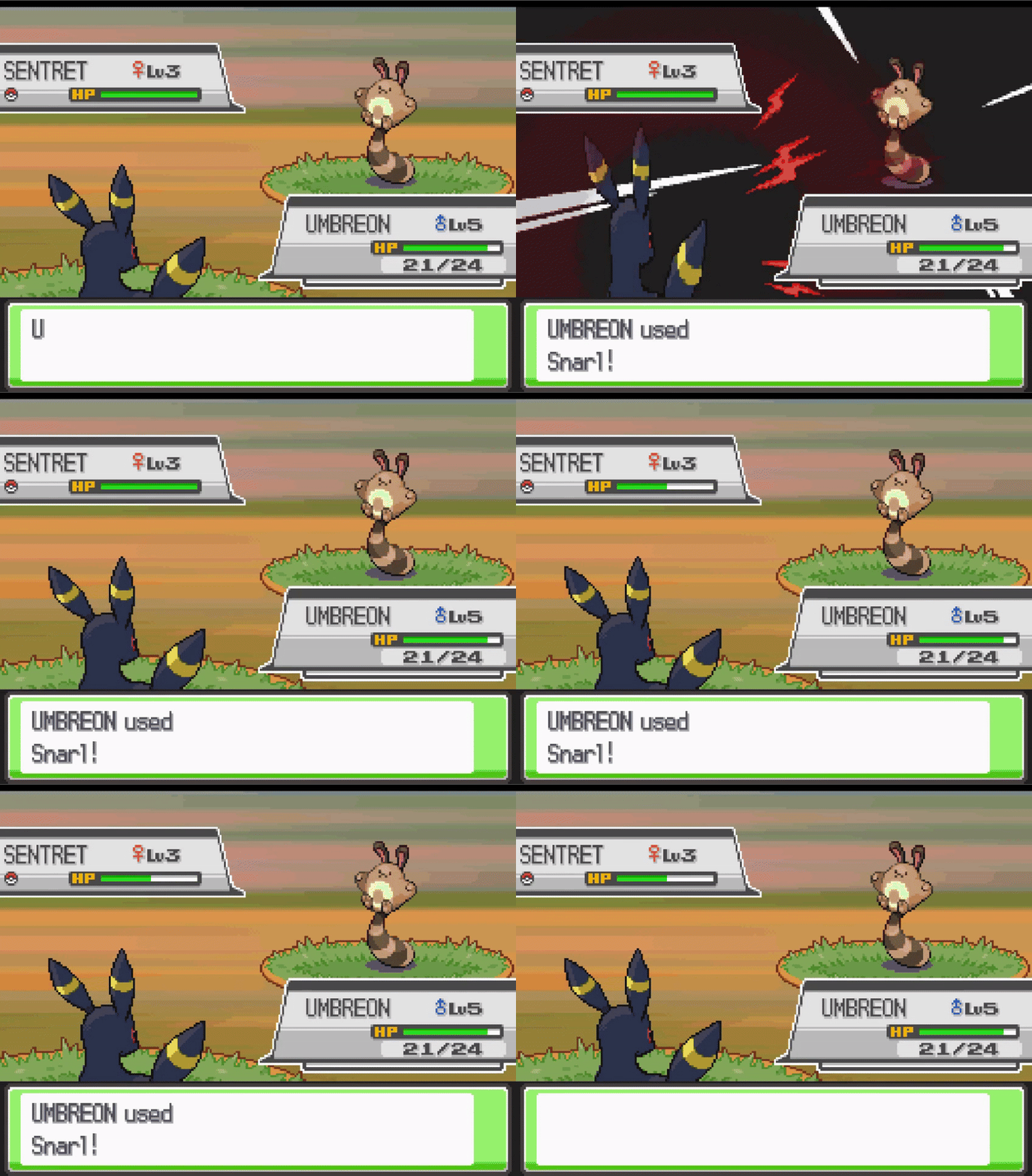
Step 1: Move Effect & Attributes
- Open DSPRE & load the ROM
- Open the
Move Data Editorfrom theOther Editorstoolbar option - Select the move
Barrageand update the configuration to:- Type:
DARK - Split:
SPECIAL - Effect Sequence:
71 - PP:
15 - Power:
55 - Accuracy:
95 - Range:
BOTH
- Type:
- Click the
Savebutton
Step 2: Move Description
- Open the
Text Editorfrom the main toolbar - Use the search function to find the move description, taking a small part of the text (as displayed in the Move Data Editor), e.g. "Round objects"
- Update the message (
140) to include a more accurate description (while retaining appropriate line breaks), for example changing the vanilla:Round objects are\nhurled at the foe to\nstrike two to five\ntimes in a row.\nto something like:The user attacks\nwith an aggressive\ngrowl, lowering the\nSp. Atk of the foes.
- Click the
Save Current Archivebutton - Click the
Save ROMbutton from the main toolbar to apply the changes to a.ndsROM file.
Step 3: Move Animation
- Open WazaEffectEditor (for HGSS in this case)
- Select the move Howl, and copy the animation script.
- Select the move Snarl (previously Barrage), delete the entire script and paste the copied script in it's place.
- Click the
Save Currentbutton to save the Animation script. - Select the move Giga Impact, and copy the elements of the animation script that relate to the background animation:
Cmd_43
Cmd_c 0x7 0x1
ChangeBackG 0x5 0x800001
Cmd_43
Cmd_c 0x7 0x1
BackBackG 0x5 0x1000001
WaitBack2
- Select the move Snarl (previously Barrage), and paste the background animation into the script in the same relative position as they were in the Giga Impact animation script:
- First element: immediately after
Cmd_3c 0x3 - Second element: immediately before
End
- First element: immediately after
- Click the
Save Currentbutton to save the Animation script. - Save the ROM from the File option on the toolbar.
Step 4: Adjust Learnsets
In this example, the Pokémon which learn the move will be changed completely, and some new Pokémon will be able to learn this move by breeding.
- Consult a source material to identify all Pokémon in the game which learn Barrage.
Level-Up Learnset Changes
- Open DSPRE & load the ROM (from the
.ndsfile to ensure animation changes are included) - Decide which new Pokémon will learn this move, and at what level, in this example we will add the move to the learnsets of some "canine" Pokémon such as Houndour, Vulpix, Poochyena and their evolutions. The targets could be chosen by reviewing Generation V learnsets.
- Open the
Pokémon Editorfrom theOther Editorstoolbar option, switch to theLearnset Editortab. - Select Houndour, choose the move
Snarl, and enter the level it will be learned at. - Click Add and click the Save button.
- Repeat steps 5-6 for any other Pokémon that will learn the new move.
- Decide which Pokémon that did learn
Barrage, which will no longer learnSnarl. In this example the move will be deleted entirely from their learnset, this will be done for Exeggcute and Exeggutor. - Select Exeggcute and the move
Snarlat level1, click Delete. - Click the Save button.
- Repeat steps 9-10 for any other Pokémon that will no longer learn
Snarl(Exeggutor). - Click the
Save ROMbutton from the main toolbar to apply the changes to a.ndsROM file.
Egg Move Learnset Changes
- Decide which new Pokémon will learn
Snarlas an Egg Move. In this example Growlithe will be made compatible with Snarl as an Egg Move. This is an addition of a move, only possible in HGSS. To accomplish this with DDPt, another Egg Move would need removing from anywhere else in the Egg Move data to ensure the data remained at exact same size overall. - Using DSPRE, unpack the egg move NARC
/a/2/2/9, resulting in a single hex file (if following this example in Platinum or Diamond/Pearl, refer to this section for the relevant Overlay & Offset to edit instead). - Using a hex editor such as HxD, open the file and find Growlithe's data:
- Growlithe's National Dex ID + 20000 =
20058, or0x4E5Ain hex. This means that the hex string5A 4Eis the marker for Growlithe's data.
- Growlithe's National Dex ID + 20000 =
- Add the bytes required (
8C 00) for move ID140(or0x8Cin hex) anywhere after Growlithe's marker, and before the next Pokémon's marker (i.e. another very large hex number). This could be immediately after the5A 4Ebytes, as order does not matter in this list. - Save the file.
- Move any backup files created by the hex editor out of the folder.
- Using DSPRE, pack the egg move NARC from the edited folder, remove the
.narcfile extension and override the original NARC file with this updated one. - Open DSPRE & load the ROM from the contents folder.
- Click the
Save ROMbutton from the main toolbar to apply the changes to a.ndsROM file.
The changes are now complete, and can be tested in-game. Below are examples of the changes in DSPRE & WazaEffectEditor.
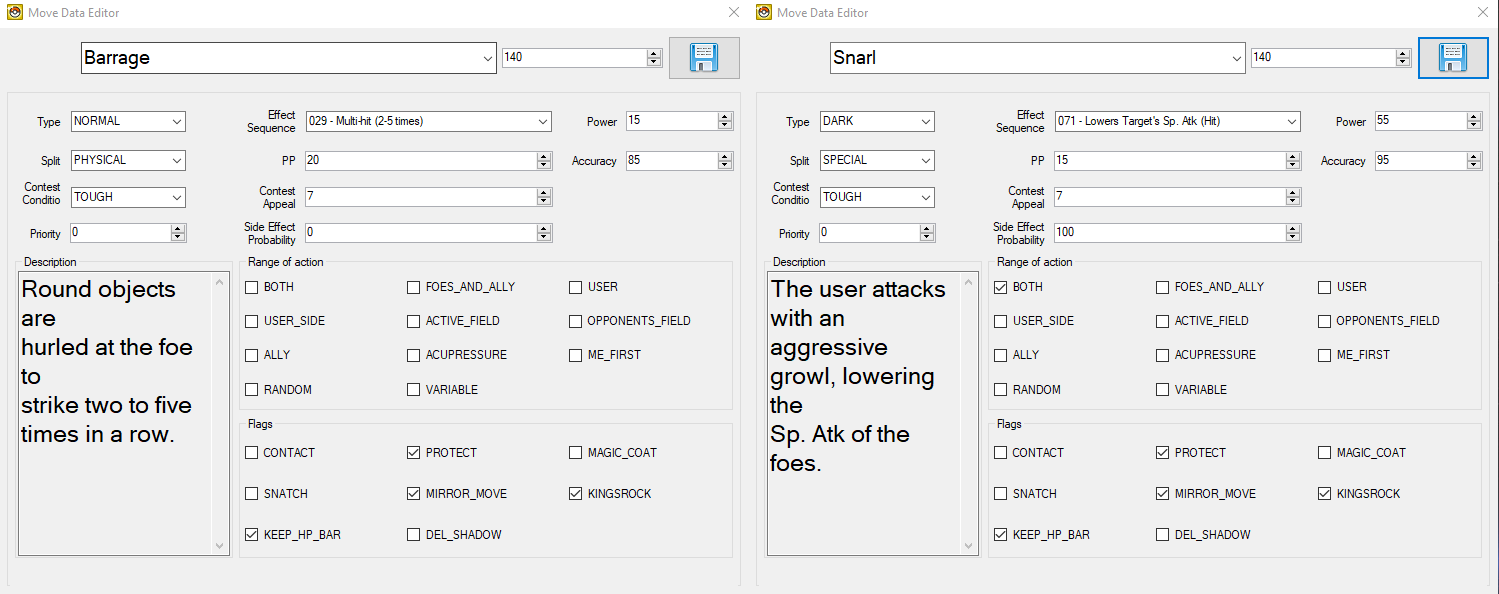
Howl (WazaEffectEditor vanilla)
Init
Cmd_39 0x0
Cmd_39 0x1
Cmd_39 0x2
Cmd_39 0x3
Cmd_3a 0x4 0x0 0x0 0x0
Cmd_3a 0x5 0x0 0x1 0x1
Cmd_3a 0x6 0x0 0x2 0x2
Cmd_3a 0x7 0x0 0x3 0x3
ApplyCmd 0x4e 0x1 0x0
SetPlayAnim 0x0 0x162 0x1
Cmd_3b
Cmd_3c 0x0
Cmd_3c 0x1
Cmd_3c 0x2
Cmd_3c 0x3
PlayCry 0x3 0xffffff8b 0x7f
ApplyCmd 0x2a 0x8 0x102 0x64 0x50 0x64 0x96 0x64 0x140001 0x60006
LoadAnim 0x0 0x1 0x11
Cmd_37 0x6 0x0 0x2 0x6 0x1 0x0 0x0
Wait 0x5
LoadAnim 0x0 0x0 0x11
Cmd_37 0x6 0x0 0x2 0x1 0x0 0x0 0x0
StopCry 0x0
Wait 0x2
Wait_Func
WaitAnim
Cmd_35 0x0
End
Giga Impact (WazaEffectEditor vanilla)
Init
Cmd_39 0x0
Cmd_39 0x1
Cmd_39 0x2
Cmd_39 0x3
Cmd_3a 0x4 0x0 0x0 0x0
Cmd_3a 0x5 0x0 0x1 0x1
Cmd_3a 0x6 0x0 0x2 0x2
Cmd_3a 0x7 0x0 0x3 0x3
ApplyCmd 0x4e 0x1 0x0
SetPlayAnim 0x0 0x1b2 0x1
Cmd_3b
Cmd_3c 0x0
Cmd_3c 0x1
Cmd_3c 0x2
Cmd_3c 0x3
PlaySound 0x736 0xffffff8b
ApplyCmd 0x39 0x4 0x4 0xfffffff0 0x8 0x102
Wait_Func
Wait 0xf
Cmd_43
Cmd_c 0x7 0x1
ChangeBackG 0x5 0x800001
PlaySound 0x737 0xffffff8b
ApplyCmd 0x39 0x4 0x4 0x20 0xfffffff0 0x102
Wait_Func
LoadAnim 0x0 0x4 0x11
Cmd_37 0x6 0x0 0x2 0x2 0x0 0x0 0x0
LoadAnim 0x0 0x2 0x11
Cmd_37 0x6 0x0 0x2 0x2 0x0 0x0 0x0
LoadAnim 0x0 0x3 0x11
Cmd_37 0x6 0x0 0x2 0x2 0x0 0x0 0x0
LoadAnim 0x0 0x0 0x11
Cmd_37 0x6 0x0 0x2 0x2 0x0 0x0 0x0
LoadAnim 0x0 0x1 0x11
Cmd_37 0x6 0x0 0x2 0x2 0x0 0x0 0x0
ApplyCmd 0x39 0x4 0x4 0xfffffff0 0x8 0x102
Wait 0xa
PlaySound 0x743 0x75
ApplyCmd 0x24 0x5 0x4 0x0 0x1 0x2 0x108
ApplyCmd 0x44 0x5 0x0 0x5 0x0 0x5 0x0
Wait_Func
WaitAnim
Cmd_35 0x0
Cmd_43
Cmd_c 0x7 0x1
BackBackG 0x5 0x1000001
WaitBack2
End
Snarl (WazaEffectEditor custom)
Init
Cmd_39 0x0
Cmd_39 0x1
Cmd_39 0x2
Cmd_39 0x3
Cmd_3a 0x4 0x0 0x0 0x0
Cmd_3a 0x5 0x0 0x1 0x1
Cmd_3a 0x6 0x0 0x2 0x2
Cmd_3a 0x7 0x0 0x3 0x3
ApplyCmd 0x4e 0x1 0x0
SetPlayAnim 0x0 0x162 0x1
Cmd_3b
Cmd_3c 0x0
Cmd_3c 0x1
Cmd_3c 0x2
Cmd_3c 0x3
Cmd_43
Cmd_c 0x7 0x1
ChangeBackG 0x5 0x800001
PlayCry 0x3 0xffffff8b 0x7f
ApplyCmd 0x2a 0x8 0x102 0x64 0x50 0x64 0x96 0x64 0x140001 0x60006
LoadAnim 0x0 0x1 0x11
Cmd_37 0x6 0x0 0x2 0x6 0x1 0x0 0x0
Wait 0x5
LoadAnim 0x0 0x0 0x11
StopCry 0x0
Wait 0x2
Wait_Func
WaitAnim
Cmd_35 0x0
Cmd_43
Cmd_c 0x7 0x1
BackBackG 0x5 0x1000001
WaitBack2
End
Punching Move (Rock Smash)
In this example, Rock Smash will become a punching move in HeartGold Version, and thus recieve the Iron Fist damage boost when used.
To accomodate this without re-pointing the relevant table, the move Comet Punch will be removed from the punching move category, and removed from the learnsets of all Pokémon (this is a low-distribution move which is only learned by level up, and not TM, Tutor or Egg Move in Generation IV).
- Open DSPRE & load the ROM.
- Open the
Overlay Editorfrom theOther Editorstoolbar option. - Decompress and mark as decompressed
Overlay 12. - Using a hex editor such as HxD, open the decompressed
Overlay 12file and go to Offset0x352FE. - Identify the bytes that represent Comet Punch (Move ID:
4):04 00, which are within the list of fifteen moves (30 bytes). - Replace these with the bytes that represent Rock Smash (Move ID:
249):F9 00. - Save the overlay and move any backup (e.g.
.bak) files out of the folder. - Open DSPRE & load the ROM from the contents folder.
- Click the
Save ROMbutton from the main toolbar to apply the changes to a.ndsROM file.
Trapping Move (Twister)
In this case study, the move Twister will be changed from a damage-dealing move (with it's own special effects, such as chance to flinch and dealing double-damage to targets in the semi-invulnerable turns of Fly & Bounce), to a Dragon-type variant of Fire Spin in Pokémon HeartGold Version. The standard animation of Twister will be used, and applied both as the move is used, and as the end of turn damage is applied. No learnset changes will be made in this case study.
This will be completed in a Pokémon HeartGold Version ROM, and will comprise of four steps:
- Edit the move effect and attributes/data
- Edit the move description texts
- Set up the end of turn trapping animation
- Set up the initial trapping texts
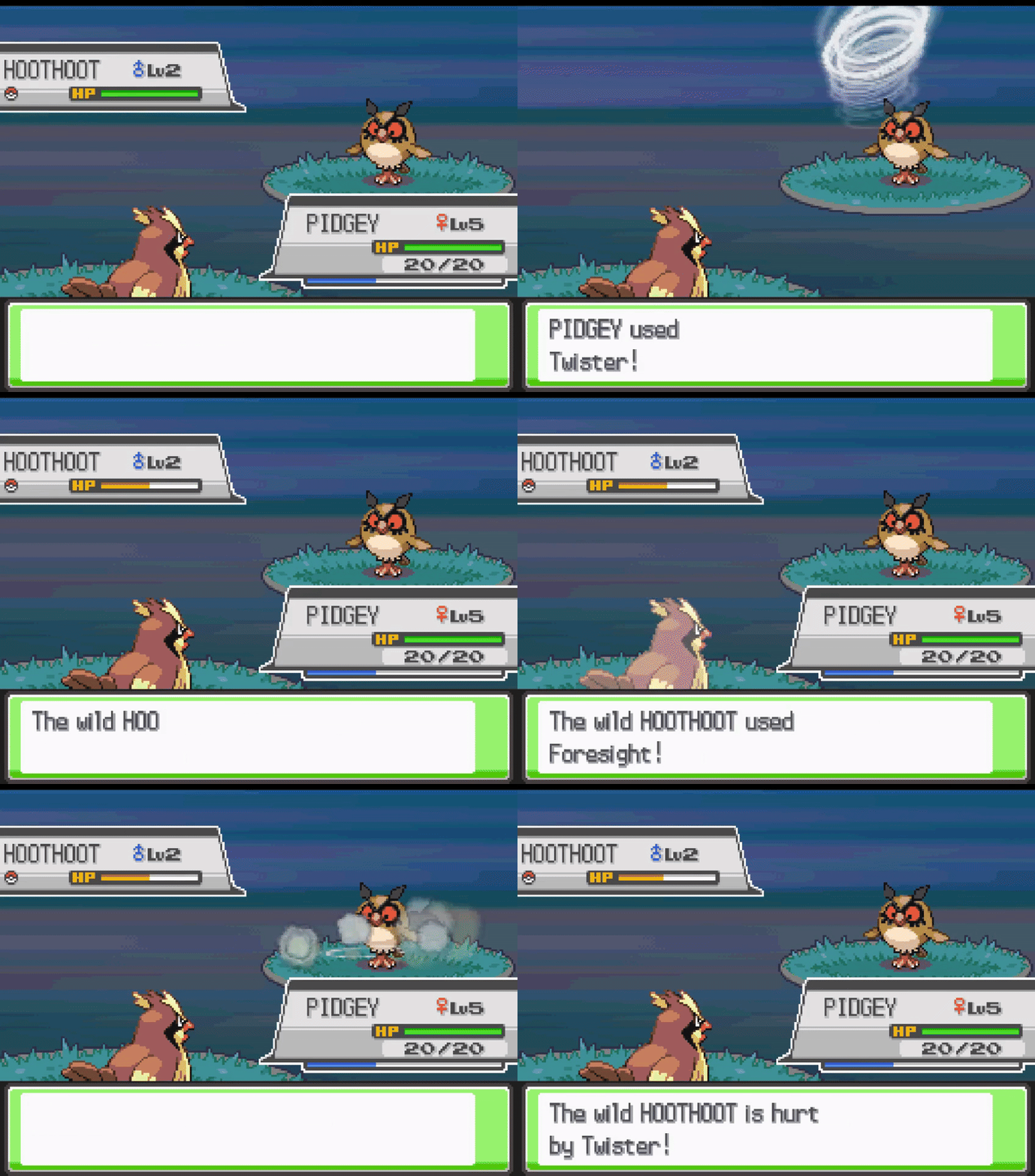
Step 1: Move Effect & Attributes
- Open DSPRE & load the ROM
- Open the
Move Data Editorfrom theOther Editorstoolbar option - Select the move
Twisterand update the configuration to:- Effect Sequence:
042 - Side Effect Probability:
0 - Range: no checkboxes selected (normal range)
- Other elements such as power, accuracy, contest data & priority are not edited in this example (but could be).
- Effect Sequence:
- Click the
Savebutton
Step 2: Move Description
- Open the
Text Editorfrom the main toolbar - Use the search function to find the move description, taking a small part of the text (as displayed in the Move Data Editor), e.g. "Round objects"
- Update the message (
239) to include a more accurate description (while retaining appropriate line breaks), for example changing the vanilla:The user whips up a\nvicious tornado to\ntear at the foe.\nIt may also make the\nfoe flinch.to something like:The user traps the\nfoe inside a vicious\ntornado for two to\nfive turns.
- Click the
Save Current Archivebutton - Click the
Save ROMbutton from the main toolbar to apply the changes to a.ndsROM file.
Step 3: End of Turn Trapping Animation
- Unpack the
/a/0/1/0NARC (using the DSPRE "Unpack NARC to Folder" function). - Locate the animation for Twister (file
239) and copy the whole animation file contents. - Unpack the
/a/0/6/1NARC (using the DSPRE "Unpack NARC to Folder" function). - Add a new file at the end (file
50), this will contain the new trapping animation. - Paste in the content copied in step 2, save the file.
- Move any backup (e.g.
.bak) files out of the folder. - Pack the modified
/a/0/6/1NARC back up (using the DSPRE "Build NARC from folder" function). - Replace the NARC in the ROM's extracted contents folder.
- Unpack the
/a/0/0/1NARC (using the DSPRE "Unpack NARC to Folder" function). - Replace the contents of file
059with the below, and save the file. - Move any backup (e.g.
.bak) files out of the folder. - Pack the modified
/a/0/0/1NARC back up (using the DSPRE "Build NARC from folder").
37 00 00 00 00 00 00 00 FF 00 00 00 62 00 00 00 58 00 00 00 20 00 00 00 00 00 00 00 23 00 00 00 23 00 00 00 23 00 00 00 20 00 00 00 00 00 00 00 23 00 00 00 53 00 00 00 23 00 00 00 20 00 00 00 00 00 00 00 23 00 00 00 CF 01 00 00 23 00 00 00 20 00 00 00 00 00 00 00 23 00 00 00 80 00 00 00 23 00 00 00 20 00 00 00 00 00 00 00 23 00 00 00 FA 00 00 00 23 00 00 00 20 00 00 00 00 00 00 00 23 00 00 00 48 01 00 00 23 00 00 00 20 00 00 00 00 00 00 00 23 00 00 00 EF 00 00 00 23 00 00 00 45 00 00 00 FF 00 00 00 21 00 00 00 3B 00 00 00 21 00 00 00 45 00 00 00 FF 00 00 00 22 00 00 00 3B 00 00 00 1C 00 00 00 45 00 00 00 FF 00 00 00 23 00 00 00 3B 00 00 00 17 00 00 00 45 00 00 00 FF 00 00 00 24 00 00 00 3B 00 00 00 12 00 00 00 45 00 00 00 FF 00 00 00 25 00 00 00 3B 00 00 00 0D 00 00 00 45 00 00 00 FF 00 00 00 26 00 00 00 3B 00 00 00 08 00 00 00 45 00 00 00 FF 00 00 00 27 00 00 00 3B 00 00 00 03 00 00 00 45 00 00 00 FF 00 00 00 32 00 00 00 0E 00 00 00 12 00 00 00 06 01 00 00 0A 00 00 00 FF 00 00 00 FF 00 00 00 0E 00 00 00 1E 00 00 00 1E 00 00 00 32 00 00 00 0A 00 00 00 06 00 00 00 40 00 00 00 23 00 00 00 02 00 00 00 E0 00 00 00
Step 4: Initial Trapping Texts
In this case study, the initial trapping text used by Fire Spin will be used for Twister.
- Unpack the move scripts NARC (using the "DSPRE Unpack NARC to Folder function") (
/a/0/0/0in US Heartgold Version). - Open the index for Fire Spin (
83) and copy the contents. - Open the index for Twister (
239) and override the existing contents with the hex copied from Fire Spin. - Move any backup (e.g.
.bak) files out of the folder. - Pack the NARC (using the "DSPRE Build NARC from Folder" function).
- Replace the NARC in the original location with the new version.
- Open DSPRE & load the ROM from the contents folder.
- Click the
Save ROMbutton from the main toolbar to apply the changes to a.ndsROM file.
Roost to Needle Arm (TM51)
In this example TM51 will be changed from Roost to Needle Arm in Pokémon HeartGold Version.
- The move data and animations for both moves remains as-per the vanilla HGSS game.
- The TM is acquired in the same location, but the TM will teach Needle Arm instead of Roost.
This is a change of move, type, description & requires some NPC adjustments (the TM is still recieved as a Gym Leader reward from Faulkner in Violet City Gym).
The steps outlined in the TMs & HMs section are followed, with the below specific edits:
-
For the hex edits (ARM9):
- Open the uncompressed ARM9 in a hex editor
- Go to offset
0x100130and replace63 01with2E 01to change the move index from355to302. - Go to offset
0x100D66and replace the third and fourth bytes of9D 01(413 - Flying) with95 01(405 - Grass). - Save the ARM9 file
-
For the text edits (DSPRE):
- Open DSPRE (from the extracted folder of the ROM), and use the Text Editor to:
- Change the content of message
378in Text Archive221(TM51's description) to be a copy of message302from Text Archive749(Needle Arm's move summary description). - Change the content of message
4in Text Archive558to replace references to "Roost" with "Needle Arm", and to ensure Faulker's conversation accurately describes the new move. - Save the ROM to
.ndsfile using DSPRE.
-
For adjusting the TM learnsets:
- Review Roost's summary page in Bulbapedia to note Pokémon to remove TM51 availability for.
- Use the Pokémon editor in DSPRE to disable TM51 for all of these Pokémon.
- Review Needle Arm's summary page in Bulbapedia to note Pokémon which can learn Needle Arm in the vanilla game.
- Decide which other Pokémon will now be able to learn Needle Arm from TM51 (based on personal ROM hack goals/strategy), e.g. Snover & Abomasnow.
- Use the Pokémon editor in DSPRE to enable TM51 for all of these Pokémon.
+1 Attack & Special Attack, or if in Harsh Sunlight, +2 Attack & Special Attack Status Move (Growth Gen V+)
Author: Lmaokai
In this case study, the move Growth will be updated to match Gen V+ behavior. In Gen IV, Growth only raises the user's Special Attack by 1 stage. Starting in Gen V, Growth raises the user's Attack and Special Attack by 1 stage, and in Harsh Sunlight, Growth raises the user's Attack and Special Attack by 2 stages instead.
Although the vanilla Generation IV games do not have any moves that specifically raises the user's Attack and Special Attack stat (by either 1 or 2 stages), this effect can still be achieved with two methods. The first method is simpler and will follow the approach described in Drayano's tutorial, linked above. The second method is more complex, but provides a cleaner effect as shown in the comparison below.
Then, to add the interaction with Harsh Sunlight, certain logic from the battle effect script associated with SolarBeam can be copied, with some adjustments.
| Method One (two stat change animations) | Method Two (single stat change animation) |
|---|---|
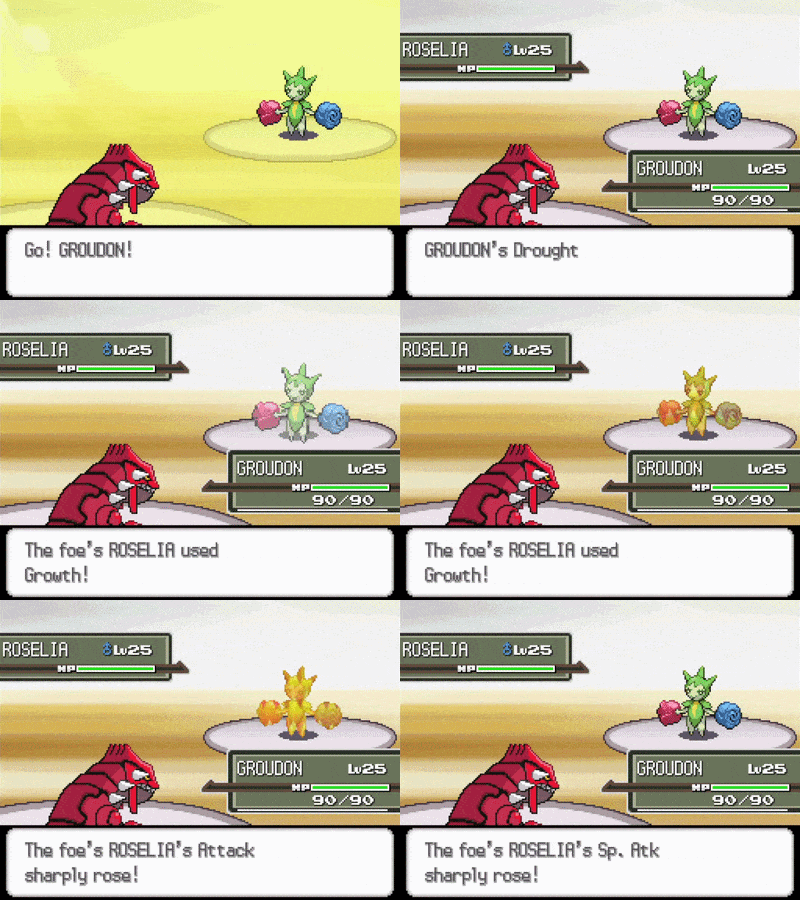 | 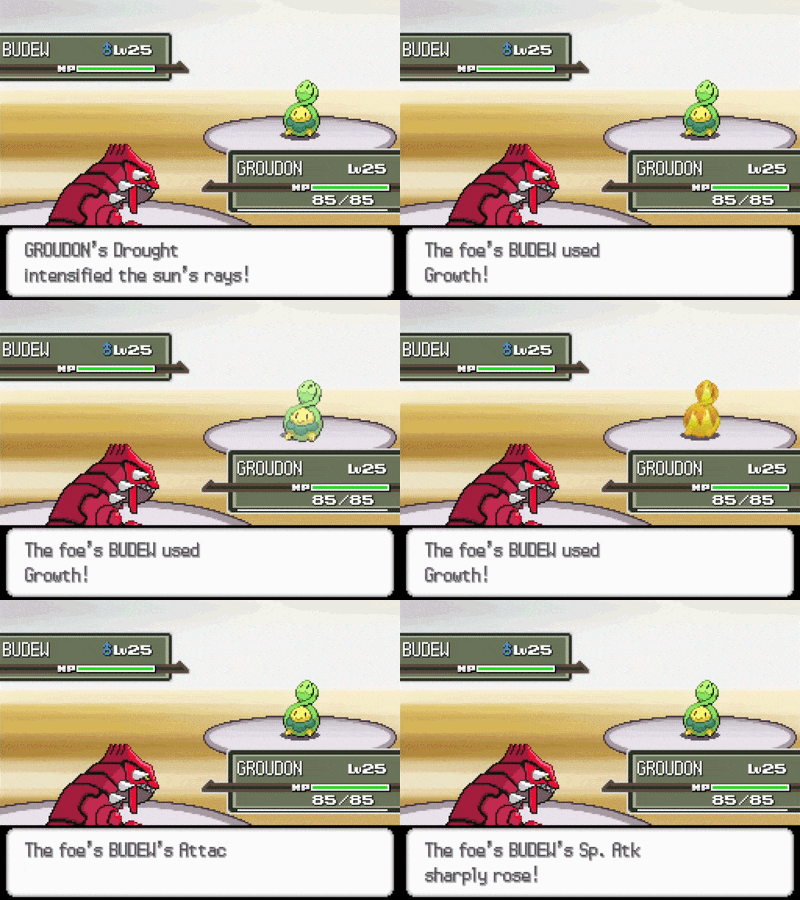 |
Method One (two stat change animations)
This method will comprise of the following steps:
- Unpack the battle effect script NARC
- Create and edit a new battle effect script file
- Save the new file and pack the battle effect script NARC
- Edit Growth's move data
- Test the changes and other tasks
Step 1: Unpack the battle effect script NARC
- Use DSPRE's
Unpack NARC to Foldertool to unpack the battle effect script NARC. - Make sure to save the resulting unpacked folder outside of the
project_name_DSPRE_contentsfolder - If you've never unpacked this NARC before, there should be 277 files in this folder (for all games, with the first file numbered as
0000and last file numbered as0276because these files are zero-indexed).
Step 2: Create and edit a new battle effect script file
- Using any hex editor of your choice, create a new blank file.
- Paste the following:
D3 00 00 00 05 00 00 00
20 00 00 00 04 00 00 00 07 00 00 00 30 00 00 00 09 00 00 00
32 00 00 00 07 00 00 00 02 00 00 00 0F 00 00 40
32 00 00 00 07 00 00 00 03 00 00 00 12 00 00 60
DE 00 00 00
32 00 00 00 07 00 00 00 02 00 00 00 27 00 00 40
32 00 00 00 07 00 00 00 03 00 00 00 2A 00 00 60
DE 00 00 00
Breakdown of the logic
D3 00 00 00 05 00 00 00- Check if Cloud Nine or Air Lock are in effect, and if so, the next 5 words are skipped (a word is 4 bytes, each hexadecimal pair is a single byte).20 00 00 00 04 00 00 00 07 00 00 00 30 00 00 00 09 00 00 00- Check if the weather is Harsh Sunlight, and if so, the next 9 words are skipped.32 00 00 00 07 00 00 00 02 00 00 00 0F 00 00 40- Sets the direct side effect to invoke the subscript pointer that raises Attack by 1 stage, and to apply that effect to the attacker.32 00 00 00 07 00 00 00 03 00 00 00 12 00 00 60- Sets the indirect side effect to invoke the subscript pointer that raises Special Attack by 1 stage, and to apply that effect to the attacker if the move successfully executes.- Alternatively,
32 00 00 00 07 00 00 00 03 00 00 00 12 00 00 80can be used, but requires setting the move data'sSide Effect Probabilityto100.
- Alternatively,
DE 00 00 00-Endcommand for Platinum (see Breaking Down Battle Effect Script000(Hex)).32 00 00 00 07 00 00 00 02 00 00 00 27 00 00 40- Sets the direct side effect to invoke the subscript pointer that raises Attack by 2 stages, and to apply that effect to the attacker.32 00 00 00 07 00 00 00 03 00 00 00 2A 00 00 60- Sets the indirect side effect to invoke the subscript pointer that raises Special Attack by 2 stages, and to apply that effect to the attacker if the move successfully executes.- Alternatively,
32 00 00 00 07 00 00 00 03 00 00 00 2A 00 00 80can be used, but requires setting the move data'sSide Effect Probabilityto100.
- Alternatively,
DE 00 00 00-Endcommand for Platinum.
Step 3: Save the new file and pack the battle effect script NARC
- Save this file as
0277to your unpacked battle effect script NARC folder (assuming new files haven't been added already). - Use DSPRE's
Build NARC from Foldertool to pack NARC.
Step 4: Edit Growth's move data
- Open DSPRE's Move Data Editor and select the move Growth.
- Change the
Effect Sequenceto277 - Undocumented. - Change the PP to
20(matching Gen VI+). - Save the changes in the Move Data Editor.
Step 5: Test the changes and other tasks
- Test the following scenarios:
- Under non-Harsh Sunlight weather conditions, Growth raises the user's Attack and Special Attack by 1 stage.
- In Harsh Sunlight, Growth raises the user's Attack and Special Attack by 2 stages.
- In Harsh Sunlight, but with either the abilities Cloud Nine or Air Lock in effect, Growth raises the user's Attack and Special Attack by 1 stage.
- If Growth works as expected, great! Make sure to update the move description as well to reflect these changes (see Move Name & Description).
| Growth (Normal) | Growth (Sun) |
|---|---|
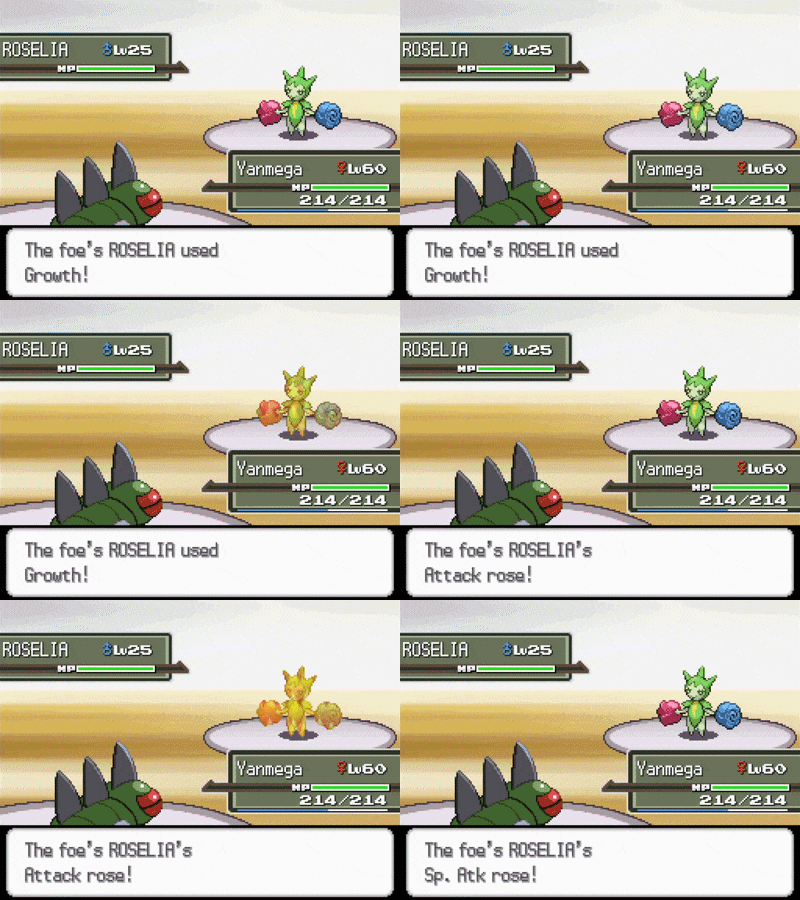 | |
Method Two (Complex but single stat change animation)
This method will comprise of the following steps:
- Apply the ARM9 Expansion patch
- Move the subscript pointer table
- Unpack the battle subscripts NARC
- Create and save a new battle subscript file
- Create and save a second new battle subscript file
- Pack the battle subscripts NARC
- Add new entries to the subscript pointer table
- Unpack the battle effect script NARC
- Create and edit a new battle effect script file
- Save the new file and pack the battle effect script NARC
- Edit Growth's move data
- Test the changes and other tasks
Step 1: Apply the ARM9 Expansion patch
- If you haven't already, use the latest version of DSPRE to apply the ARM9 Expansion patch.
- This will repurpose an unused file (
/unpacked/synthOverlay/0000for HeartGold/SoulSilver and/unpacked/synthOverlay/0009for Diamond/Pearl/Platinum) and increase the file's size to88KiB (90,112or0x16000bytes). - This repurposed file should be entirely zeroes and will be referred to as
synthOverlay #moving forward (i.e.synthOverlay 0for HeartGold/SoulSilver andsynthOverlay 9for Diamond/Pearl/Platinum).
Step 2: Move the subscript pointer table
- Refer to the Moving the Subscript Pointer Table section.
Step 3: Unpack the battle subscripts NARC
- Use DSPRE's
Unpack NARC to Foldertool to unpack the battle subscripts NARC. - Make sure to save the resulting unpacked folder outside of the
project_name_DSPRE_contentsfolder - If you've never unpacked this NARC before, you should have 297 files (293 files for Diamond/Pearl) in this folder (with the first file numbered as
0000and last file numbered as0296, or0292for Diamond/Pearl, because these files are zero-indexed).
Step 4: Create and save a new battle subscript file
- The first battle subscript will handle raising Attack and Special Attack by 1 stage.
- Open the unpacked battle subscripts folder, make a copy of file
0152and rename it0297(or0293for Diamond/Pearl, if you have already added files here, use the next available number). File0152is the battle subscript that raises Attack and Speed by 1 stage. - Open up the new file in any hex editor and go to offset
0x24. You should see15 00 00 00which is a parameter that checks the Pokémon's Speed stat stage. Replace it with16 00 00 00to check Special Attack instead. - Go to offset
0x8C. You should see11 00 00 00which is the susbcript pointer that raises Speed by 1 stage. Replace it with12 00 00 00to change the effect to raise Special Attack by 1 stage. - Save the file back to the unpacked battle subscripts folder.
Step 5: Create and save a second new battle subscript file
- The second battle subscript will handle raising Attack and Special Attack by 2 stages. This will mirror the previous step, but adjusted to raise Attack and Special Attack by 2 stages.
- In the unpacked battle subscript folder, make a copy of file
0297(or whatever number you gave the previous file) and rename it0298(or the next available number). - Open up the new
0298file in any hex editor and go to offset0x74. Replace0F 00 00 00with27 00 00 00to change the effect to raise Attack by 2 stages. - Go to offset
0x8C. Replace12 00 00 00with2A 00 00 00to change the effect to raise Special Attack by 2 stages. - Save the file back to the unpacked battle subscripts folder.
Step 6: Pack the battle subscripts NARC
- Use DSPRE's
Build NARC from Foldertool to pack the NARC.
Step 7: Add new entries to the subscript pointer table
- Open the
synthOverlay #file modified by the ARM9 Expansion patch in the hex editor and go to offset0x1244. This should be right after the end of the subscript pointer table you moved previously. - Assuming you haven't added new entries here already, overwrite the next 8 bytes with
29 01 00 00 2A 01 00 00(i.e. 297 and 298, the new battle subscript files we created; use the appropriate numbers otherwise). - This adds two new subscript pointer IDs,
145and146(assuming these are the first new entries to the table), that will point to the two new battle subscript files, respectively. - Save the file.
Step 8: Unpack the battle effect script NARC
- Use DSPRE's
Unpack NARC to Foldertool to unpack the battle effect script NARC. - Make sure to save the resulting unpacked folder outside of the
project_name_DSPRE_contentsfolder - If you've never unpacked this NARC before, you should have 277 files in this folder (for all games, with the first file numbered as
0000and last file numbered as0276because these files are zero-indexed).
Step 9: Create and edit a new battle effect script file
- Using any hex editor of your choice, create a new blank file.
- Copy and paste the following bytes:
D3 00 00 00 05 00 00 00
20 00 00 00 04 00 00 00 07 00 00 00 30 00 00 00 05 00 00 00
32 00 00 00 07 00 00 00 02 00 00 00 91 00 00 40
DE 00 00 00
32 00 00 00 07 00 00 00 02 00 00 00 92 00 00 40
DE 00 00 00
Breakdown of the logic
D3 00 00 00 05 00 00 00- Check if Cloud Nine* or *Air Lock are in effect, and if so, skip to the logic that raises the user's Attack and Special Attack by 1 stage.20 00 00 00 04 00 00 00 07 00 00 00 30 00 00 00 05 00 00 00- Check if the weather is Harsh Sunlight, and if so, skip to the logic that raises the user's Attack and Special Attack by 2 stages.32 00 00 00 07 00 00 00 02 00 00 00 91 00 00 40- Sets the direct side effect to invoke the newly added subscript pointer (entry145, or0x91in hexadecimal), which will point to the new battle subscript that raises Attack and Special Attack by 1 stage. This command also specifies that the effect should apply to the attacker.DE 00 00 00-Endcommand for Platinum (see Breaking Down Battle Effect Script000(Hex))..32 00 00 00 07 00 00 00 02 00 00 00 92 00 00 40- Sets the direct side effect to invoke the newly added subscript pointer (entry146, or0x92in hexadecimal), which will point to the new battle subscript that raises Attack and Special Attack by 2 stages. The command also specifies that the effect should apply to the attacker.DE 00 00 00-Endcommand
Step 10: Save the new file and pack the battle effect script NARC
- Save this file as
0277to your unpacked battle effect script folder (assuming new battle effect script files haven't been added already). - Use DSPRE's
Build NARC from Foldertool to pack the NARC.
Step 11: Edit Growth's move data
- Open DSPRE's Move Data Editor and select the move Growth.
- Change the
Effect Sequenceto277 - Undocumented. - Change the PP to
20(matching Gen VI+). - Save the changes in the Move Data Editor.
Step 12: Test the changes and other tasks
- Test the following scenarios:
- Under non-Harsh Sunlight weather conditions, Growth raises the user's Attack and Special Attack by 1 stage.
- In Harsh Sunlight, Growth raises the user's Attack and Special Attack by 2 stages.
- In Harsh Sunlight, but with either the abilities Cloud Nine or Air Lock in effect, Growth raises the user's Attack and Special Attack by 1 stage.
- There should only be one animation to indicate that both Attack and Special Attack rose.
- If Growth works as expected, great! Make sure to update the move description as well to reflect these changes (see Move Name & Description).
| Growth (Normal) | Growth (Sun) |
|---|---|
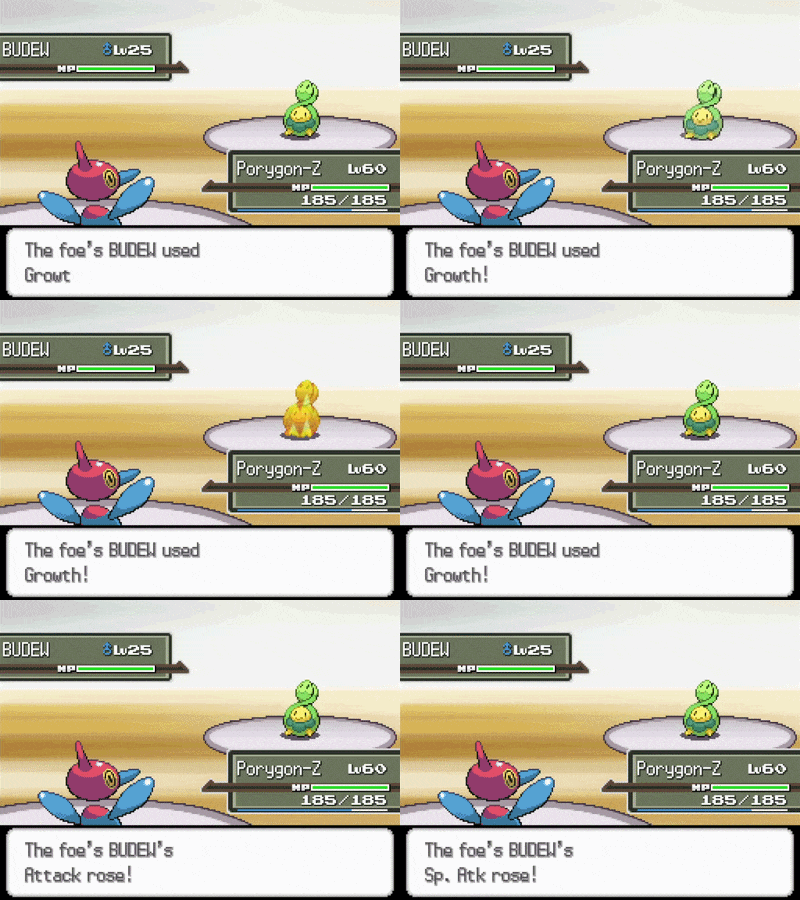 | |